


Prevent renaming Layer upon copy-paste in Animate?
So, I often create items from other places... say a Map of Europe from Wikipedia...
Or I import items from illustrator to animate into Animate.
Every time I copy-paste from a different program it renames the layer to: "FlashAICB"
This creates issues because if I have a long animation, then I am not sure which layer is what. It keeps overwriting the layer name. Sometimes I type the name prior to pasting, and then it deletes it. If I'm animating... say a series of backgrounds, pasting a new background is locical, but I don't want to have to ename the freaking layer 20 times for 20 backgrounds away from the nondescript "FlashAICB" when I've already named it "Background" and the file has a name.
Is there a way to prevent Animate from renaming the layer?
To demonstrate the issue:
New Document:
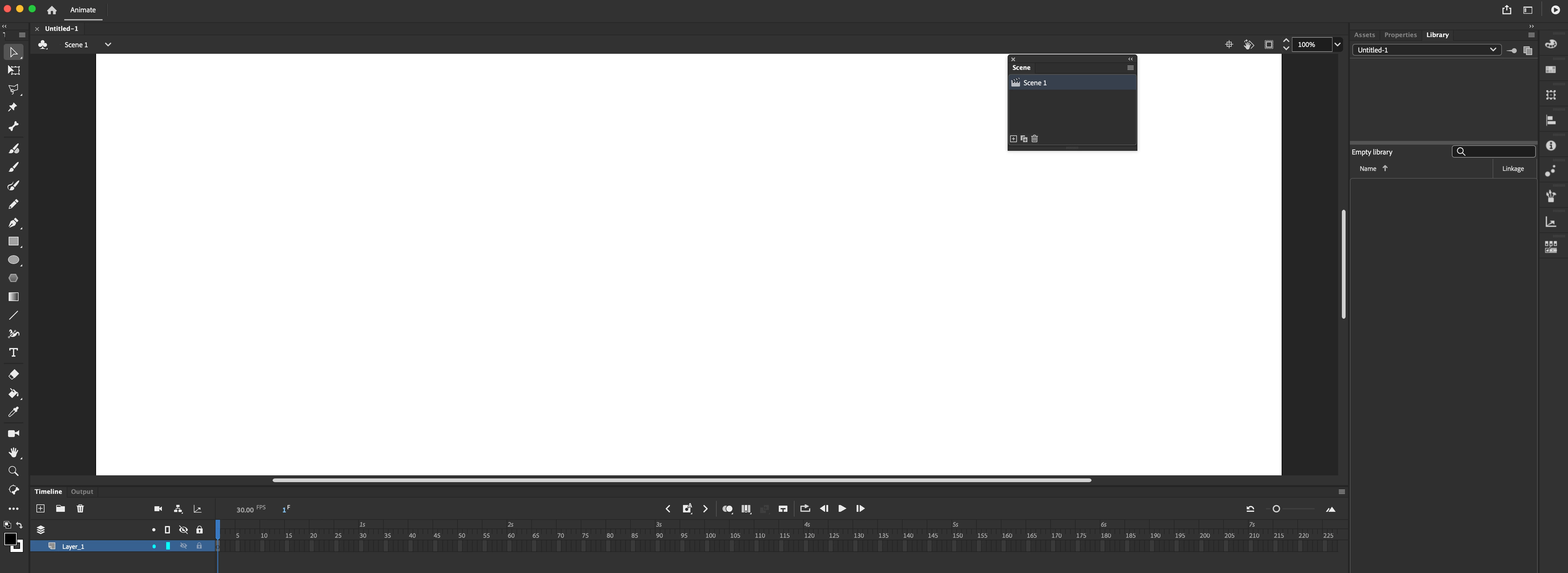
Layer 1 is named: Layer_1
Illustrator import star:
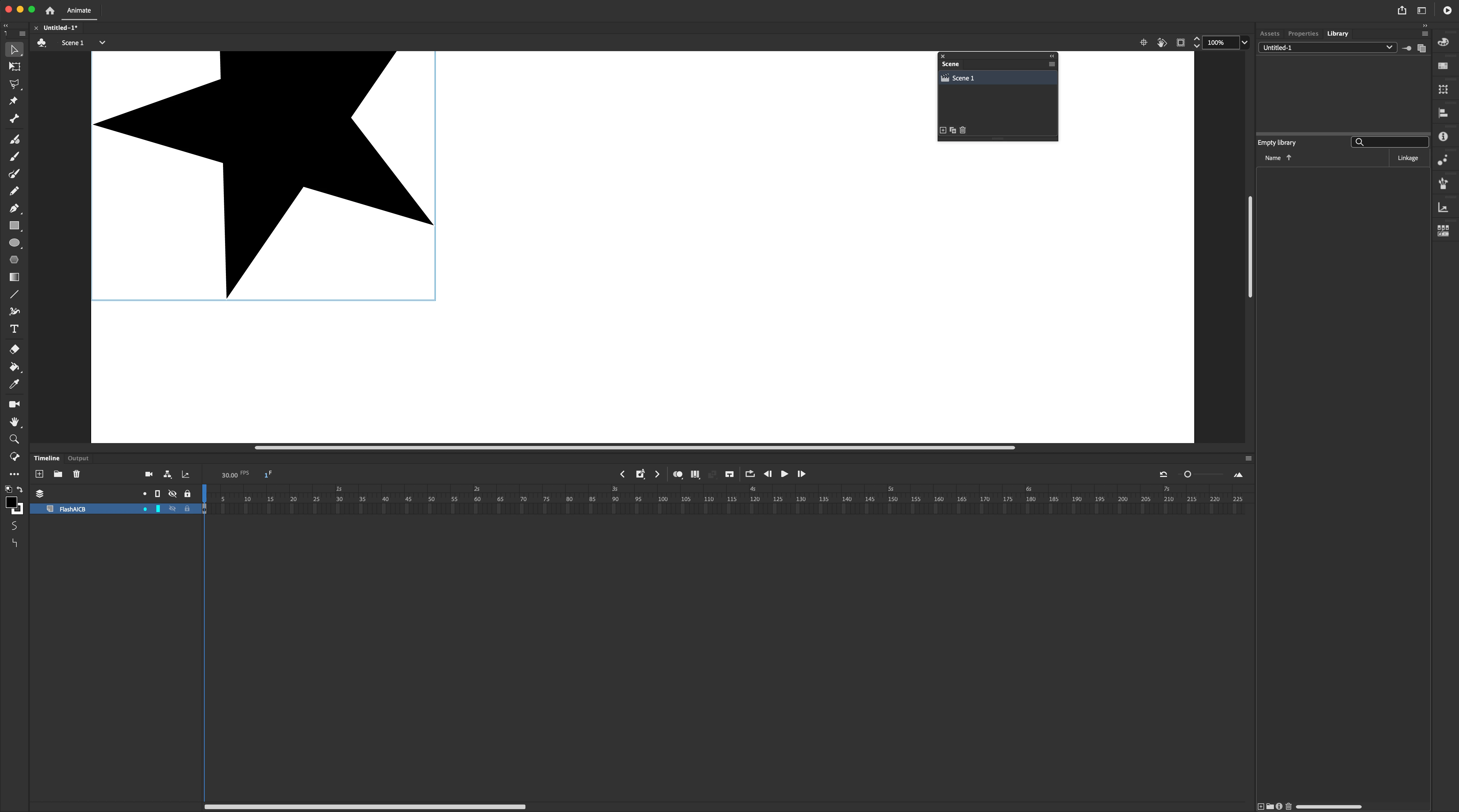
The layer is renamed "FlashAICB"
OK... Rename layer again...
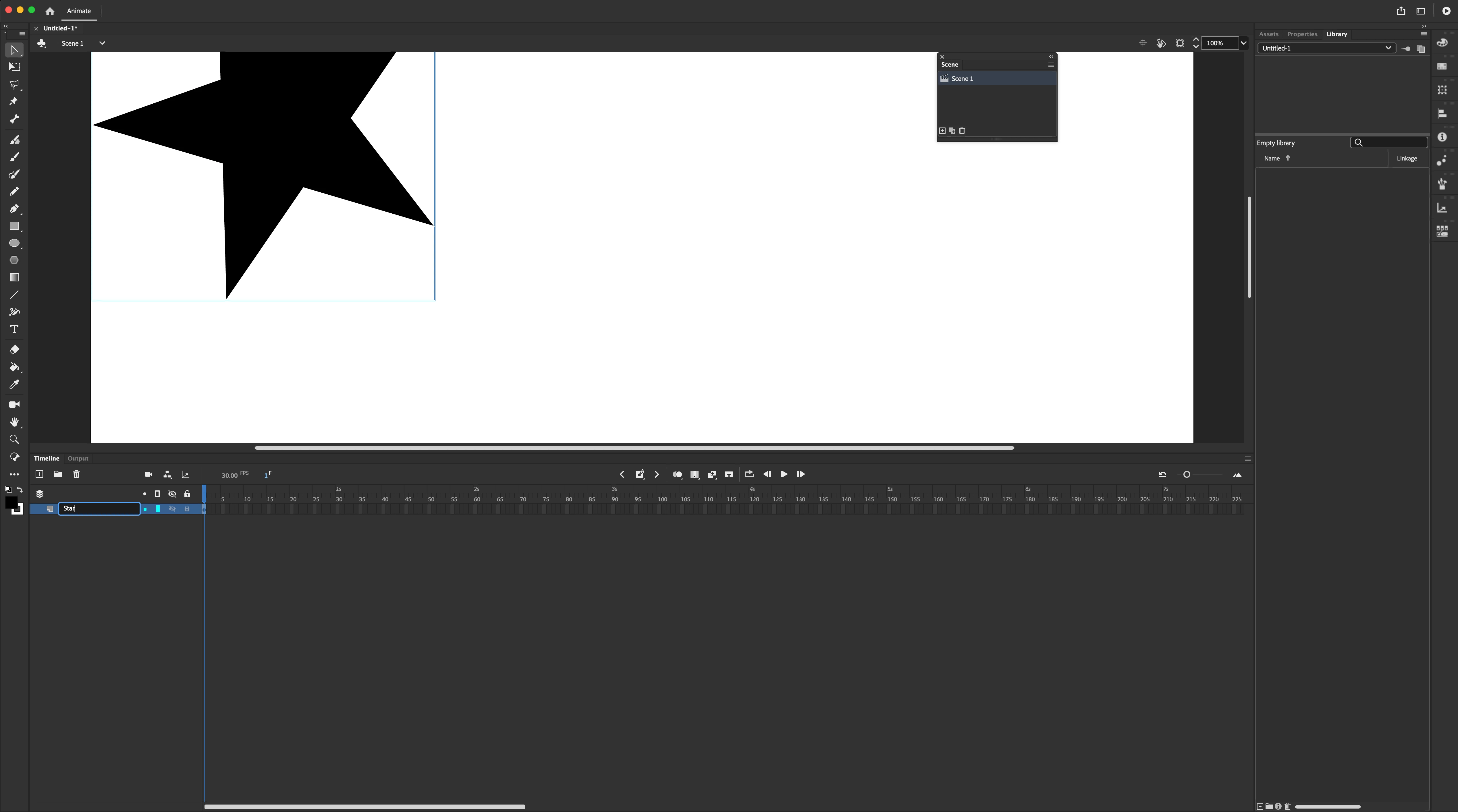
Renamed Layer: "Star"
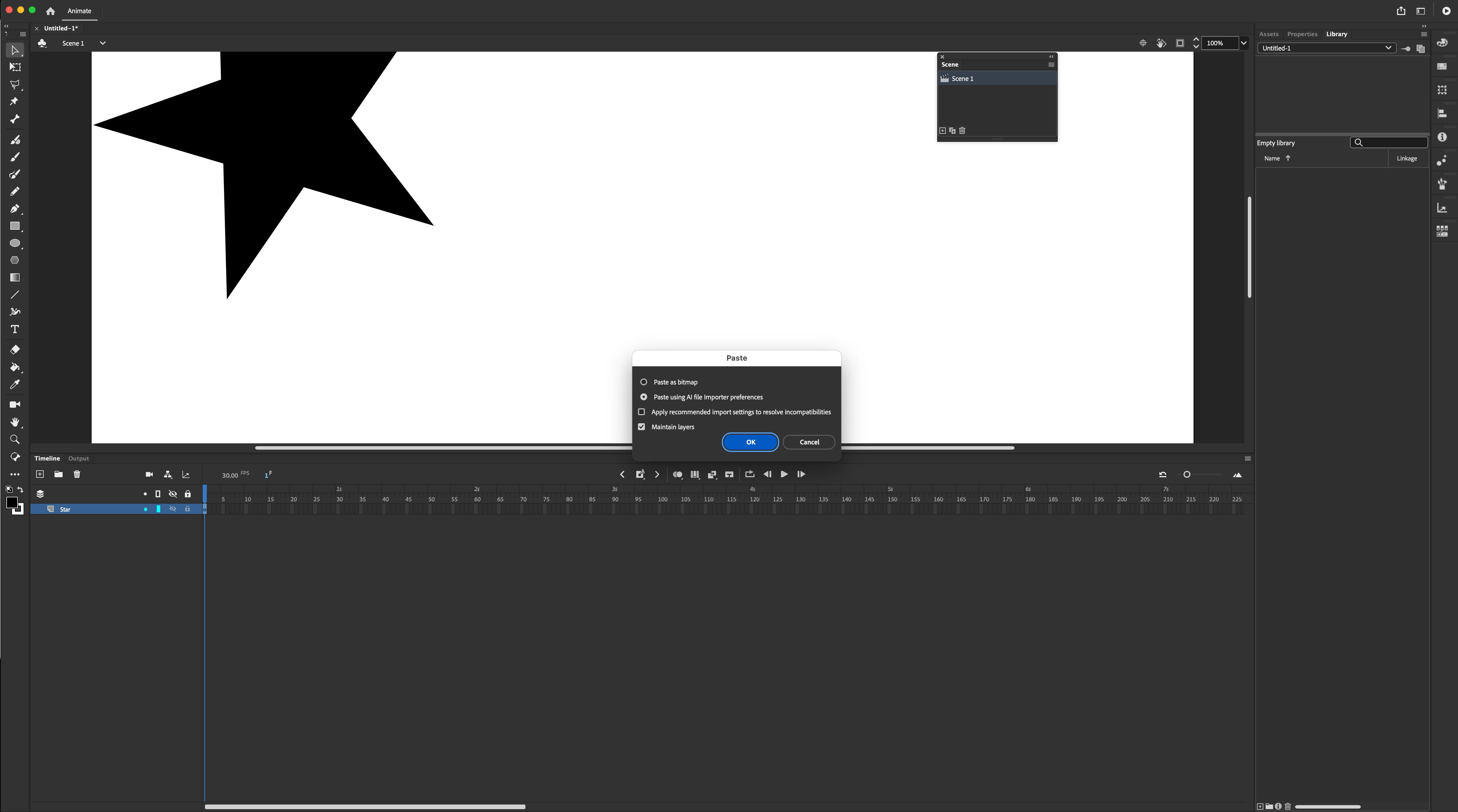
Import new object (yes, I do get you can copy object on stage, but you should get the point)
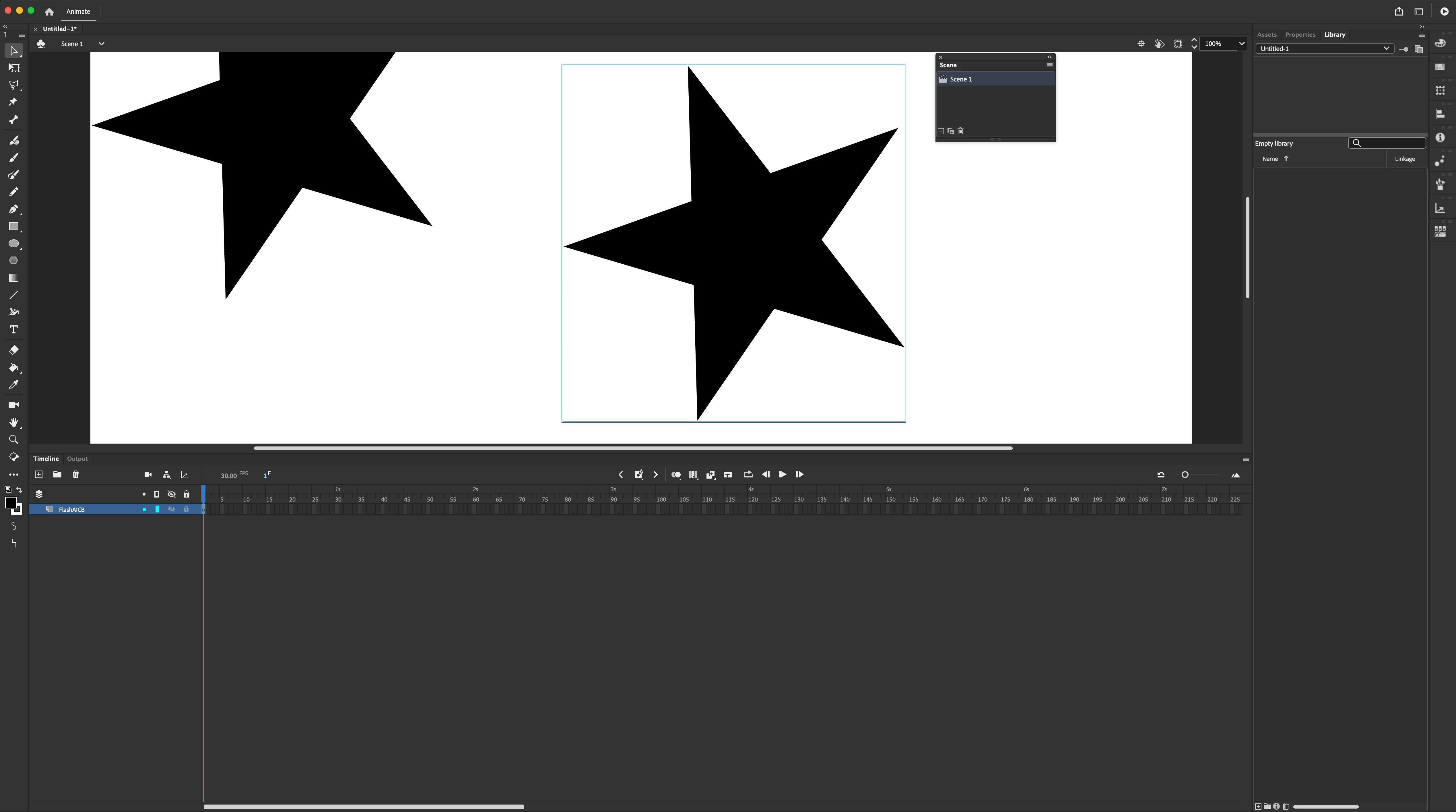
Renamed again: FlashAICB
*crying*
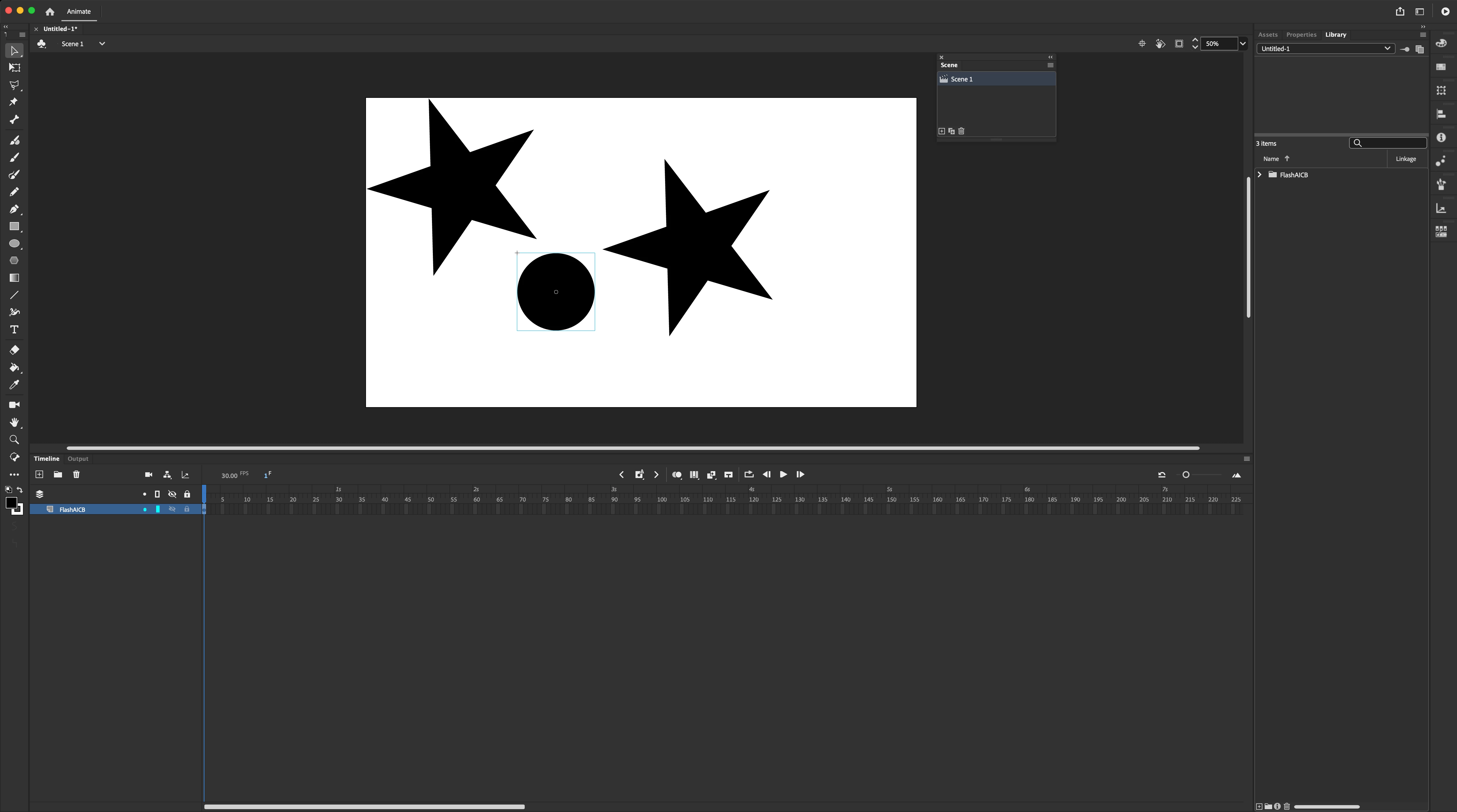
Import another type of object: renamed FlashAICB
Copy-paste text? it doesn't rename the layer.
What gives?
One might think something like, "Well, you should prepare all of your backgrounds ahead of time."
Yeah, but well, some people don't know they are going to be doing another 6 backgrounds.
And I know someone is likely to say: "Well, you should create a new layer for each copy-pasted item" But scrolling through 20 layers of backgrounds isn't practical. It's easier to do it in one layer. And soemtimes also to animate two objects in the same layer. Or to update the object in the same layer. But I don't know what the layers are if it keeps renaming the layers to the same exact thing over and over again and it's difficult to know which layers are now empty and useless if they keep being renamed. With a 7 minute or more animation, this becomes unweildly.
Scripts don't work on this machine for whatever reason... they might be blocked or whatever. I'm looking for a native fix or I consider this a deeply annoying bug.
For people who say, well draw native to Animate. I dun wanna. It's too messy and it has less features than Illustrator to do particular things.
So anyone have a fix for this annoying bug?
If it's considered a feature, then there should be a checkbox on import "Don't rename Animate layer" that persists upon 2nd, third, etc import.
 AdChoices