

解決済み
Unable to add color to certain region of shapes
Video reference: 2023-04-06 17-59-32.mp4
Been stucked in here for days... Really wish to figure this out as soon as possible. Any reply will be appreciated.

Video reference: 2023-04-06 17-59-32.mp4
Been stucked in here for days... Really wish to figure this out as soon as possible. Any reply will be appreciated.
Video: 2023-04-08 21-27-15.mp4
I managed to get some of them filled by drawing a box around. But how do I know they are not closed, it is visible to me that all of them are already closed from what I can see.
first, there are a paint bucket fill options that automatically close gaps:
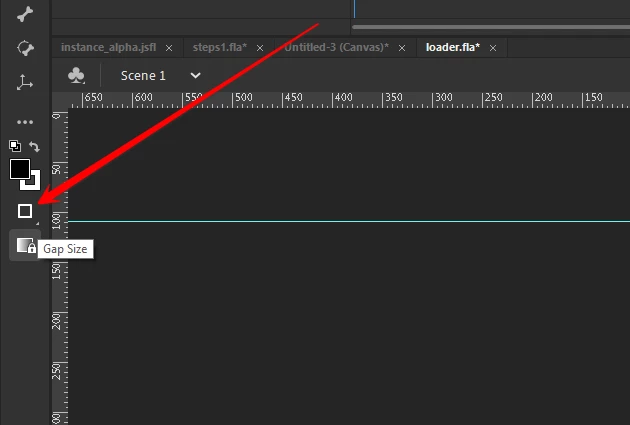
that will probably help you avoid problems.
but to see small gaps, use the zoom tool to drag a rectangle around the shape (or parts of the shape):
before zoom:
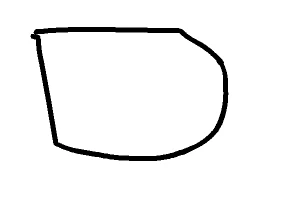
after dragging zoom tool magnifier:
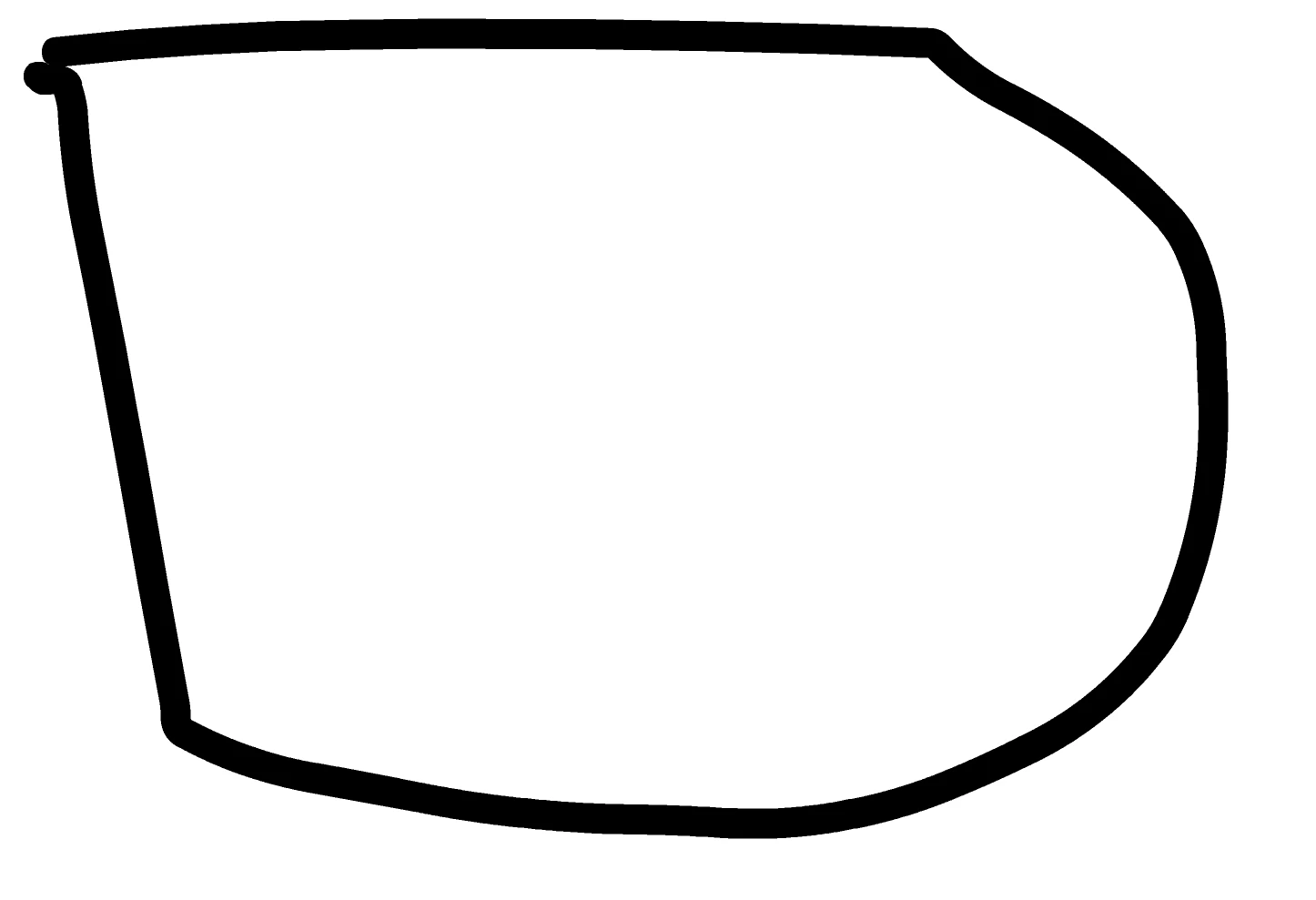
now, this shape may look like it's closed, but it is not. ie, it won't fill unless you select the close medium (or large gaps) option which surprised me. i thought selecting close small gaps would be sufficient.
Enter your E-mail address. We'll send you an e-mail with instructions to reset your password.
 AdChoices