


Form with radio buttons: can I use a single file for print and web?
Is it possible to create / export a form with radio buttons so that it looks okay for print as well as interactive?
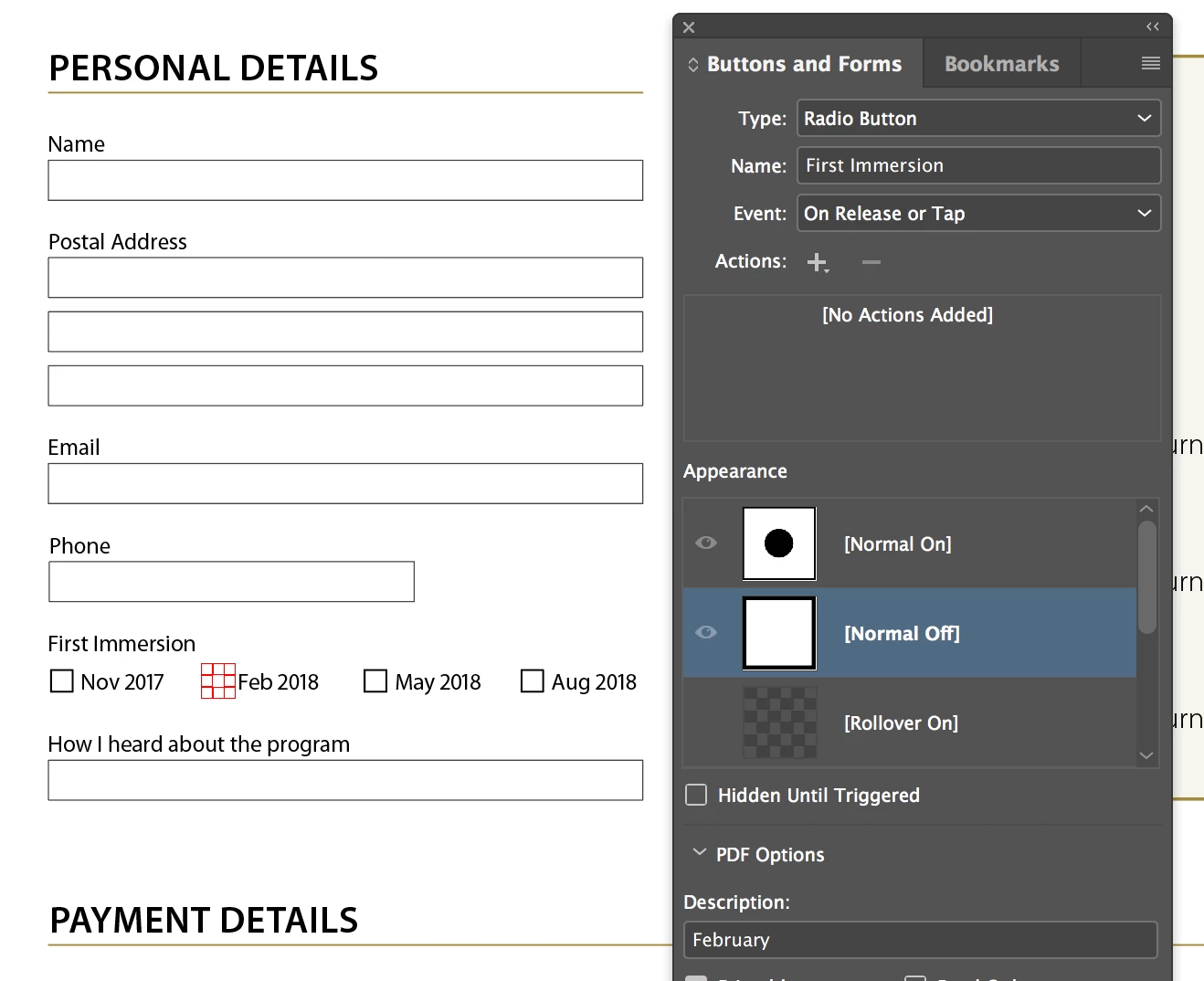
Here is a screengrab of part of the form, and the Buttons and Forms dialog box:
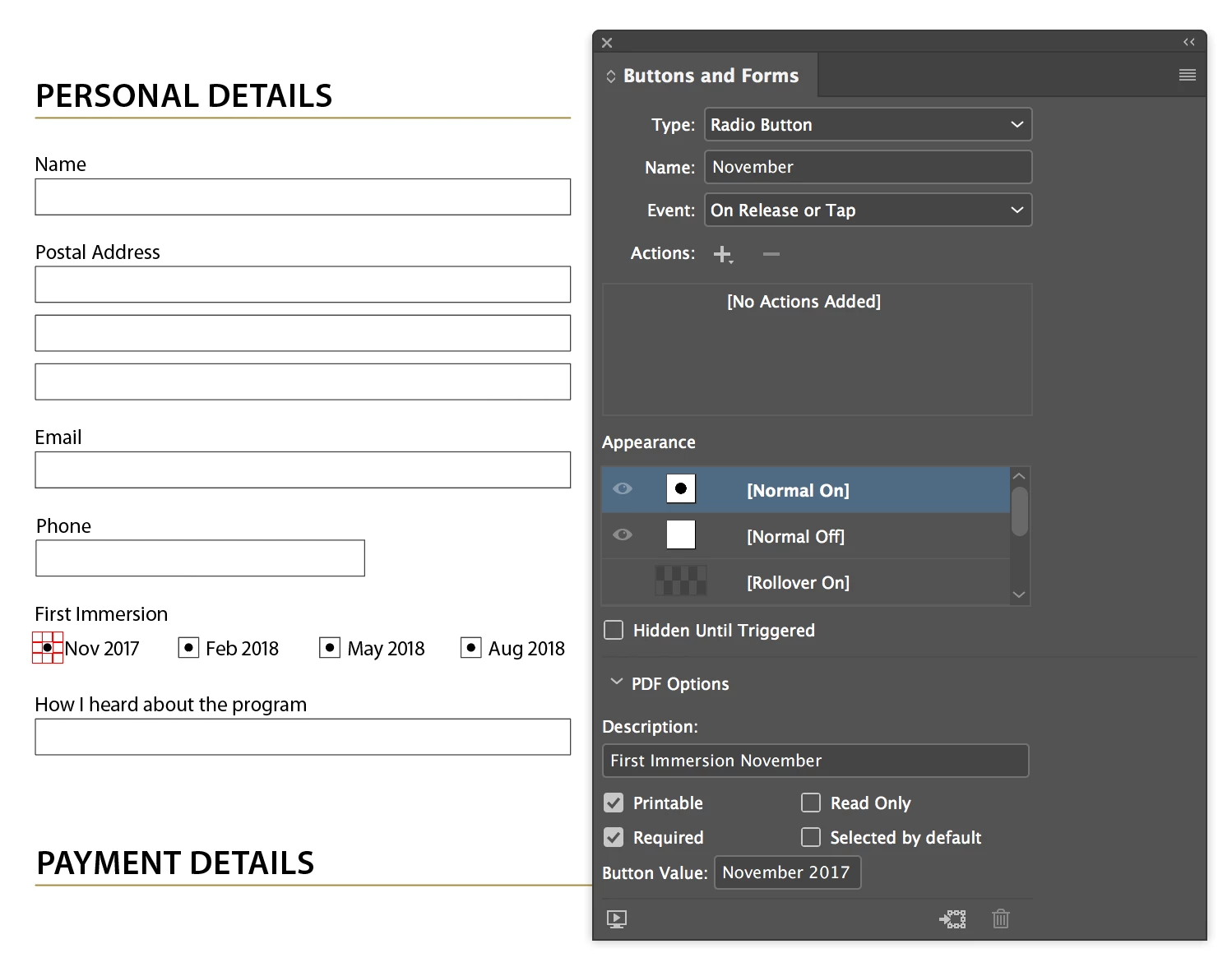
When I export it as an Interactive PDF it works as expected.
But if I export it for print I can't get a satisfactory result. When I export I have tried:
- Selecting Do Not Include from the dropdown for Interactive Elements, which leaves empty spaces where the four radio buttons should be
- Selecting Include Appearance from the dropdown for Interactive Elements, which prints the 'active' dots in all four squares (identical to how it appears in InDesign, whereas I just want the border)
Any ideas? Should I create the buttons differently? Is there an export option I'm overlooking?
_____________________________________
I appreciate that it might seem simpler just to make two versions. But I want to find an optimal way to do this because I need to create multiple location-specific versions of the form, and then I need to regularly update these with new dates (which are identical for all the different locations). It seems like I should be able to leverage the power of Master Pages such that I can update new dates on just one master page, and then have these flow through to the location-specific variants. And ideally I'd like to just have one variant for each location, which I then export for print and web respectively, rather than having to manage separate print and interactive versions for each location.
 AdChoices