



Save InDesign files as Cloud Documents
Hi Everyone,
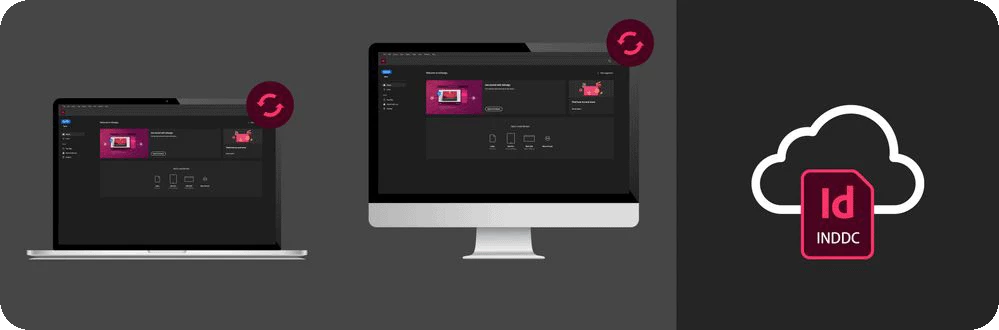
InDesign cloud documents are Adobe's native file type stored in the cloud, accessible online or offline directly from the InDesign application. You can access them on any device with InDesign installed.
Cloud documents enable access to your files from any device, even if it's different from where you created them.
Simply install InDesign on the remote device and log in with your Adobe ID. From there, you can access and edit your cloud documents directly within the InDesign application. Additionally, you can access them via Cloud documents.
|
|
► Cloud documents will be enabled on the second launch of InDesign. ► This is a geographically limited roll-out. Cloud documents will soon be available in all locales. |
|
|

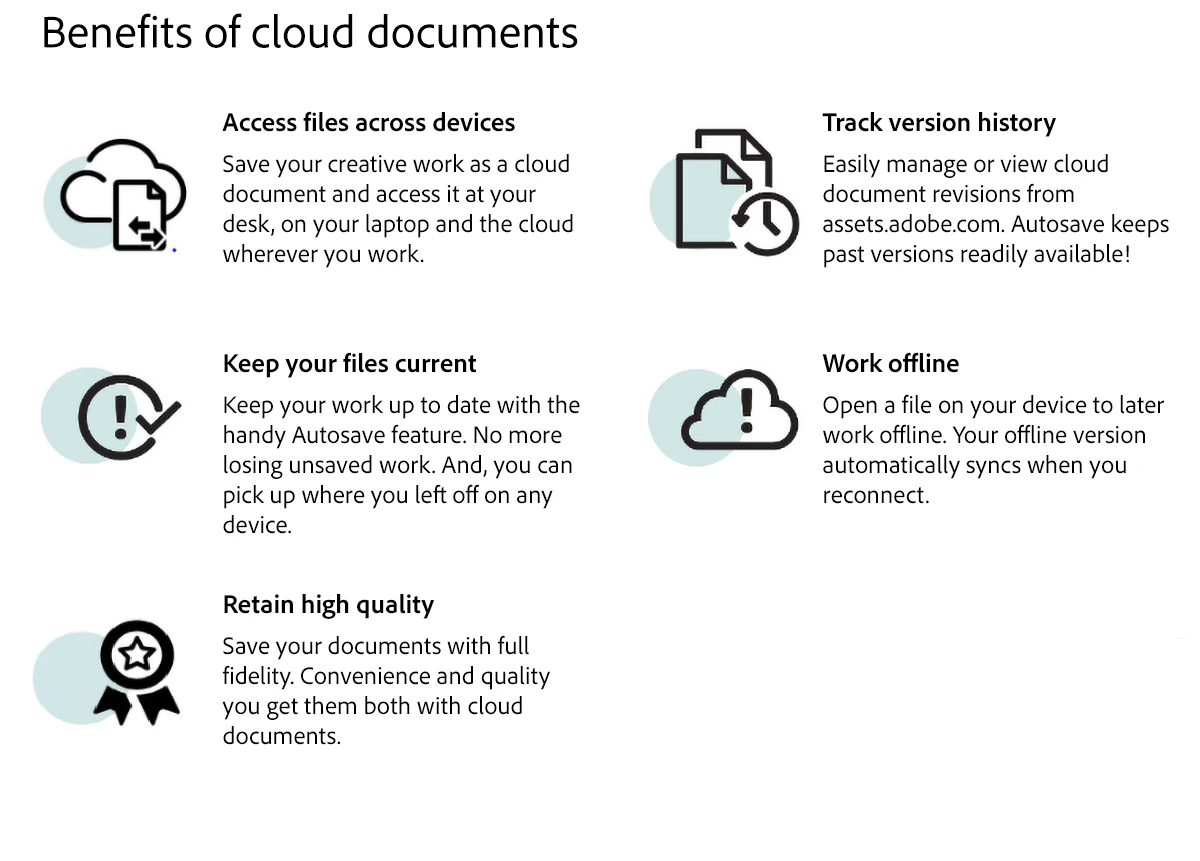
You can save any InDesign file to the cloud and work seamlessly from anywhere, anytime.
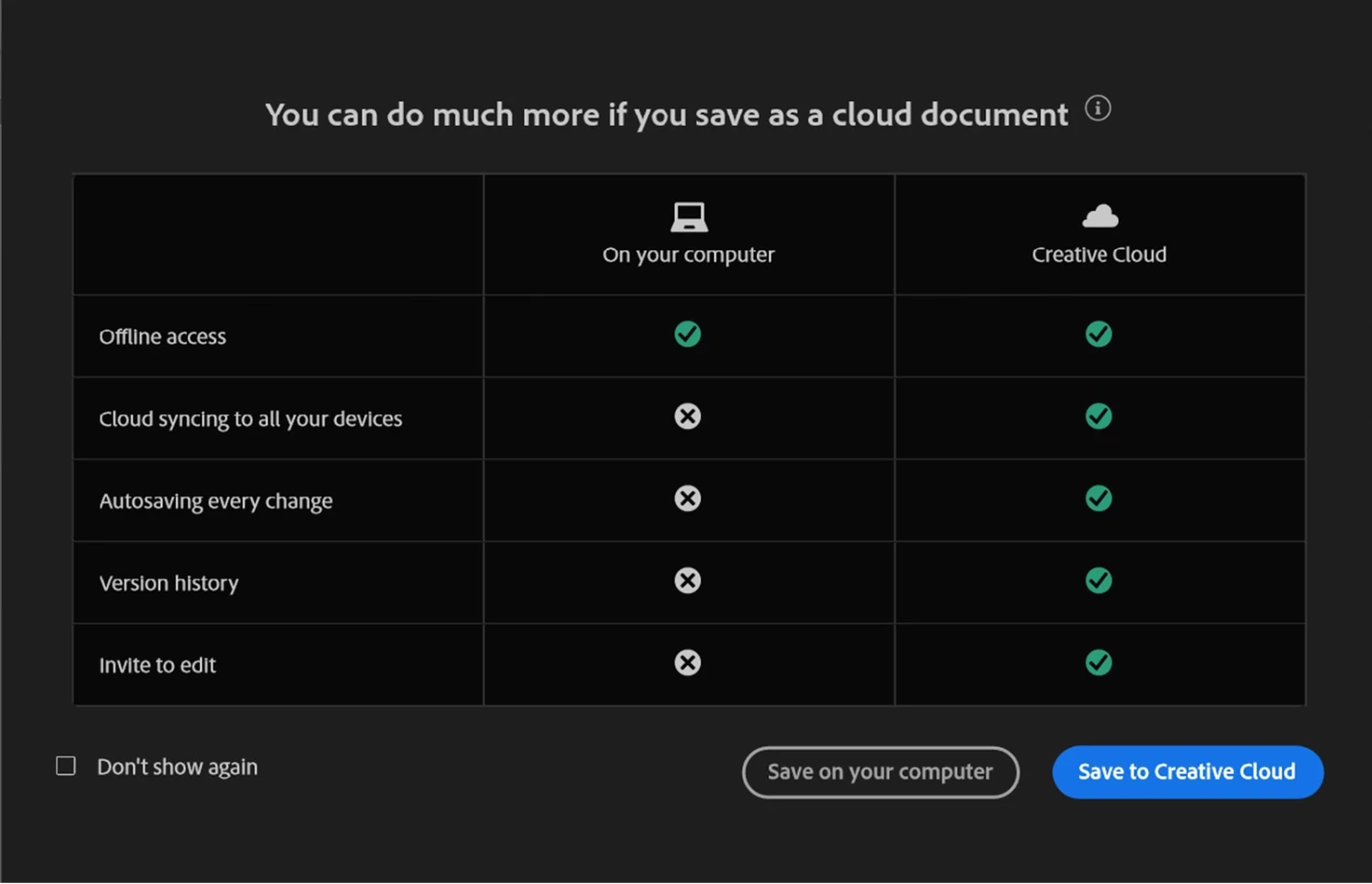
Check out the InDesign Cloud documents article for more information.
Please visit our InDesign cloud document UserVoice page to see what other users are saying, or post your own idea or report an issue to help us define the future of InDesign cloud documents. We look forward to hearing from you.
Note: The post has been edited as per the latest release changes in InDesign MAX 19.4.
Thanks,
Vivek
 AdChoices