



InDesign Damaged Files – Error code 0/Error code 4
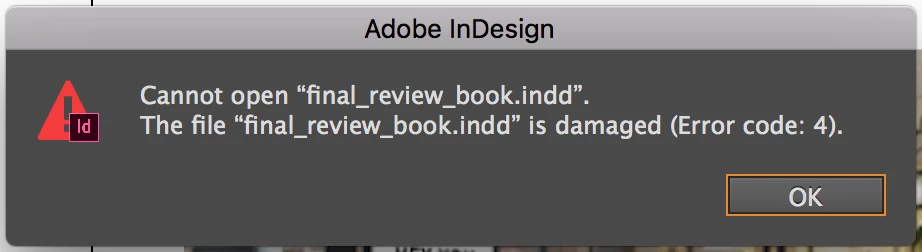
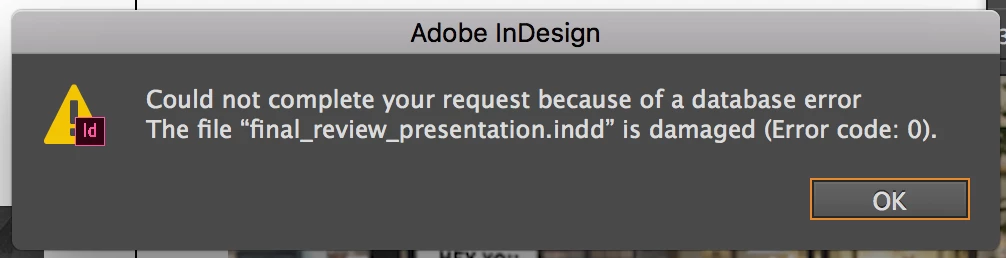
I'm having issues with InDesign. Actually, I've had issues for a long time. My files keep getting damaged. Error code 0 when trying to save, Error code 4 when trying to open damaged files. I am not working from a hard drive or any external storage.
Now, before anyone goes suggesting I update InDesign, I want to say this has happened with CS6, CC 14, CC17 (might have also happened with CS4 and CC15/15.5, but I can't remember for sure). Like I said, I've had this issue for a while. It used to be pretty rare; would only happen maybe once or twice a year. But now, as I just updated to CC 2017, it's happening more frequently.
My question: Does anyone know what causes the files to become damaged? That way, I can figure out how to avoid it in the future.
Bonus question: does anyone know if there is way to fix damaged files?
Would appreciate the help. I haven't been able to find much help elsewhere online...
- Daisy
 AdChoices