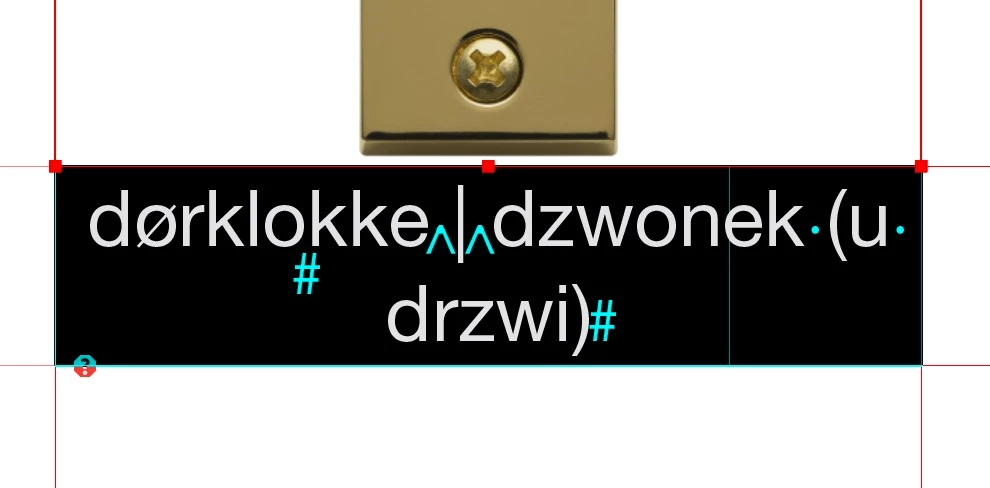
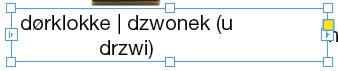
The designer of the book actually made all the spreads the same way as far as I know, but this issue does not occur on the other pages and I can just extend the text frame to have my text on one line regardless of the table structure. So how / where can I fix this setting?
And maybe the designer made this table structure to have all the images in the "right" place vertically and horisontically.
I can just extend the text frame to have my text on one line
Yes, for the other ones but here the text is in a cell and this cell is too narrow!
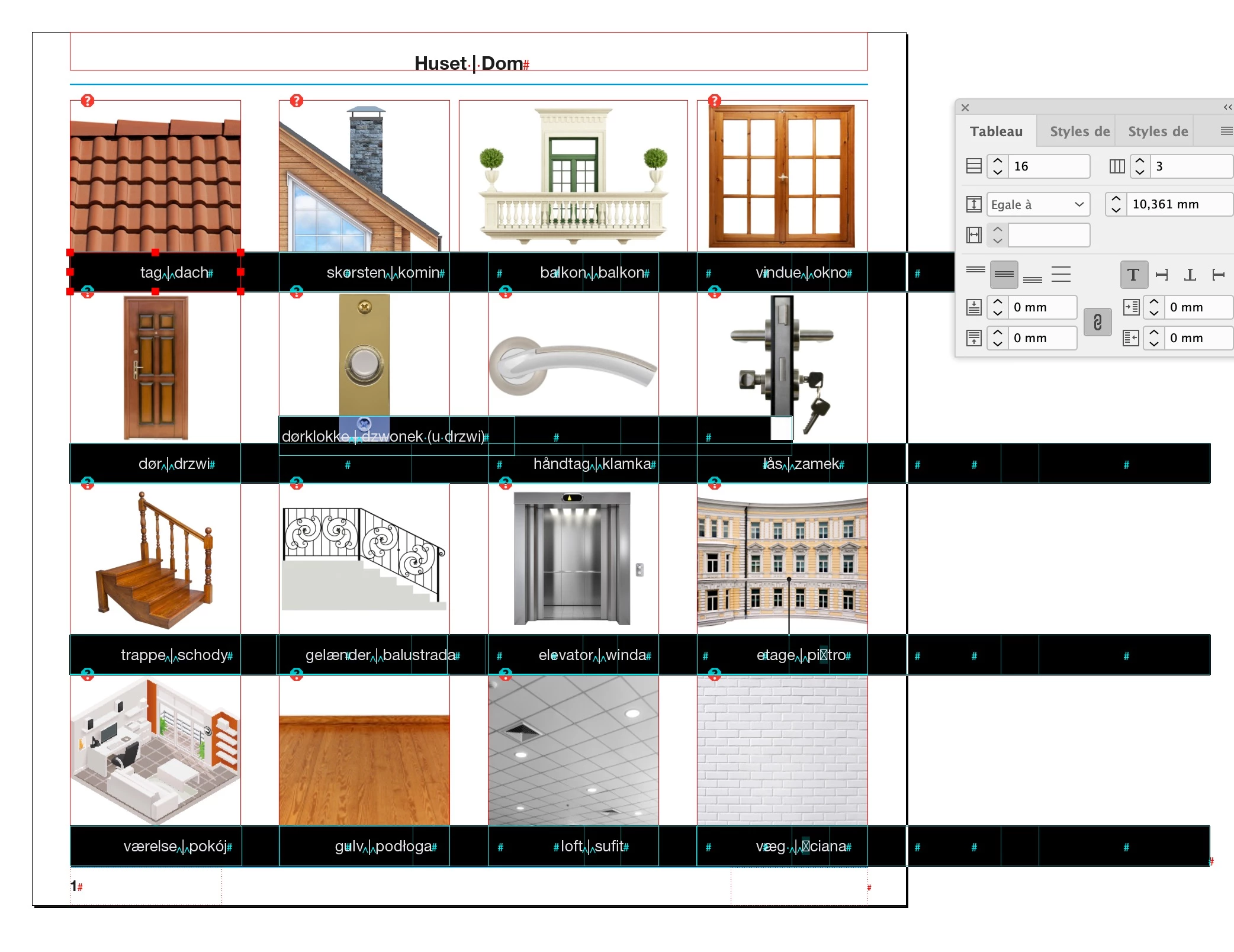
And maybe the designer made this table structure to have all the images in the "right" place vertically and horisontically
No, the images are not part of the table, and furthermore, this table has 16 rows and 3 columns, so it does not match with the picture structure. Maybe you will think that I am rude, but this file is a complete mess.
So how / where can I fix this setting?
See my previous answer:
https://community.adobe.com/t5/indesign/unwanted-text-split/m-p/11730693




 AdChoices