

Pregunta
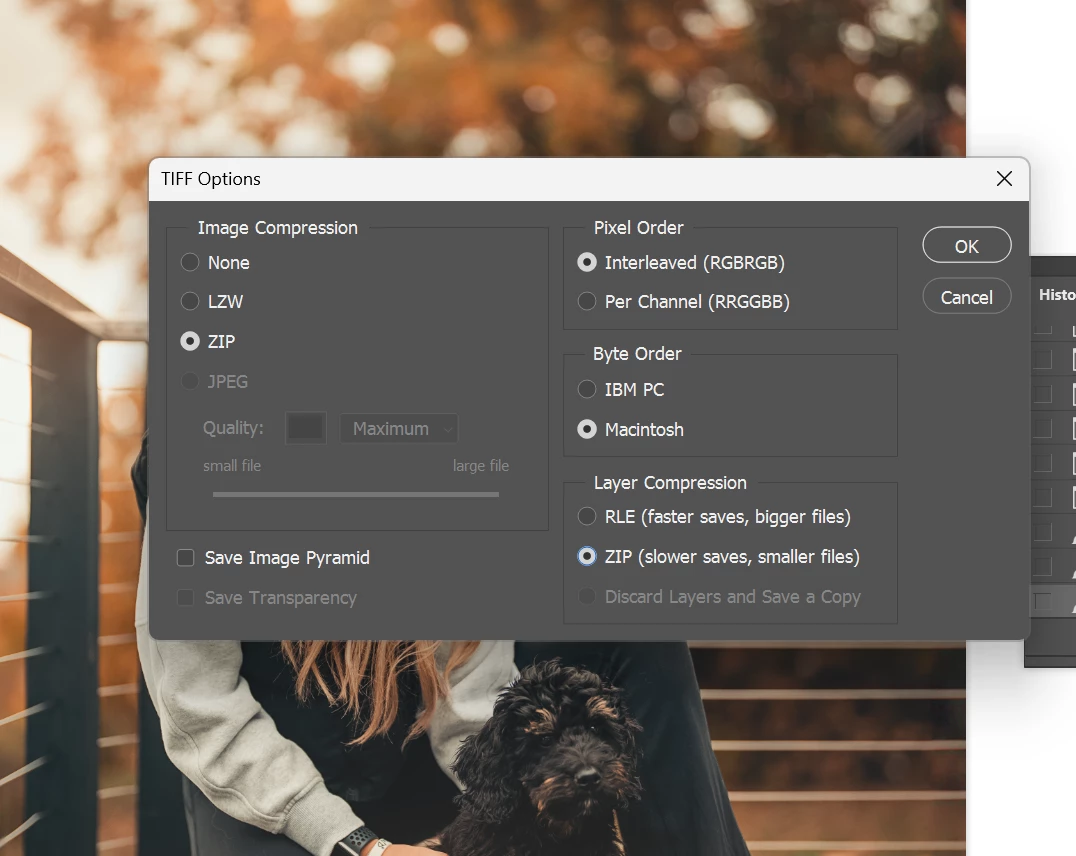
Saving as TIF, how to set "Layer Compression" default as ZIP?
Hi! My workflow in Photoshop has always been non-destructive. Just incase I want to come back, to revisit edits. So I save all the layers, and never flatten.
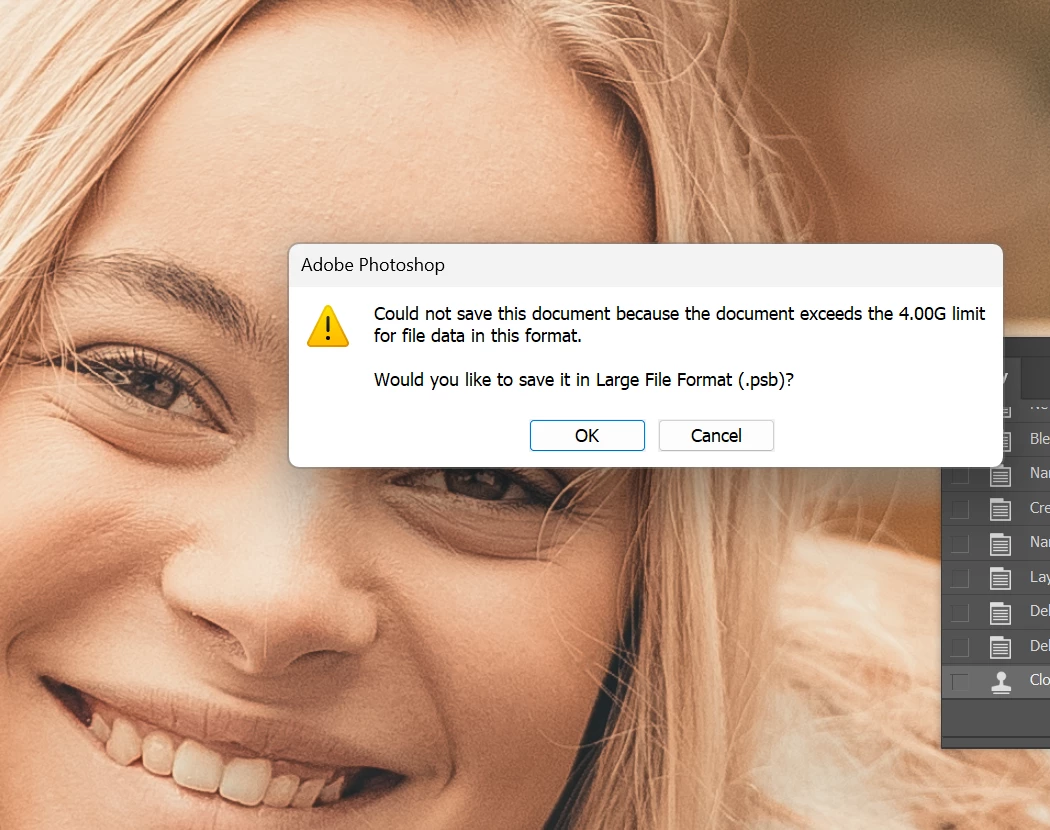
With the ever growing size of raw on these newer cameras, I've been hitting the 4GB limitation for layered TIF, even if compression is ZIP. I've found that enabling Layer Compression to ZIP always gets me under the 4GB limit to get it to play nice in my workflow.
Is there a way to set default behavior of Layer Compression to ZIP? I'm tiring of having to Save As, and hitting the ZIP option.
Thank you!
P.S. is there a better way to use an alternative format like PSB, and have the Lightroom Classic catalog/stack it by default? I rely on LrC a lot, so that would be a requirement.
 AdChoices