OK time for some computer specs and Pr build.
Can you upload the image for testing?
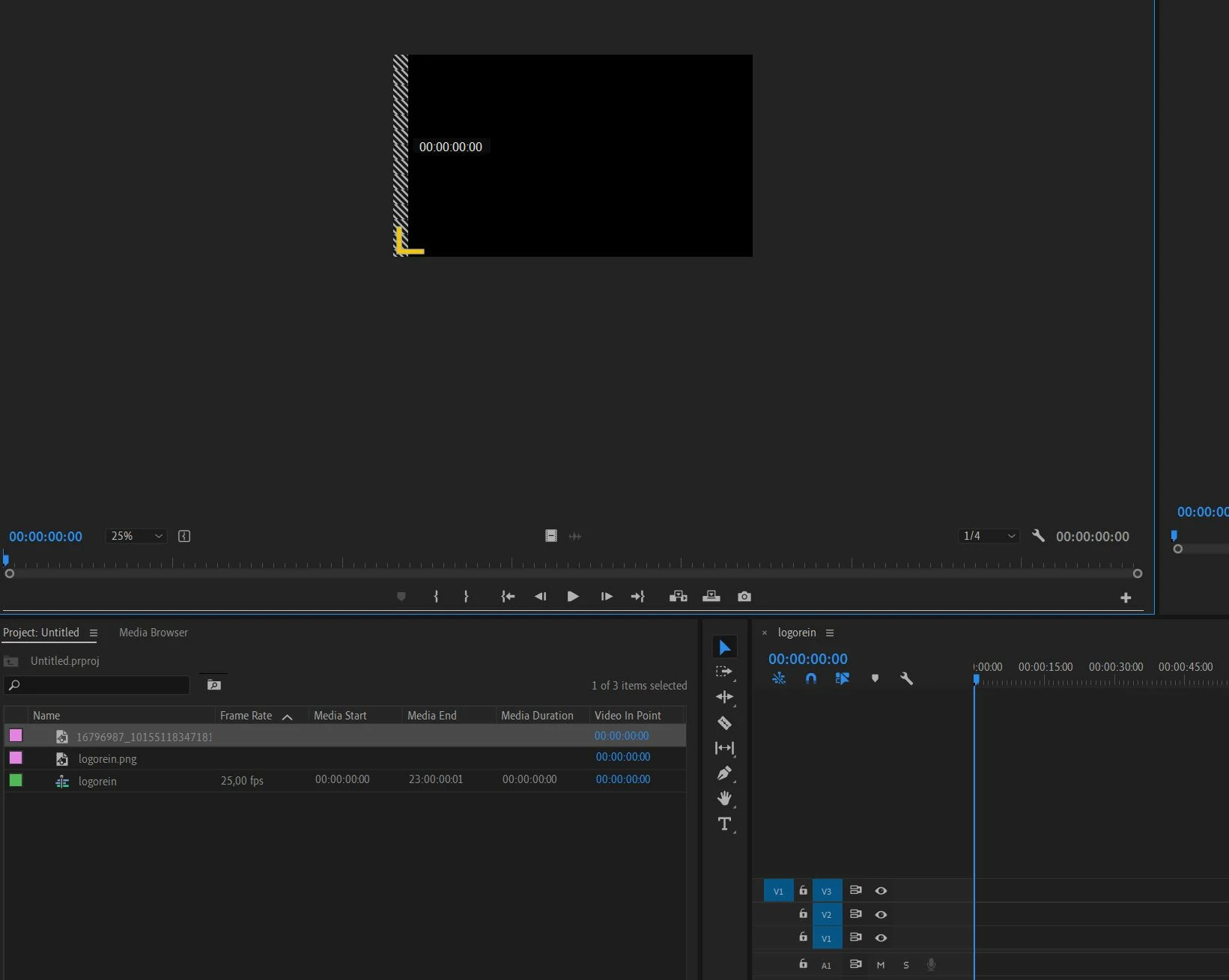
Well, I wiped everything, formatted my hard drive, did a new Windows 10 and CC2019 installation and now everything is working fine. I know it's not the right solution because it's very time consuming, but the problem can be marked as solved.
The strange thing was that some sample images which were included in some Premiere tutorial Projects did show up correctly, so I think the problem might have been codec related or something like that.




 AdChoices