JapinderSandhu
Inspiring
August 16, 2020
Answered

ExtendScript Toolkit

  • August 16, 2020
  • 2 replies
  • 10575 views


I tried to run a simple script in my extendscript. I am running the latest Premiere Pro CC Version 14.3.1 (Build 45) as of August 16 2020 and my goal is to see the object model viewer in extendscript so I can see the function prototypes and parameters


var x = 1 


and when I press run it gives me the following error:


Cannot execute script in target engine 'NewWorld'!

(#1116) Can't start debug session.


I also viewed this page and tried this solution it did not work. 

https://community.adobe.com/t5/indesign/extendscript-toolkit-debugger-fails-on-mac-can-t-start-debug-session/td-p/10180736?page=1


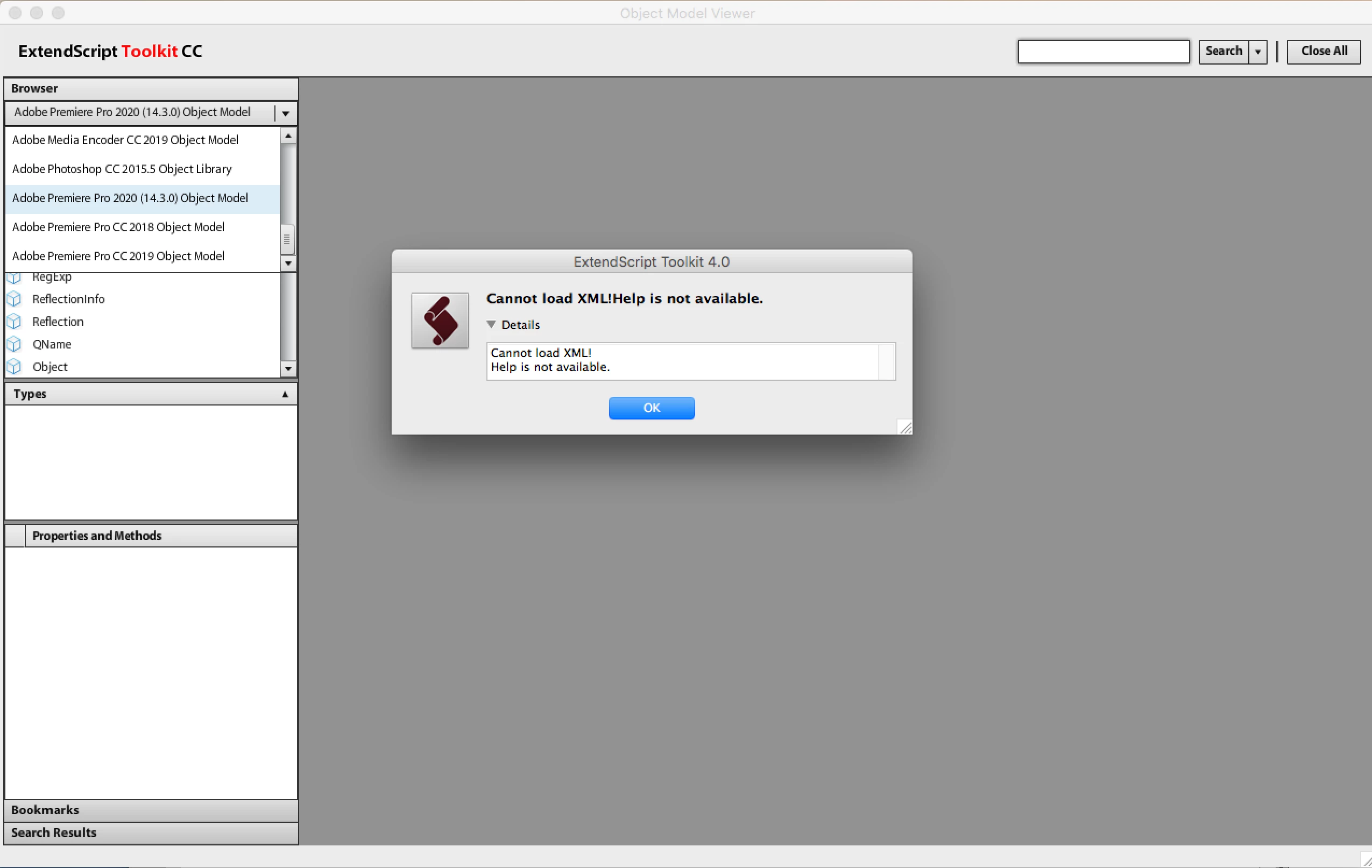
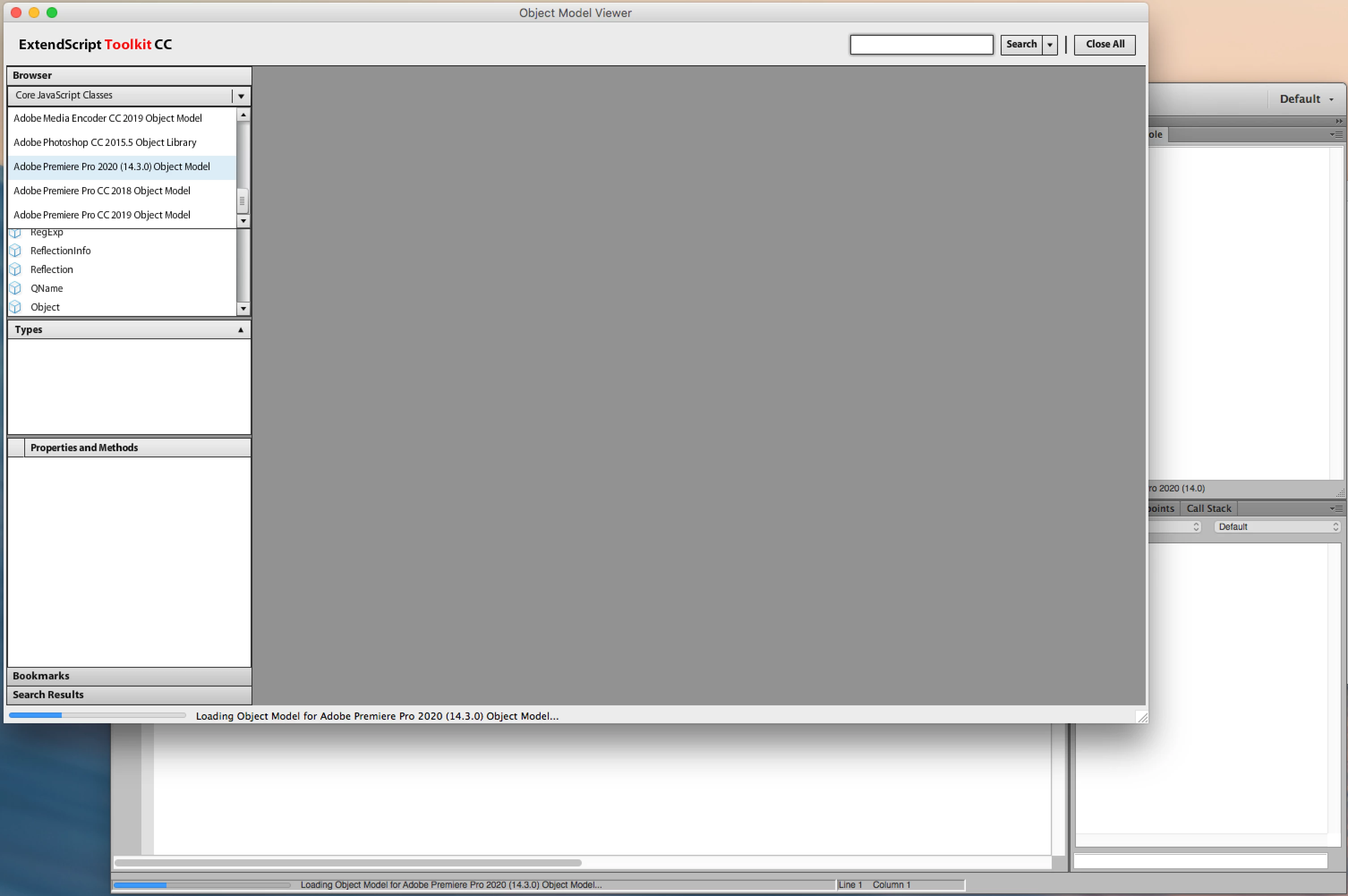
My main goal is to use the object model viewer but I get this error when I press adobe Premiere pro 14.0 2020 cc 
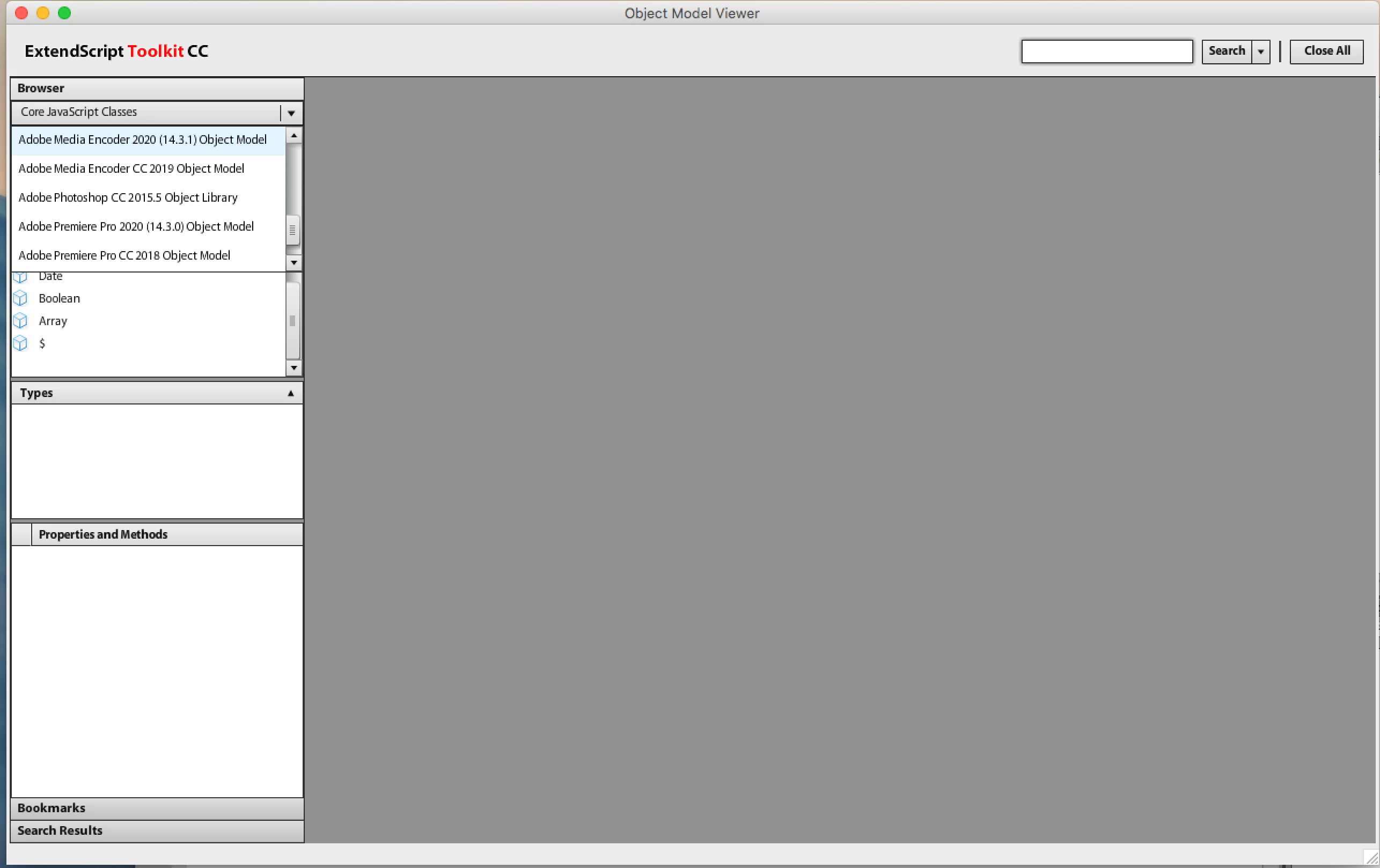
I originally tried this as a solution: 


https://github.com/pravdomil/extendscript-xml-to-typescript/issues/1


so they said you should run any script first and when I tried that It also failed to run the script. 

This topic has been closed for replies.
Correct answer Justin Taylor-Hyper Brew

Defintely use the VSCode Extension instead

https://marketplace.visualstudio.com/items?itemName=Adobe.extendscript-debug

2 replies

Justin Taylor-Hyper Brew
Community Expert
Community Expert
August 22, 2020
JapinderSandhu
Inspiring
September 7, 2020

Thank you 🙂

Bruce Bullis
Community Manager
Community Manager
August 17, 2020

Not sure what's going on there; ESTK, though deprecated, should still work on Windows, and obsolete versions of Mac OS X.

Confirming: Is PPro already running, when you attempt to execute your script?


Some users have reported success restarting PPro and/or ESTK. 

JapinderSandhu
Inspiring
September 7, 2020

Yes PPro is running when I execute the script. 


I have just started using the VSCODE extension instead. Thank you 🙂