


Mr. Content
Known Participant
November 25, 2024
Question

Extra program monitor - pPro 2025

  • November 25, 2024
  • 2 replies
  • 1789 views

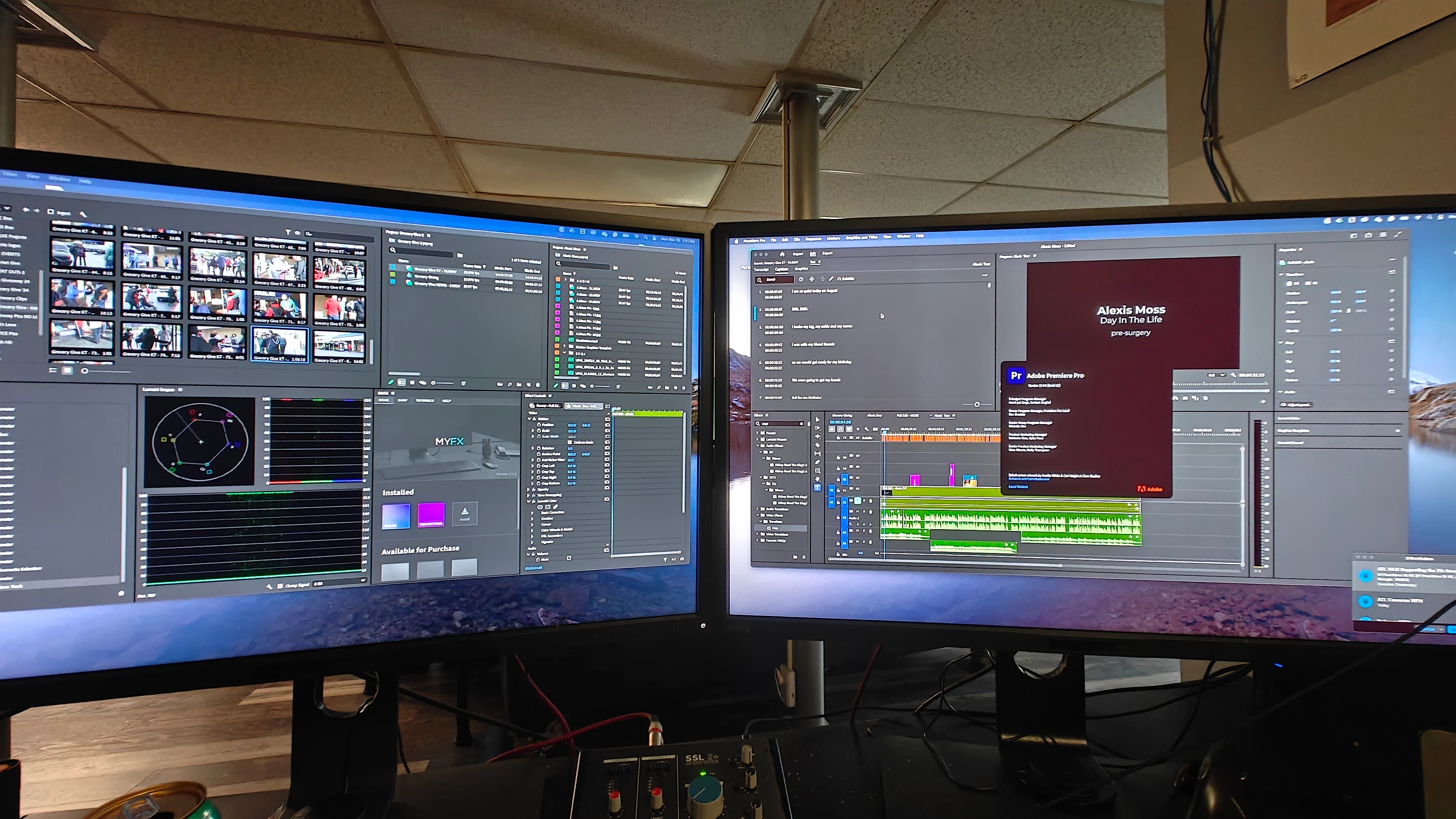
I use the dual screen setup in premiere pro. I used to have the ability to create a second monitor on my left screen but it seems I cannot find a way to make it do that now. I use to place it as the second panel under the effects control just beside scopes. 


Does anyone know what happened to the extra program monitor?
This topic has been closed for replies.

2 replies

Community Expert
November 25, 2024

Could it be setting in your operating system? Has your operating system changed?

Mr. Content
Known Participant
November 25, 2024

Which setting would effect having a second program/timeline monitor?

R Neil Haugen
Legend
November 25, 2024

Are you referring to the Reference monitor? They removed that, as not many users actually used it.


You can open the sequence in the Source monitor, as a typical use-replacement. 

Everyone's mileage always varies ...
Mr. Content
Known Participant
November 25, 2024

Yes. A monitor that gangs to the program monitor that plays my timeline with the effects applied.

My right monitor lost a 2 grays today and has a very light hue that makes me not trust the grade but my left monitor is an identical monitor just newer and has all of it's grays so i can trust it. 

Right now i slide my program monitor from the right interface to the left screen to check it. But i use to gang a second timeline monitor so i could see it no matter which screen i looked at.

R Neil Haugen
Legend
November 26, 2024

There is the Transmit Out function, which can be turned on/off with a keyboard shortcut. If set in the Preferences panel to that monitor, you could toggle full screen on that monitor on/off.


Yea, the Source monitor doesn't show your sequence effects. And learning about them by name makes it more clear to both yourself and others which you're talking about.

Everyone's mileage always varies ...