October 19, 2022
Answered

How to move an object with the keys in premiere pro?

  • October 19, 2022
  • 2 replies
  • 1532 views

Is it possible to somehow make it possible to move objects in the viewport using arrows or other hot keys?

This topic has been closed for replies.
Correct answer Ann Bens


2 replies

Ann Bens
Community Expert
Ann BensCommunity ExpertCorrect answer
Community Expert
October 19, 2022


R Neil Haugen
Legend
October 19, 2022

Awesome, Ann! Wow, I'd missed that somehow!


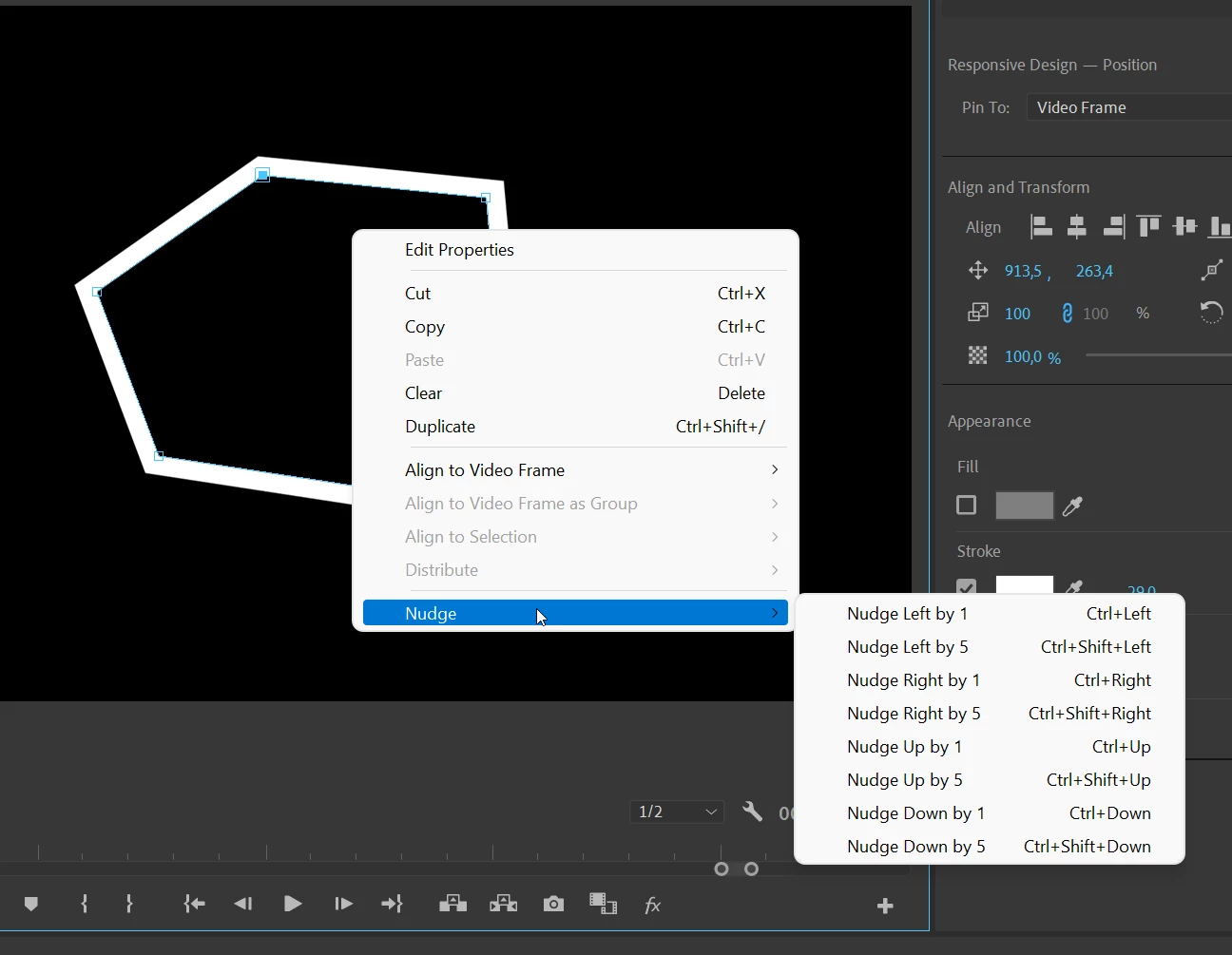
She's right, select a control point, right-click in the middle of your mask, and you can see the controls for moving that point. Once you remember them, it's just click and say Ctrl/Shft/Up ... bingo bango bongo!


Neil

Everyone's mileage always varies ...
October 19, 2022

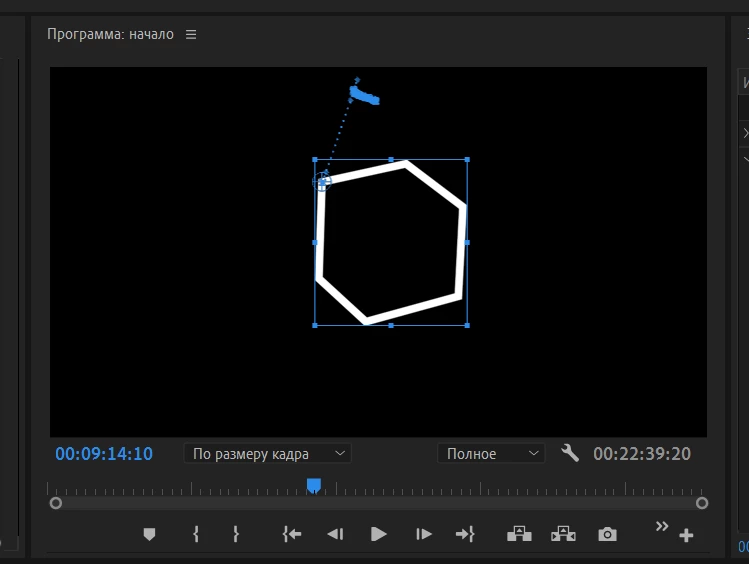
But if I need to do this not with a mask, but with a rectangle or a polyline, will it work?

R Neil Haugen
Legend
October 19, 2022

Moving one point of a mask, I don't think so. But to move or 'nudge' any selected screen item, yes there are keyboard shortcuts for that. It would be good for you to spend some time with the keyboard shortcuts dialog.


Ctrl/Alt/K gets that up.


Search for things like ' nudge ', ' rotate ', oh, and position and other things. And you can go to specific panels such as the Timeline or Program monitor panels, and see what all keyshorts are available for that panel.


Neil

Everyone's mileage always varies ...