Exit
  • Global community
    • Language:
      • Deutsch
      • English
      • Español
      • Français
      • Português
  • 日本語コミュニティ
  • 한국 커뮤니티
0

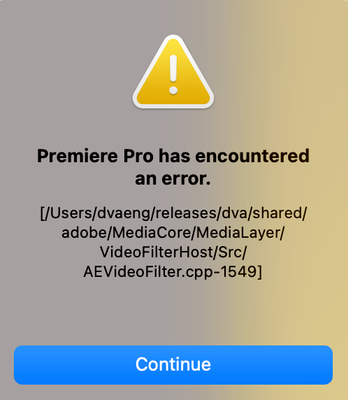
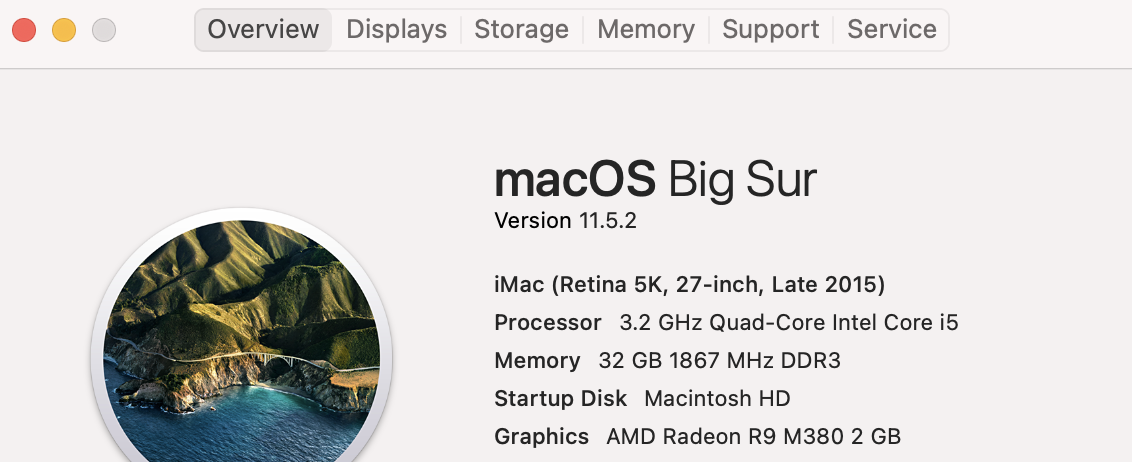
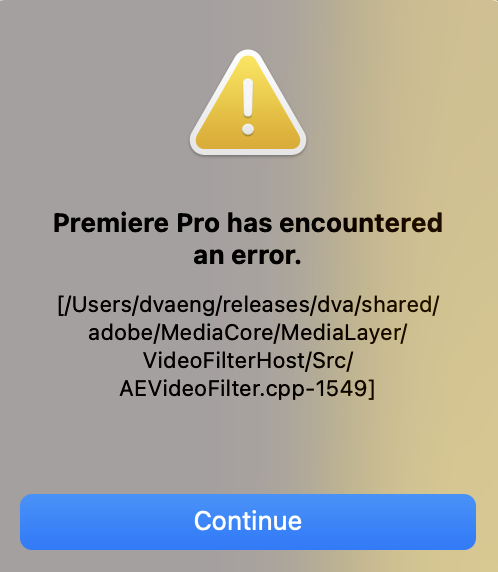
Odd error message for Premeire Pro after updating late 2015 iMac to Big Sur 11.5.2 and PP to 15.4.1

New Here ,
Sep 07, 2021 Sep 07, 2021

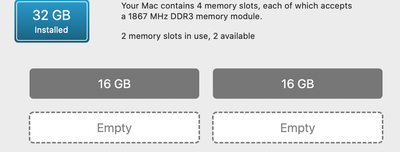
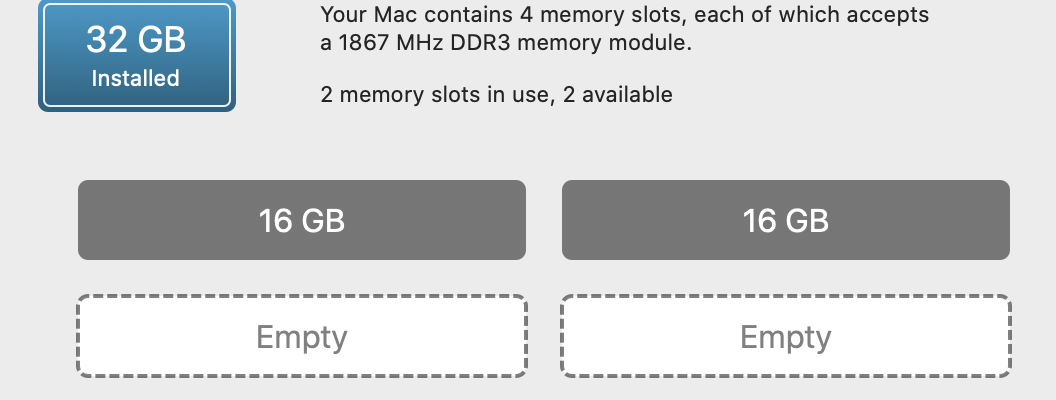
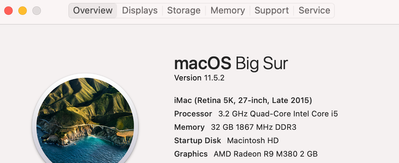
I recently updated my Premeire Pro software to the latest v 15.4.1, and the most recent MAC OS. While working on a project I had created in an earlier version of PP, I would get an odd message. I am attaching files beneath this message, as well as the specs on my computer.

 This error happened wit a new project as well. My username is not dveng, as shown in the pathway in the error message, and I hope some here has an idea of which direftion to point me to.


Thank You. 
MAC OS BIG SUR 9.7.png


Screen Shot 2021-09-07 at 12.23.19 PM.png

Screen Shot 2021-08-31 at 12.37.06 PM.png

TOPICS
Crash , Editing , Error or problem , Freeze or hang , Hardware or GPU , How to , Performance , User interface or workspaces
152
Translate
Report
Community guidelines
Be kind and respectful, give credit to the original source of content, and search for duplicates before posting. Learn more
community guidelines
Adobe Employee ,
Sep 09, 2021 Sep 09, 2021
LATEST

Hi mmbodysurf,


Welcome to the community and sorry for your issue.

Your system looks good enough to run Premiere Pro. Did you install any third-party plug-in for Premiere Pro? Please try resetting the preferences. Here's how: https://community.adobe.com/t5/premiere-pro-discussions/faq-how-to-reset-trash-preferences-in-premie...

Let us know if it helps.


Thanks,

Nishu

Translate
Report
Community guidelines
Be kind and respectful, give credit to the original source of content, and search for duplicates before posting. Learn more
community guidelines