
Participant
January 20, 2021
Question

Premiere Pro Error (Don't know what it is)

  • January 20, 2021
  • 2 replies
  • 544 views

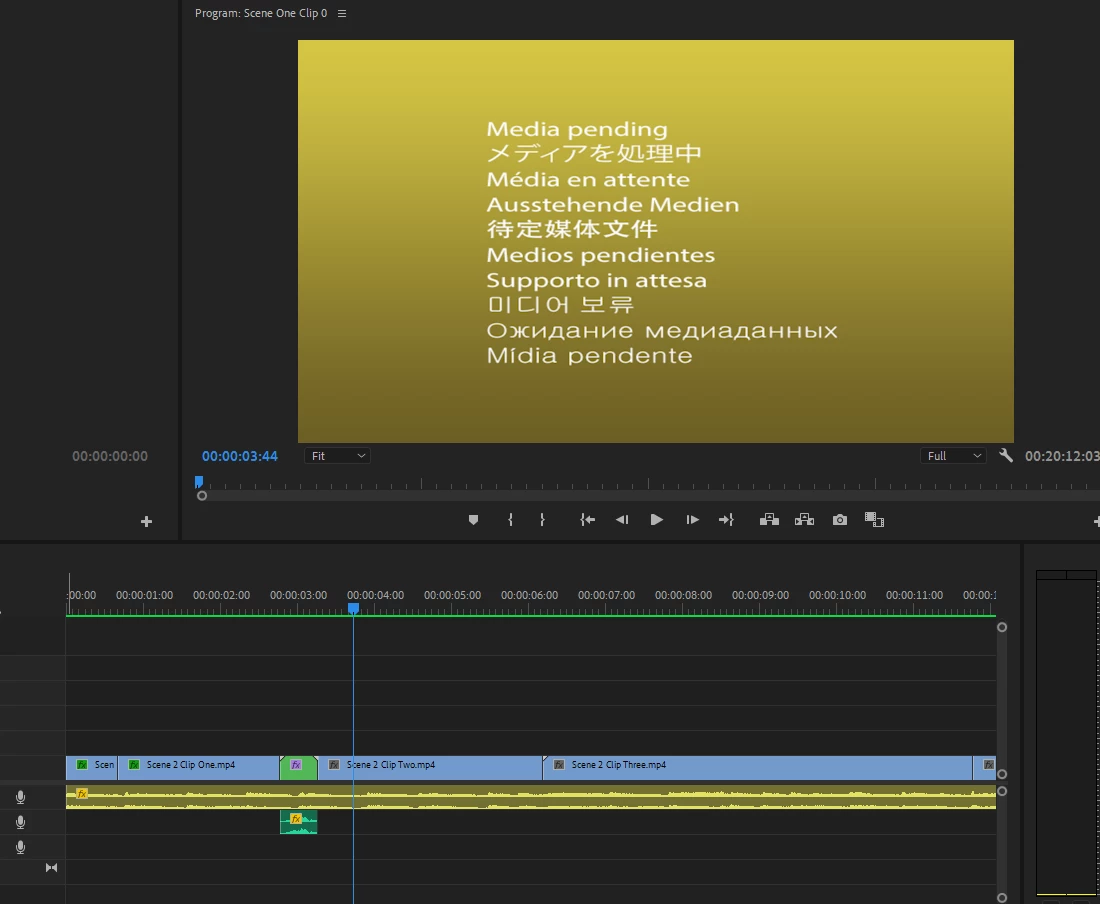
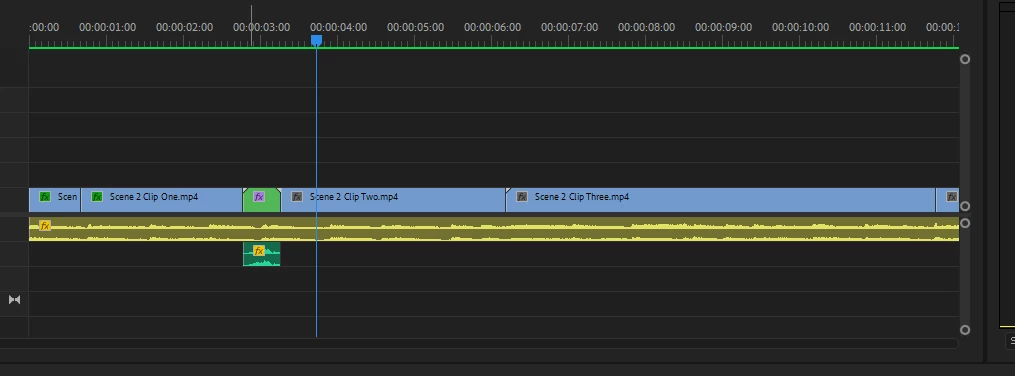
Been having some unknown issue where after the nested sequence all my clips are apparently "Media Pending" I'm sick and tired of paying money for this bullsh1t software that crashes and lags and sh1t all the time. Any help to fix the 1 millionth error i've had with this dumb software would be greatly appreciated. I've tried the Enable and Reenable method, restart my computer, render it again. NOTHING WORKS.


This topic has been closed for replies.

2 replies

Inspiring
January 20, 2021

I can't wait to see the obs footage finally edited to sundance film festival .

: )


Kevin-Monahan
Community Manager
Community Manager
January 22, 2021

Don't hate! 🙂 There's a lot of great streamers right now. Not all of them are in the gaming realm. Some people just stream and have some pretty decent content. Check out Castlehead. That guy kills me. Plus, he uses Character Animator. OK, he plays games too.

Kevin


Kevin Monahan - Sr. Community and Engagement Strategist – Adobe Pro Video and Audio
Kevin-Monahan
Community Manager
Community Manager
January 20, 2021

Hi Trollis,

Sorry about this. Can we have more info on your system and media? What camera did the media come from? Did you try deleting media cache?


Thanks,

Kevin

Kevin Monahan - Sr. Community and Engagement Strategist – Adobe Pro Video and Audio
Participant
January 20, 2021

I recorded the footage using OBS Studios. I have deleted media cache a week or two ago I think. Here are computer specs if you need them:


16gb RAM

Graphics Card - NVIDIA GeForce GTX 1660
Processor - i7-9700KF CPU @ 3.60GHz


Thanks 

R Neil Haugen
Legend
January 20, 2021

Make sure you're using the latest Studio drivers for that GPU. The lastest Nvidia game-ready drivers are causing a whole ton of issues. From the Nvidia site, download and do a clean install of the later Studio driver.


Neil

Everyone's mileage always varies ...