




Welcome to Adobe Premiere Pro 22.6.2!
Welcome to Adobe Premiere Pro 22.6.2!

Hello, and welcome to the latest release of Premiere Pro! Premiere Pro 22.6.2 is now available from the Creative Cloud desktop app. This Premiere Pro update is focused on stability improvements and user-requested refinements for graphics and titles workflows, adjustable fades for audio ducking, and more GPU-accelerated effects.
The new features include:
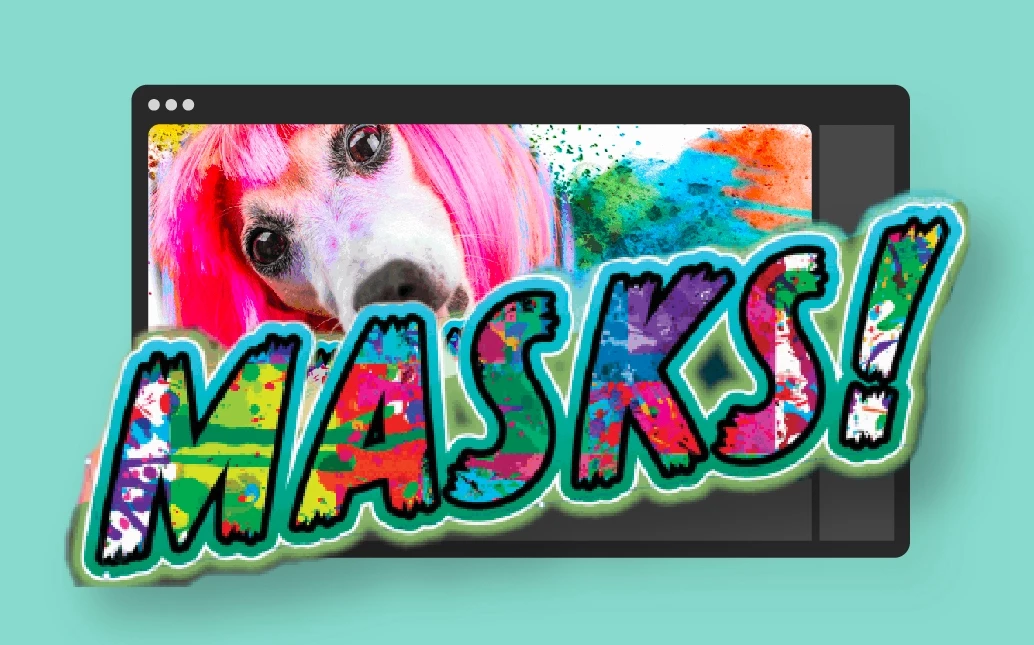
- Mask-only Fill for Text and Shape Layers
- Context menu for text and shape layers
- Export titles as text files
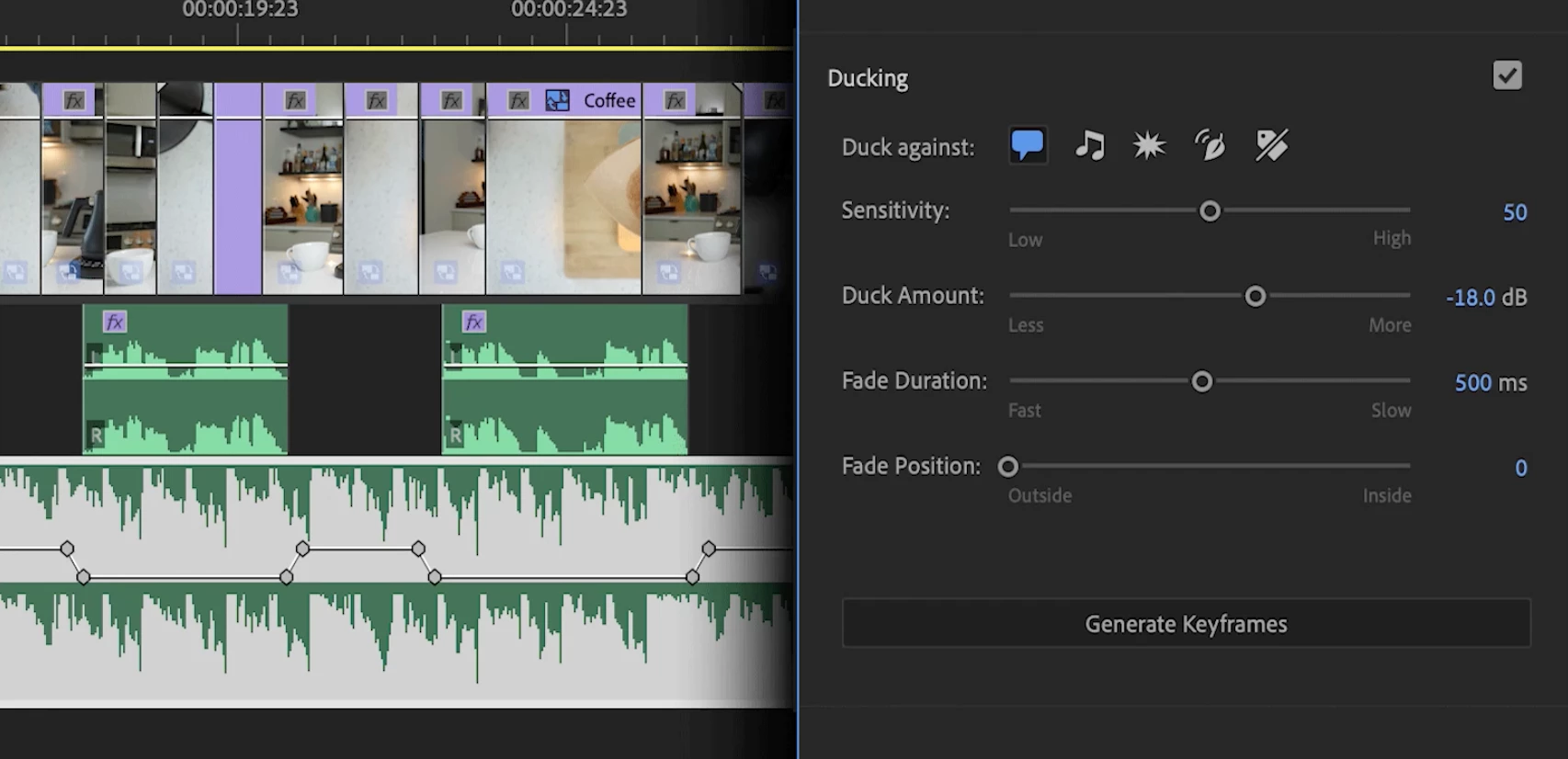
- Adjustable Fades for Audio Ducking
- More GPU-accelerated effects
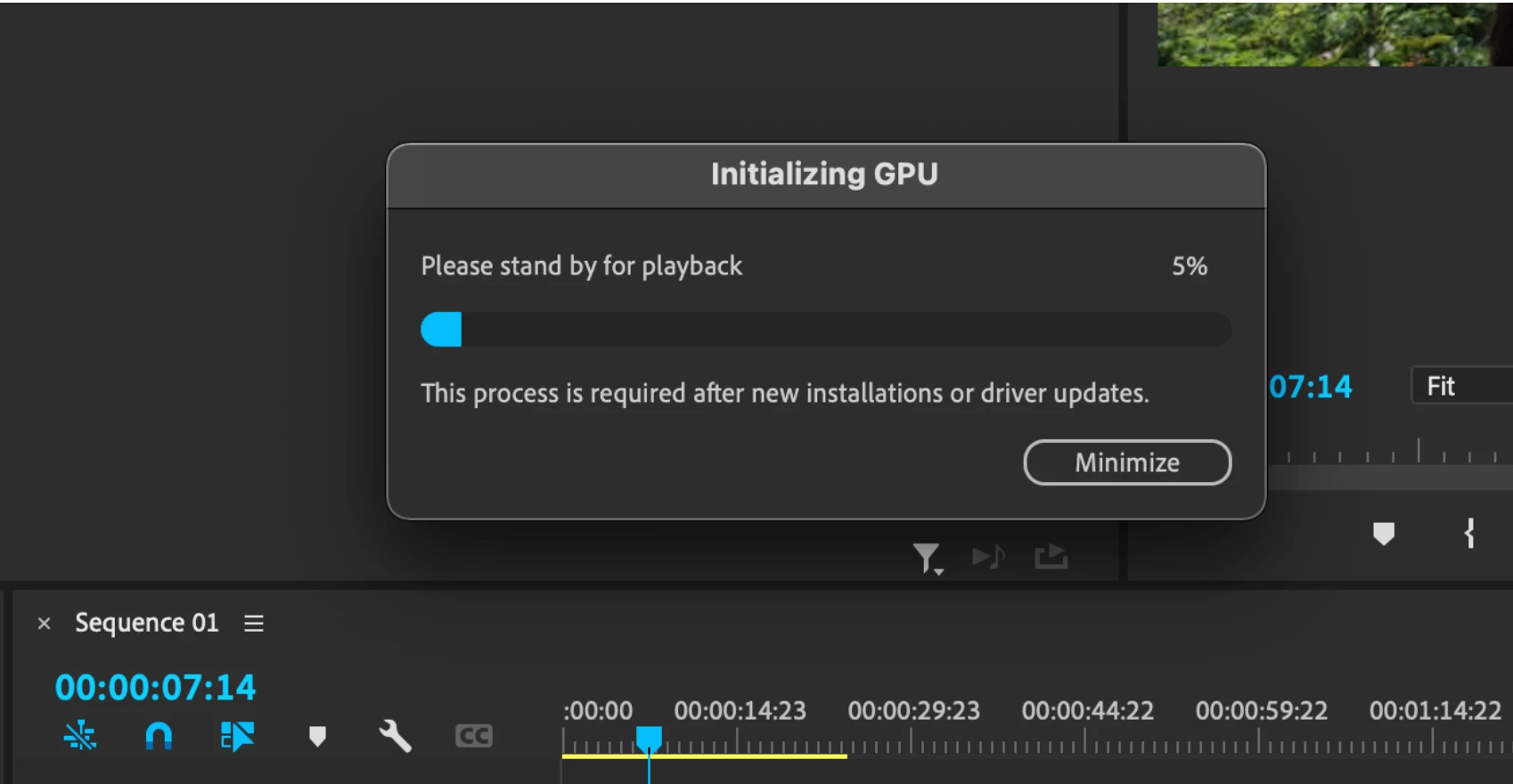
- Initializing GPU dialog
This update is recommended for all users.
If you are experiencing any issues, please create a new thread explaining your problem rather than placing a post here so that we can help. If you have a bug to report, please do that on User Voice.
New Features in Premiere Pro 22.6.2
August 2022 release (version 22.6.2)
Notes from the Premiere Pro Team:
The design tools in Premiere Pro, combined with the search and edit capabilities of the Text panel, let you craft incredible, custom titles and graphics for any video project. Your titles can be simple, with beautiful typography, or enriched with graphics and animations. With the Text panel, you can manage projects with hundreds of titles, and it's easy to save the designs you want to reuse in your template libraries.
The latest update of Premiere Pro gives you more controls when adding textures to letters or shapes and the ability to export all of the titles in your sequence as text files for easy reviews. Thanks to new contextual menus, it's faster and easier to edit any layer in your design.
 Apply a mask only to the fill part of a layer; you can include strokes and shadows separately from the masked area.
See Mask-only Fill for Text and Shape Layers
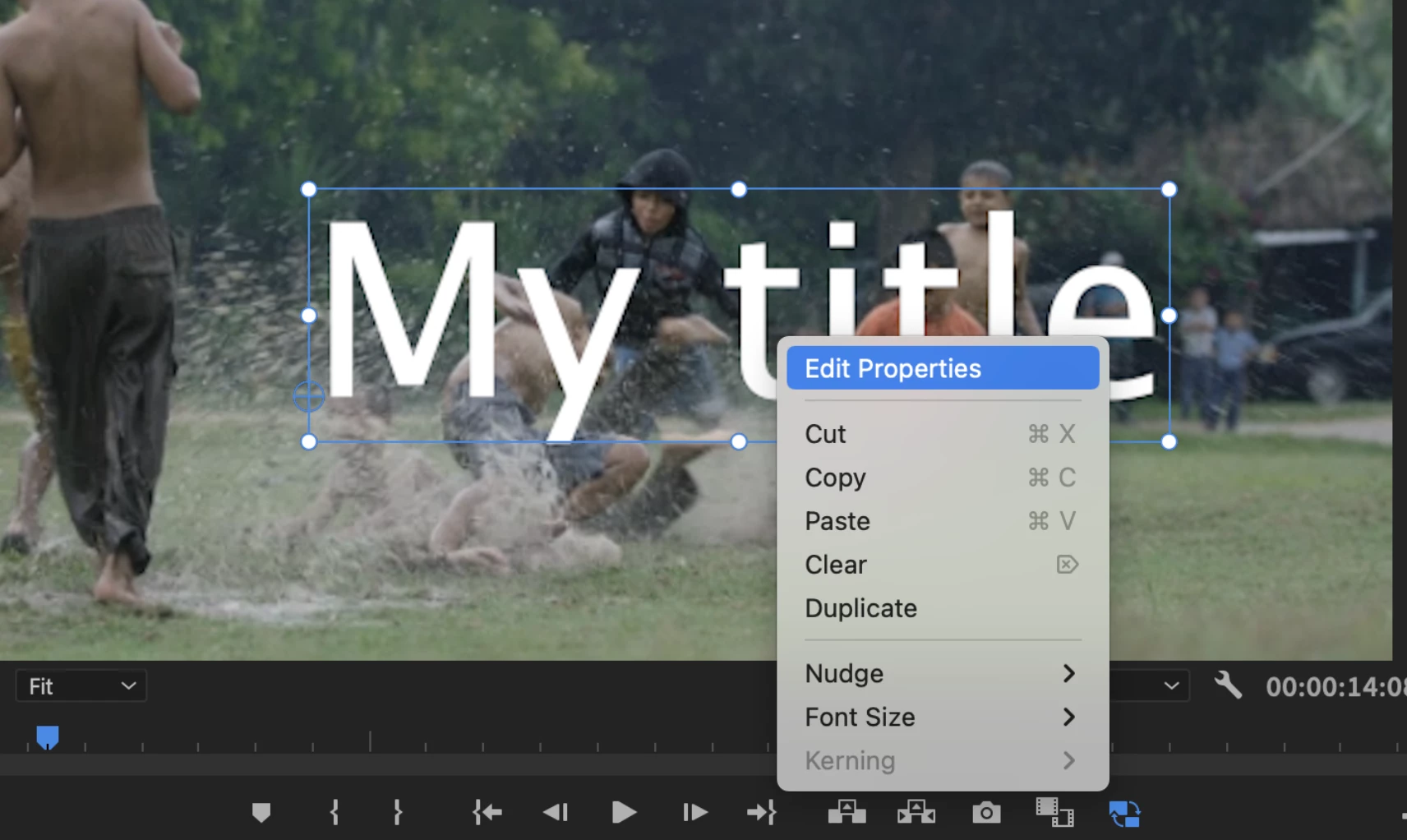
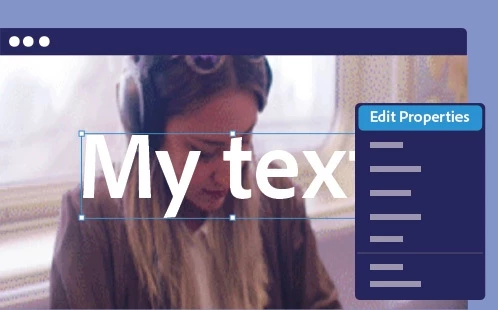 Right-click a title in the Program Monitor and select Edit Properties from the context menu to open the Essential Graphics panel. You can customize your title with fonts, colors, and styling options.
See the Context menu for text and shape layers.

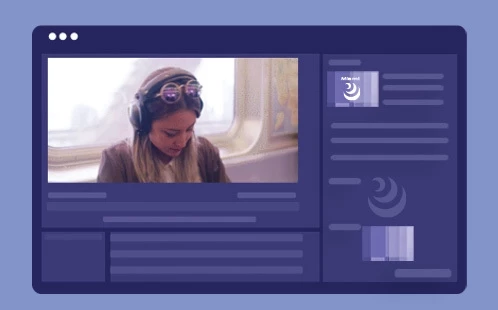
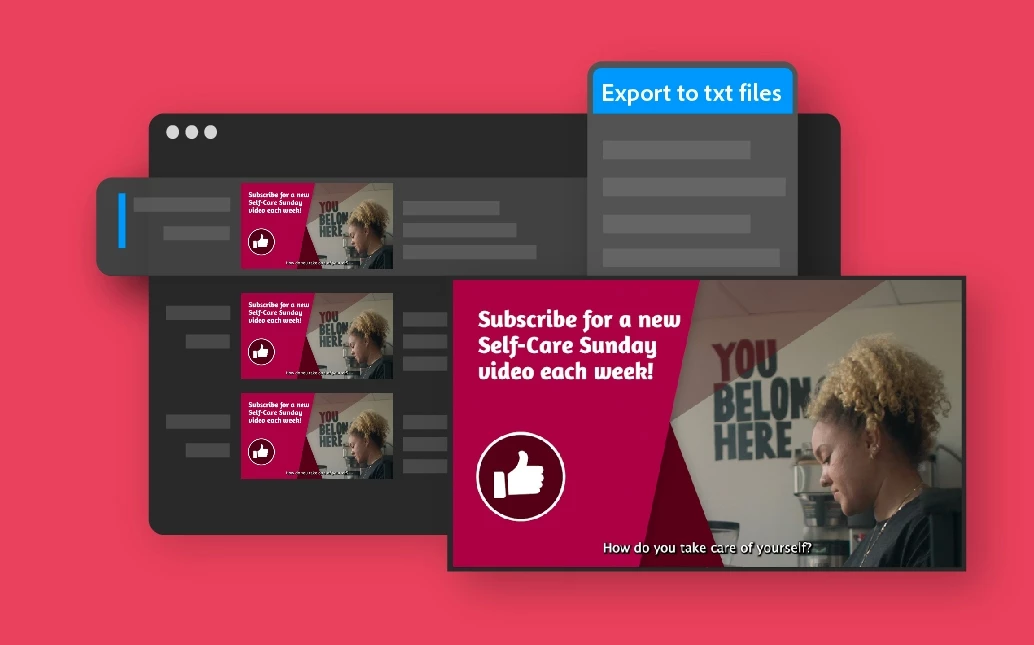
From the Text panel, you can now export all of the titles in your sequence as text files for sharing and proofreading.
See Export titles as text files.
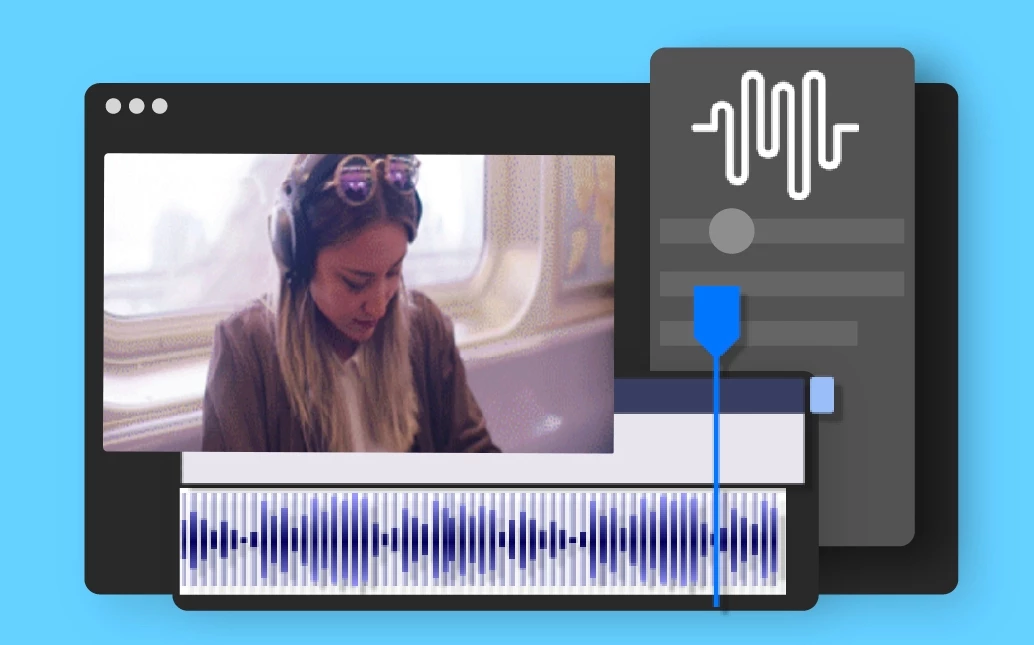
Adjustable Fades for Audio Ducking
 With the new Fade Position slider, you can automatically adjust how soon background audio fades out and back in.
More GPU-accelerated effects
 Newly GPU-accelerated effects include Unsharp Mask and Posterize Time.

Initializing GPU dialog
 After a fresh installation, a new dialog informs users that the GPU is initializing. This dialog box will help you understand what is happening in the app and why playback isn't immediately available.
Premiere Pro Beta
Your feedback and involvement make Premiere Pro a better application. I wanted to thank all of you for contributing to providing input for the Premiere Pro Beta on the forums and User Voice. Thank you!
Go here to learn more about the new features discussed in the Premiere Pro Beta community. Here are some of the features now being discussed.
Edit multiple titles at once in Premiere Pro
Alignment improvements for titles and graphics
Assemble Rough Cuts from Transcripts
Use ProRes as the default codec for sequence rendering
Tone Mapping in Premiere Pro Beta
 AdChoices