『アドビコミュニティフォーラム』に質問/トピックを投稿する方法
Connect, learn, and get help from the Aero Community.
新着順
Hi on multiple iOS phones there is an error when starting the experience. Please see part of it below[2024-03-01 18:55:141 Precompiled shader notfound. 4e58b2a0cfd695e92ee2795a68586-- Pass state --Pass name: pickIDPass type: Graphics-- Hashes --Vertex layout Hash:d243d6c78b8d8bed7f5d05b8c7db76cRender Request Hash:6536ce75855a5d4da652372271cf9eMaterial State Hash:811cb22b4b52e95ea7a0bd31e3bca4c5- Drawable geometry stateJoint count: 255- Drawable material state --MaterialType:1DoubleSided: 1AlphaMode: OPAQUE
Has anyone had an error report after closing Adobe Aero For desktop. I am using an Imac Pro running Sonoma OS. Could it be that Adobe has not updated to a newer version of Adobe Aero? I have not had that error before. it started showing up several weeks ago.
Has anyone had an error report after closing Adobe Aero For desktop
When I import a character from Mixamo to Aero, the character be solid, yellow, no texture. There is no way to import the materials from the character?
Since today I'm not able to load animations. App asks me to check internal connection. I'm pretty sure it's good. Does any has the same issue?
Hi, Maps re not displayed When Location anchor selected. following error is shown in the command prompt " [2023-08-28 19:35:02.430] [error] [TilesetContentManager.cpp:731] An unexpected error occurs when loading tile: Unknown exception"
PNG sequence not displaying. Aero Version: 0.23.4Equipment: Macbook Pro 13, Sonomo 13.2.1; ipad and iphoneScene: 3 assets Asset 1- layered png created in Procreate, edited/exported from Photoshop. --No problem with Asset 1Asset 2- Animaged PNG sequence of a heart, created/exported: Procreate, then zipped and dropped into Aero. duplicated 20 times within Aero.Actions: tap > play image sequence > pop sound as it dissapears > show 2 heart instances.--No problem with Asset 2Asset 3- Animated PNG sequence of a label, created in Procreate, exported and zippedDrag and dropped into Aero. Works perfectly in preview mode.Attempt 1: Action: tap asset 1 > show label > play image sequence > tap > close labelAsset 3 does not appear when viewing from shared link or QR codeReturn to desk top versoin: Asset 3 is now not visible regadless of "eye on" or "eye off" no way to make visible to me, I see the XYZ controller box for Asset, no asset. &
I have created an Adobe Aero AR project using Geospatial. But whenever I scan the QR code and want to see the AR experience, the app closes. So it hangs up.
Hello all, I currently have 3 AR projects I'm working on for university and all are under 50mb, using GLTF/GLB models, however whenever I try to open them on my phone or access them through the QR code, the app loads for a bit and then crashes without an error message! Anyone had this issue? Cheers
Hello! I created an AR model and when I tried to share the QR code generated by Aero it did not open on anyone's Iphone but mine. Here is the link https://adobeaero.app.link/NZth3TbGAGb Can you please help me fix this? Thank you!
I'm making an AR integrated catalogue for my company, so someone can scan a qr code off a page and visualize the product in 3D space Aero was awesome for this, but suddenly all my projects from around 3 months or further have stopped working! Any scan results in "There was a problem loading, Check your internet connection" My most recent projects don't have this issue! I can scan a QR code of a product I generated about a month ago and it works fine. Worst of all, when I apply changes to my old projects and try to scan the QR code, it still doesn't work! Same error. These are small files, about 80kb, and super simple face-wise. I really need help with this, otherwise I will have to scrap my project or look for other ways to integrate 3d models using QR codes. Any ideas on why my old models no longer function? I can open and access and update the files just fine, but no QR code works for them. I am trying on both desktop and mobile.
When I preview my scene in Adobe Aero (Beta) on my PC (Windows 11) it works fine, but once I turn it into a QR code and scan it with my phone. I get this red error on my phone and the screen stays black, it doesnt show my target image. My estimated project size is 55.24 MB.
Hello, I am trying to use Adobe Aero Geospatial Creator but I do not know if it is available for India, since in the Properties Anchors I do not have the location option ?
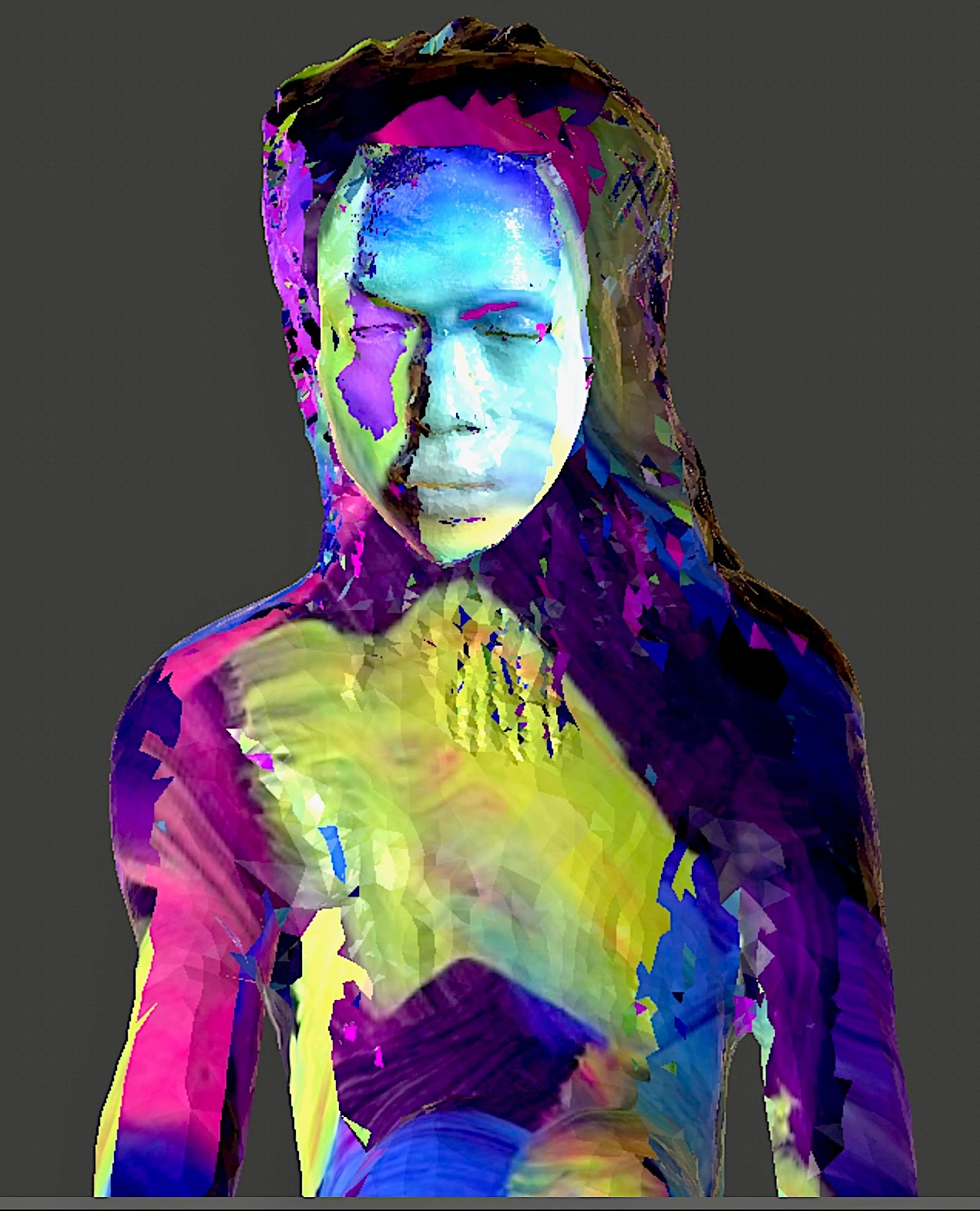
My character model comes in looking really janky and I can't figure out why. The model was created using the Polycam app (photogrammetry), exported as .OBJ, then the whole .OBJ zip folder was drag-and-dropped into Mixamo to rig and add an animation. Then it was saved as .FBX (binary) and imported into Aero desktop, where I added the behavior (the Mixamo animation) and saved as a Dimension file (Aero Experience) on the Creative Cloud. But when I open it on Aero mobile app on my iphone, the character model looks bisected down the middle and really distorted and damaged looking. Any ideas what is going wrong??
Good evening group, I have seen some issues before with creating links on Projects but not during updates. I have logged out / logged into the desktop app, restart, I have been pushing changes successfully for the better part of a week, just popped up this morning and has been doing it ever since. A secondary test file I had created is doing the same thing with no changes made to the file.
Hi, I am trying to import a png file in aero but it says reason rt3d Import failed . I named it correctly and I even opened the file from the folder where I saved it. is there any solutions for this?
Hi there, I'm using Adobe Aero 0.18.4 on a MacBook running Ventura 13.2 I've been unable to produce any links, either on projects I create myself or have downloaded from the adobe platform. I've closed and restarted the program, and reuploaded the files as .real files but haven't been able to get anything to work. I always get the same alert: Unable to Create Link. Something went wrong and we couldn't create your link. Are you able to advise on what is going wrong and if there is anything I can do about it? Thanks in advance
I recently have been working on an AR project using Adobe Aero, but for some reason I cannot export it. When I export it, It says it exports, but when I check the file directory it is not exported. I've tried:Duplicating the project and exporting it.Exporting the project to an empty folder.Exporting the project to a different directories entirely.Creating a new project and attempting to export it (To see if my download of Aero was at fault, which it wasn't as it was able to export all other projects except for this specific one and its duplicates)Duplicating the project, deleting all the assets in the duplicated project and attempting to export to see if the assets were at fault (Assets were not at fault, project still did not export even with no assets to export)Attempting to copy the assets and paste them into another project (Did not work)Making the file "Available Offline" to attempt to view on the Adobe Creative Cloud synced folder (I realised I do not have access to the sync
Hi everyone, yeah, as stated above. I'm adding audio in as a "play audio" action and when it gets to that point, it plays the audio but all other animations and actions after that don't happen until the audio has finished. I need the audio to play as the sequence unfolds behind it. Any idea how to sort this? Cheers
I can't install Aero (Beta) on my Asus Flow X13 (R9 7940HS + RTX4050), and it returns error code 405. this seems like a strange problem because this code seems to be an error when trying to install on an arm platform, not on a x86 laptop. Can anyone help me with this?
Hello, i have this show anyone have same issue, i want to know how to fix it thank.
Why is the animation clip getting reset to the first "circle.002Action" clip for each animation when i close and reopen the aero file, even after assigning the other animation clips?? Is this a bug in Aero?
Hi, I would like to inquire if anyone else is encountering the same issue.When I attempt to add various objects (such as a star, ball, circle, etc.) and apply a behavior trigger to make them spin along the X, Y, and Z axes, the anchor point of the object remains unchanged. Despite my efforts to adjust the pivot to center, top, or bottom, the anchor point continues to stay at the bottom. Do you have any suggestions on how to address this bug? (I am using a Mac)
I try to import my file but it took a while for loading and it couldn't be imported at the end. I tried previous file some of them could and some more couldn't. The file I tried to import is well polished from Nomad sculpt and it's 68M large. Really need it to work due to the deadline for my school final project. 🥲thank you,Ricky
Adobeaero crashes upon launching in ipho 12pro max. When I try to test my project, using geospatial, aero loads then crashes.Also, it freezes moment when aero app launches the scene.Here is my project:https://adobeaero.app.link/97WjTgpR0Db Kindly assist please.
Remix with Firefly Community Gallery
Thousands of free creations to fall in love with and remix in Firefly.
すでにアカウントをお持ちですか?ログイン
アカウントをお持ちではありませんか? アカウントを作成
Enter your E-mail address. We'll send you an e-mail with instructions to reset your password.