Yes, I need dynamic input values to determine where to stop the calculation. In fact, this is an iterative algorithm that requires the result of the previous iteration each time. It would be a better choice if we can have some kind of iterator in the node graph, similar to the "for each" loop in Houdini!
I will repost here my reply for this issue I sent you through another support channel, in case it is helpful for others:
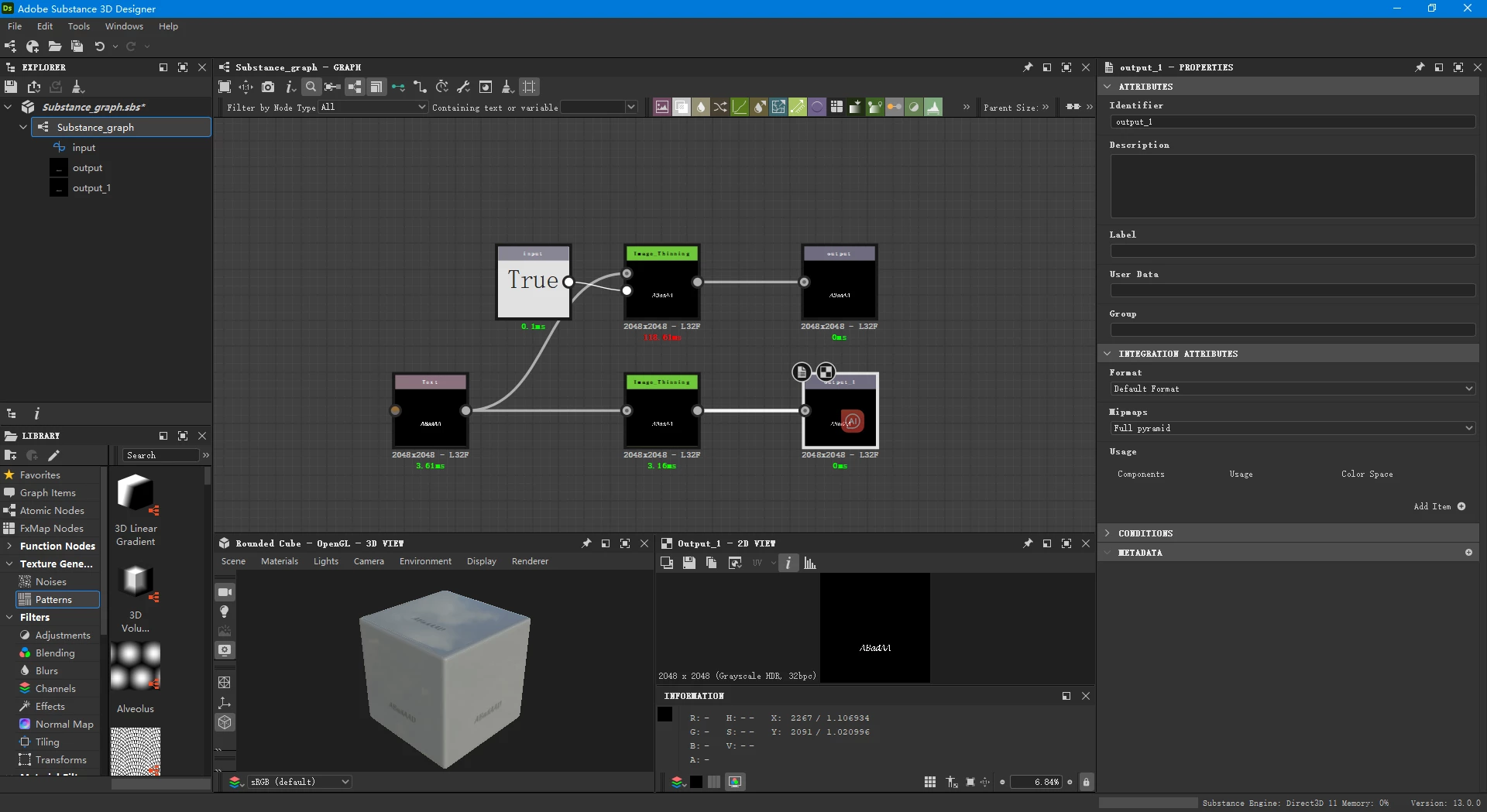
When the 'input' parameter is set to False, the performance of both SBSAR instance nodes in the provided graph is similar. This points me to the likely cause of the performance difference.
This would be a known issue, which is caused by the way values are implemented in Designer.
I imagine there is some kind of switch in the SBSAR instance node graph that returns the original or processed input, depending on the 'input' parameter value.
In most cases, switches are optimised so that the unused branch is ignored entirely in the graph computations. This explains why the node renders so much more quickly when 'input' is set to True.
However, this optimisationcannot be appliedif 'input' is adynamicvalue.
Parameter values can be static or dynamic:
Static: cannot be changed on the fly in compiled graphs (E.g., graphs in SBSAR), can be optimised to not be recomputed every time (see theLimitationssection of this page to learn more);
Dynamic: can be changed on the fly in compiled graphs, cannot be optimised.
That said, because of the way values are implemented in Substance graphs, they arealways dynamic. This meansno optimisationcan be performed on node streams where the result is impacted by those values.
In the case of the SBSAR instance nodes in your provided graphs, both branches of the switch are entirely computed when using an input value to drive the result. Therefore, the performance will always be similar to what it is when 'input' is set to False.
Fixing this requires deep changes in the architecture of how graphs are computed and the Substance engine. Thus, it will take a lot of time.
It would appear that connecting the Boolean parameter to a node input (or exposing it as a graph input) causes the node to report the longest route through the node (whether that is True -short route or False - long route).
Whereas keeping it as a parameter set within the node reports the node timing for the current setting of that parameter.
I wonder if this is by design, showing the longest calculation time for the node regardless of exposed parameter input settings



 AdChoices