


Participant
8月 23, 2022 10:02 午後 UTC
解決済み

Baked AO map shows unnecessary grey parts along some edges

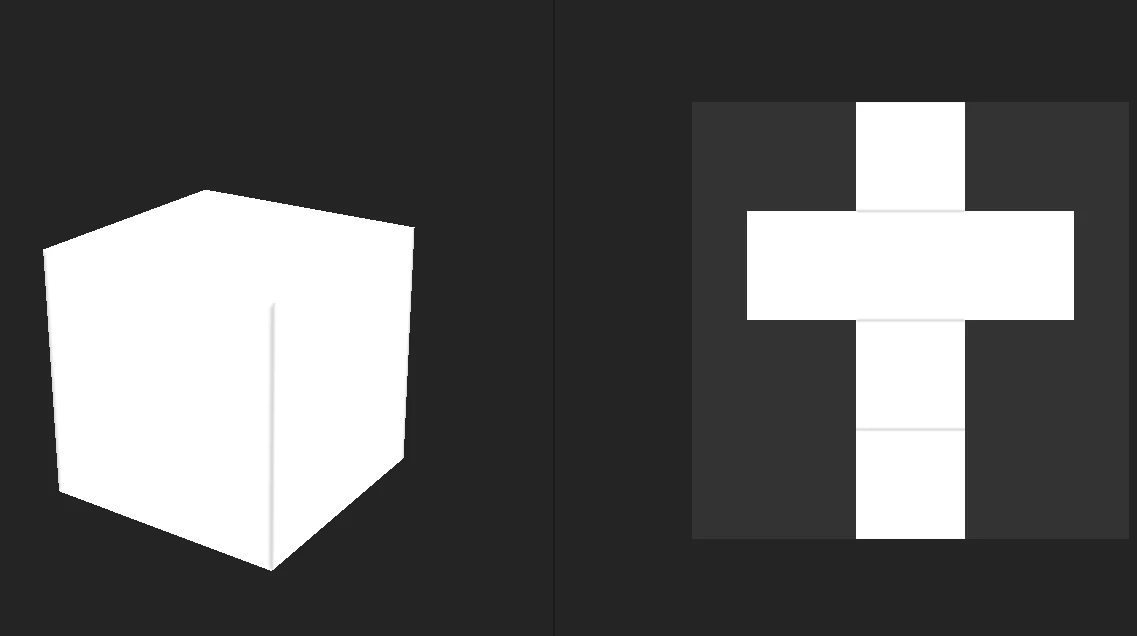
I imported this cube from Blender with no change of its default geometry and uv wrapping. After baking the maps I found there are some errors in AO map(just like other models I imported to Substance Painter). I tried tweaking the import settings and some bake settings, still couldn't solve it. I'm new to Substance Painter, not sure if this is actually an error. But I think those dark lines are kind of unnecessary which cause extra dirt while using a dirt generator.

このトピックへの返信は締め切られました。
davescm
davescm解決!
Community Expert
8月 24, 2022 10:03 午前 UTC

Try removing the Normal and World Space normal maps from the Mesh Maps panel.

Rebake the AO

Now rebake the Normal and World Space Normal (without AO)


Dave

返信数 2

davescm
Community Expert
davescmCommunity Expert解決!
Community Expert
8月 24, 2022 10:03 午前 UTC

Try removing the Normal and World Space normal maps from the Mesh Maps panel.

Rebake the AO

Now rebake the Normal and World Space Normal (without AO)


Dave

翻訳
default plane作成者
Participant
8月 24, 2022 4:15 午後 UTC

Wow, it works!. Much appreciated. You just saved my day!

翻訳