Answered
How do I use my Adobe Creative Cloud subscription on my Fresco free account and upgrade it?
As above question, how do I go about this, any help appreciated, thank you

As above question, how do I go about this, any help appreciated, thank you
You nee to go to your account online.
Go to "manage account" (see mine below)
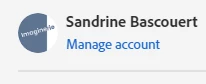
then when you're there, go to: "manage plan"
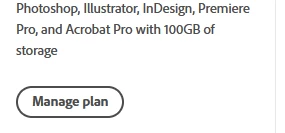
you'll be presented with the option to update it.
If you are using Fresco on an Ipad EXCLUSIVELY, you can also upgrade through the App store, but if you want to use it on a desktop as well (on a windows machine) you'll have to download it separately.
Already have an account? Login
Enter your E-mail address. We'll send you an e-mail with instructions to reset your password.


 AdChoices