


Inspiring
September 30, 2022
Answered

Adobe Illustrator was saving images out with slightly different color and now is not?

  • September 30, 2022
  • 2 replies
  • 216 views

Hello Adobe community, 


Adobe illustrator used to save out my images in a slightly different color scheme then what I put as an input - however, recently, the color scheme doesn't get slightly changed. However, I really liked that adobe did that and I want to know how to put it back!

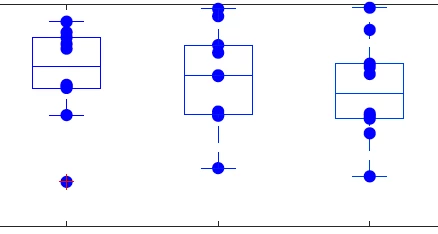
Here is my original image:
 Here is the image that adobe would output:
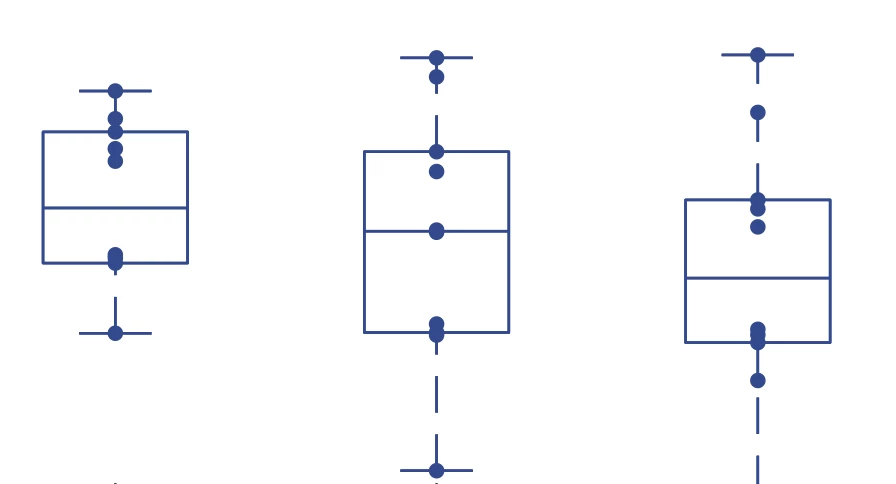
 

I would like to second color scheme back! It is much prettier. I've played around with how to save the images, but haven't had any luck. Has anyone else run into this issue?


This topic has been closed for replies.
Correct answer Doug A Roberts

What was/is your document colour mode?

What kind of file were you exporting? What options did you use?

What were/are your colour settings?


And can you not just eyedropper the colour, if that's actually the colour you want to use?

2 replies

Nin5FAAAuthor
Inspiring
September 30, 2022

Figured it out!


'Letter' adobe will change the color scheme, 'Web' version will not. 

Doug A Roberts
Community Expert
Community Expert
September 30, 2022

The Letter preset is a Print CMYK one. Are you designing for screen or print?

Doug A Roberts
Community Expert
Doug A RobertsCommunity ExpertCorrect answer
Community Expert
September 30, 2022

What was/is your document colour mode?

What kind of file were you exporting? What options did you use?

What were/are your colour settings?


And can you not just eyedropper the colour, if that's actually the colour you want to use?