
Answered
Color book swatch libraries unable to recolor existing swatches with same name
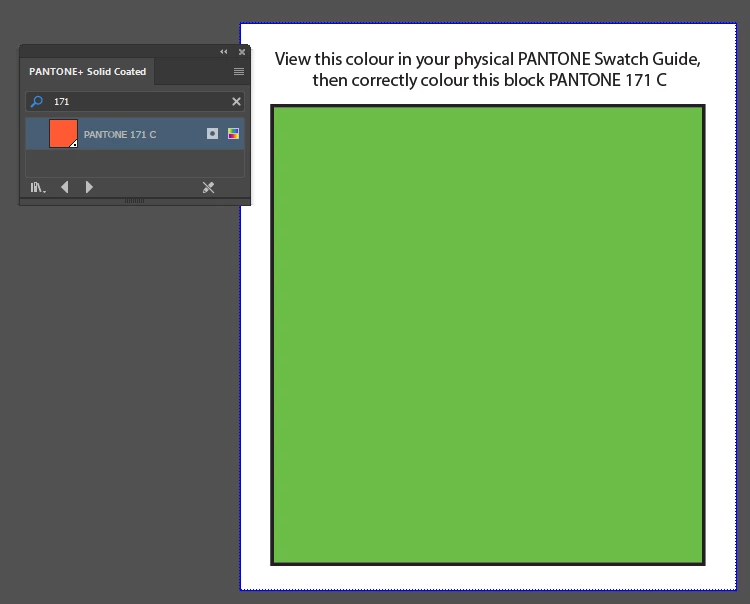
When a spot color swatch's "display color" is defined in the "Swatch Options" palette, it does not recolor properly when the SAME named color exists in a color book swatch and is used to attempt recoloring. This is a serious bug in that an incorrectly colored spot colour swatch (including PANTONE colours) will display incorrectly and cannot be recolored. A workaround is to create the correct swatch in a new document and cut and paste the objects into the new document where the correctly colored swatch already exists. This bug exists in current CC 2017 and as far back as CS6 according to my tests.
See example corrupted display color for PANTONE 171 C
https://dl.dropboxusercontent.com/u/9018038/Illustrator%20Swatch%20Bug%20Hauke.ai
 AdChoices