CantStandGreed
Inspiring
March 1, 2018
解決済み

Illustrator - Cannot 'bring to front" of all objects

  • March 1, 2018
  • 返信数 2.
  • 1376 ビュー

Have the same problem when copy pasting or placing a png (black and white bitmap. No matter what it's always placed behind the other bitmap while the vector elements seem to be showing through the white areas of that b/w image... in that it seems to be acting as a masking which is an unwanted behavior. Any ideas why would this be happening? Thanks

Branched from https://forums.adobe.com/thread/321400 thread. Message was edited by: moderator

    このトピックへの返信は締め切られました。
    解決に役立った回答 CantStandGreed

    What are you referring to as "Content Page" would that be the page with the thread where I originally posted? The Main Illustrator section, or? While it should not matter now (since the moderator created this new thread branching off from the original one) I'd still like to know how'd I start a new thread since there seems to be no CTA button or section allowing me to do so.

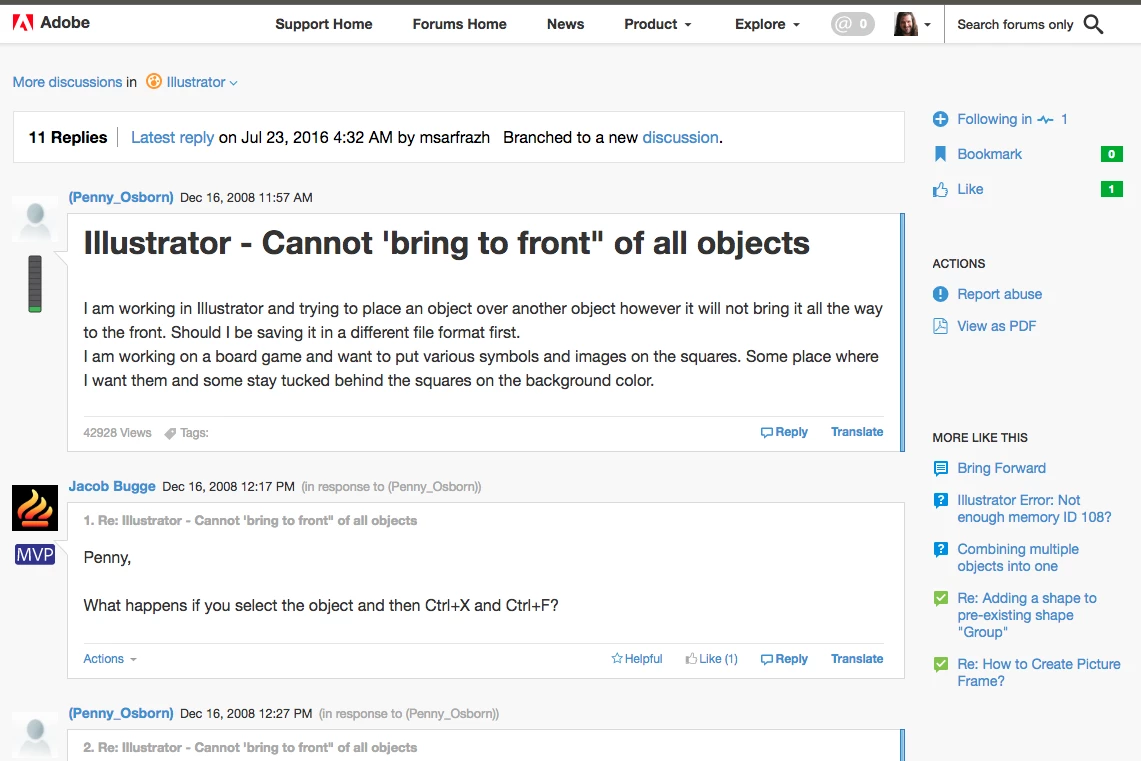
    Here is what I see in the original thread (no action section which is only visible while reading my inbox and has no start new thread option.

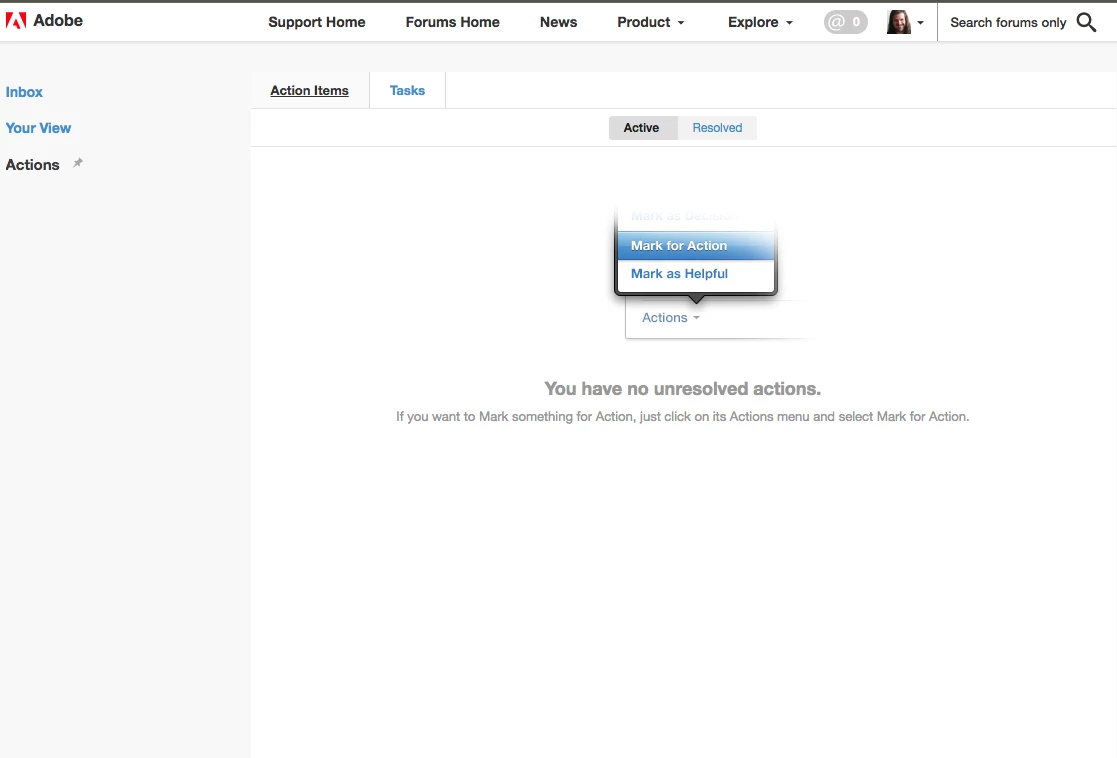
    Here is my inbox action view (Tasks Tab is empty):
    Thanks!


    As far as the actual issue is reported here, Illustrator crashed while I was in the process to take screenshots. The reporting tools had no known suggestions to help fix the issue nor stated what happened, therefore I cannot follow up with screenshot.

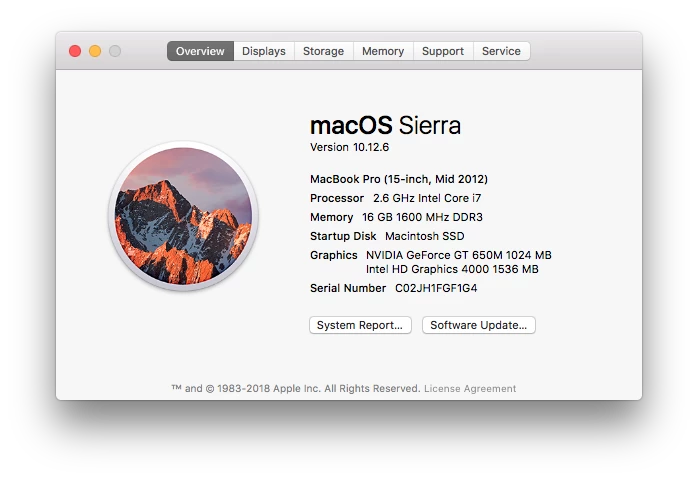
    I am working on a mac with this OS version and hardware specs
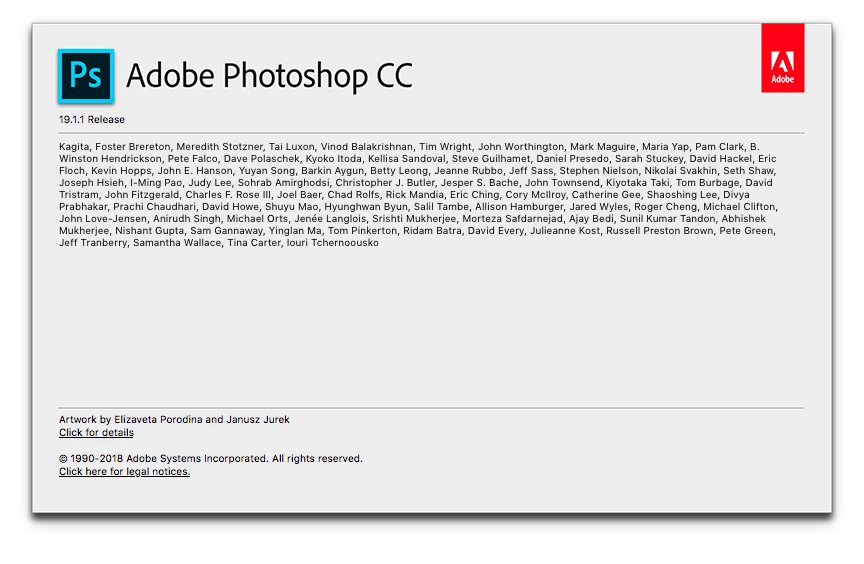
    My Photoshop version (open at the time Illustrator crashed
    My Illustrator version:
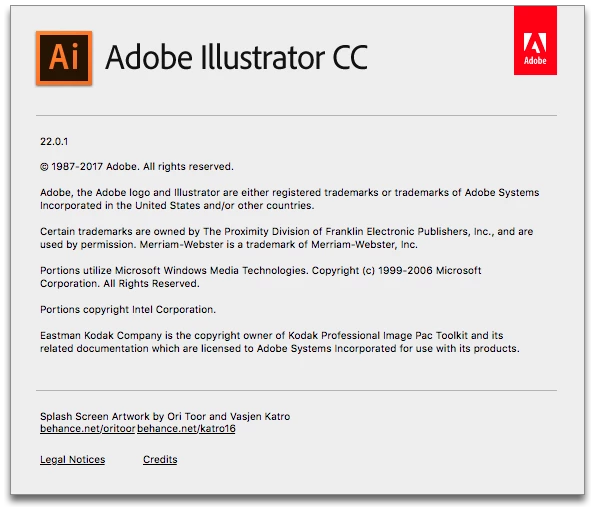
    After the crash I didn't restart the mac and after re-opening Photoshop and Illustrator everything worked as it's supposed to... hence will have to chalk this off to an odd issue which I have not been able to replicate at this time... I might update this thread in the event it will re-occur at later time

    Thanks everyone for the help and tips provided here, much appreciated

    Cheers!

    返信数 2

    melissapiccone
    Community Expert
    Community Expert
    March 1, 2018

    Are you working in different layers? Bring to front will not jump a layer... screenshot with layers will help...

    Melissa Piccone | Adobe Trainer | Online Courses Author | Fine Artist
    CantStandGreed
    Inspiring
    March 1, 2018

    Would love to create a new thread with message and attached screenshots...

    But can't find a cta for it anywhere on the existing thread, nor when going

    to the main illustrator section. I am logged in but the process does not

    appear to be straight forward (at least for me)... Hence any pointers will

    be greatly appreciated

    Thanks

    On Thu, Mar 1, 2018, 2:11 PM melissapiccone <forums_noreply@adobe.com>

    Keep experimenting and creating.
    Larry G. Schneider
    Community Expert
    Community Expert
    March 2, 2018

    On the Content page, at upper left is a section called Actions that contains a action to Start A Discussion.

    Try that. To add a screenshot, use the icon to Insert Image and browse to where they are saved on your computer. The icon in question is in the reply dialog where you type your response.

    Monika Gause
    Community Expert
    Community Expert
    March 1, 2018

      schrieb

    Have the same problem when copy pasting or placing a png (black and white bitmap. No matter what it's always placed behind the other bitmap while the vector elements seem to be showing through the white areas of that b/w image... in that it seems to be acting as a masking which is an unwanted behavior. Any ideas why would this be happening? Thanks

    Please create a new thread.

    And in that new thread tell us version and system and the steps you have taken. Have you checked the layers panel?

    A screenshot will help understand your issue.