


Participant
November 10, 2022
解決済み

Compability with 4K Monitor and PS6 (another one)

  • November 10, 2022
  • 返信数 2.
  • 425 ビュー

Maybe there are clever users out there 🙂

I have a brilliant Eizo 4K 3840x2160 Monitor. And an oldfashioned PS6 Software.

Yes, I had the problem with the size of the menu - but I fixed that quickly with your help. 

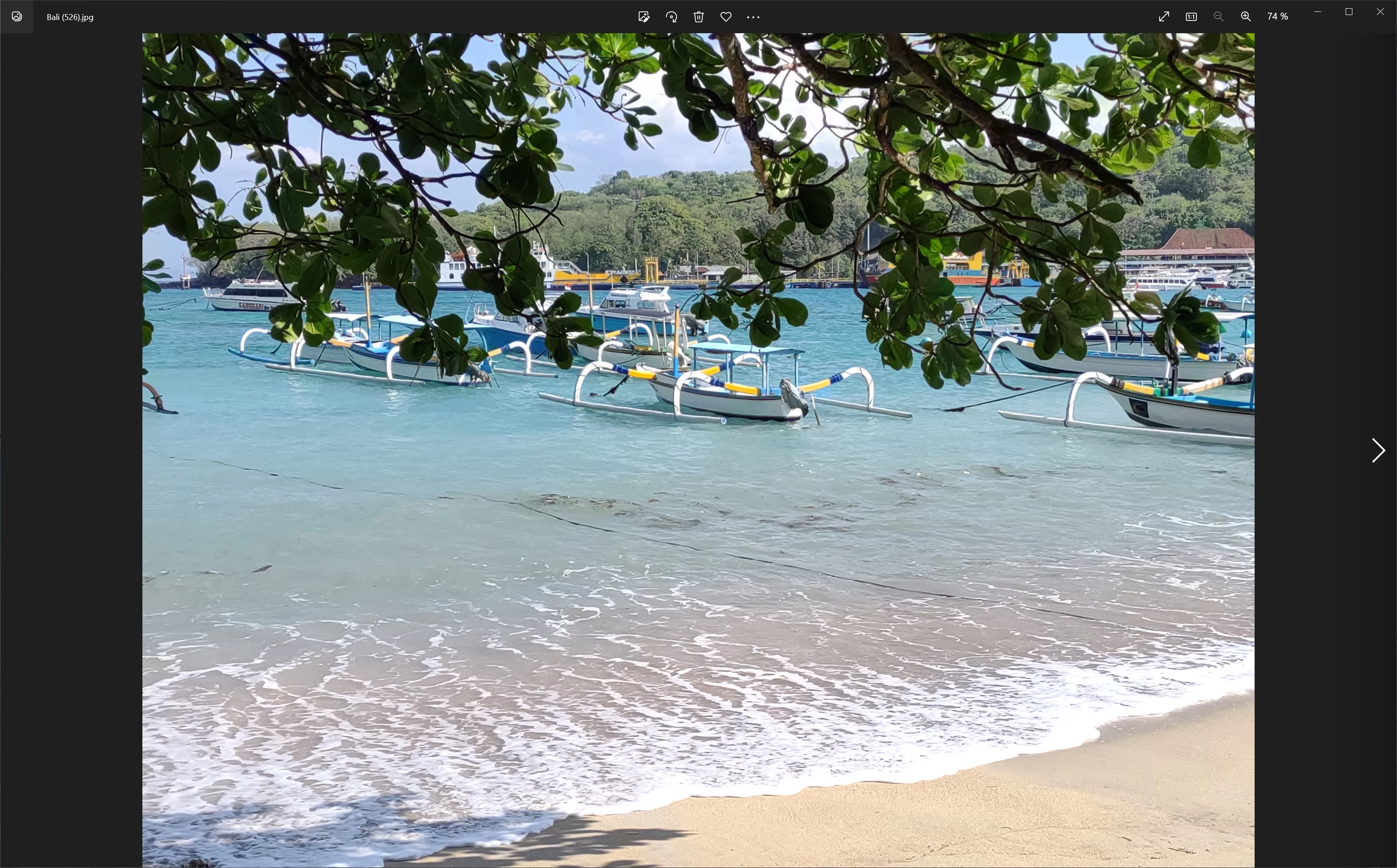
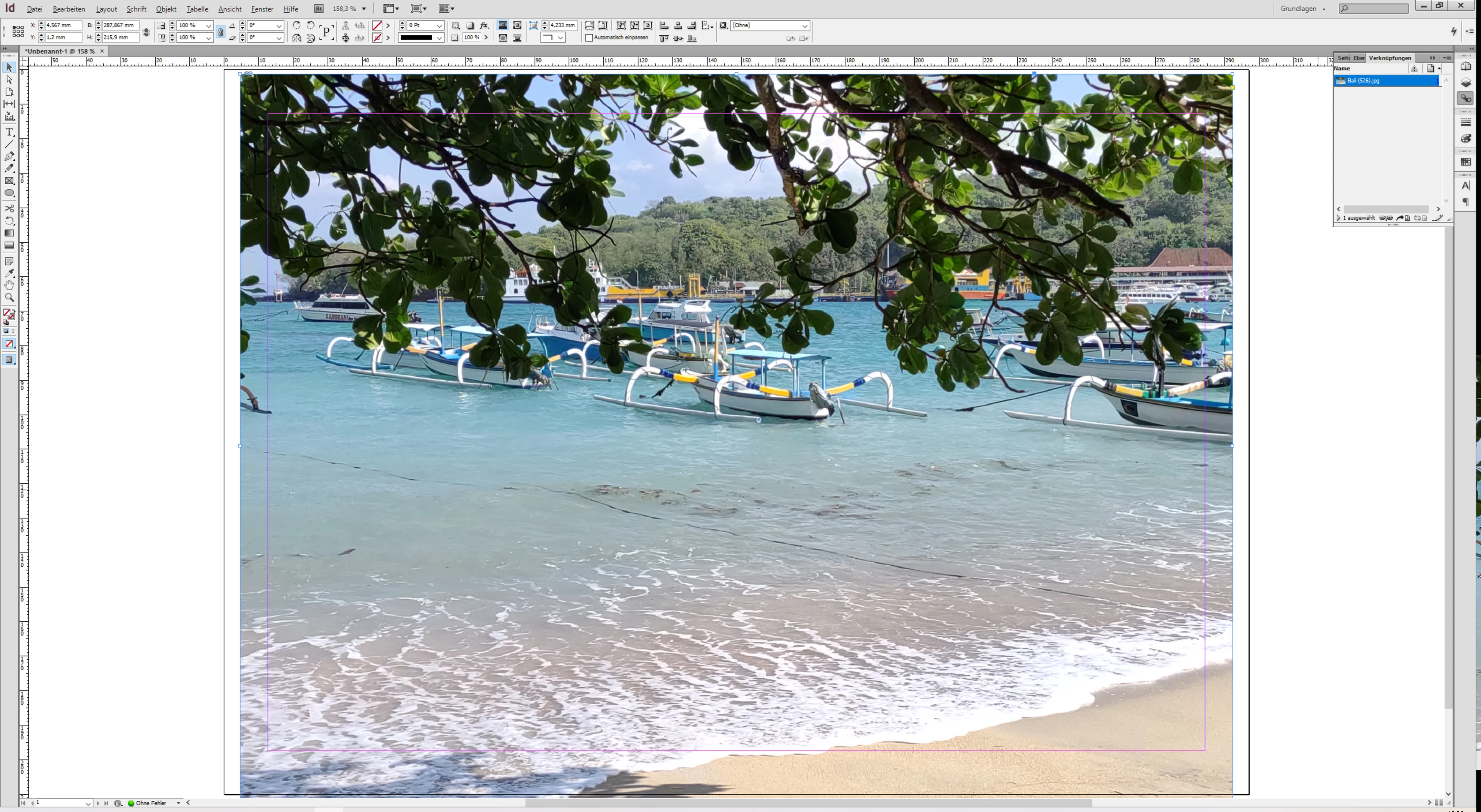
But now there is one problem left: the photos are looking very bad in PS6 while very good in the common Windows photo App or other Apps (even the same photo as monitor-background is clear).

Windows Photo App:
InDesign 6:
versus PS6:
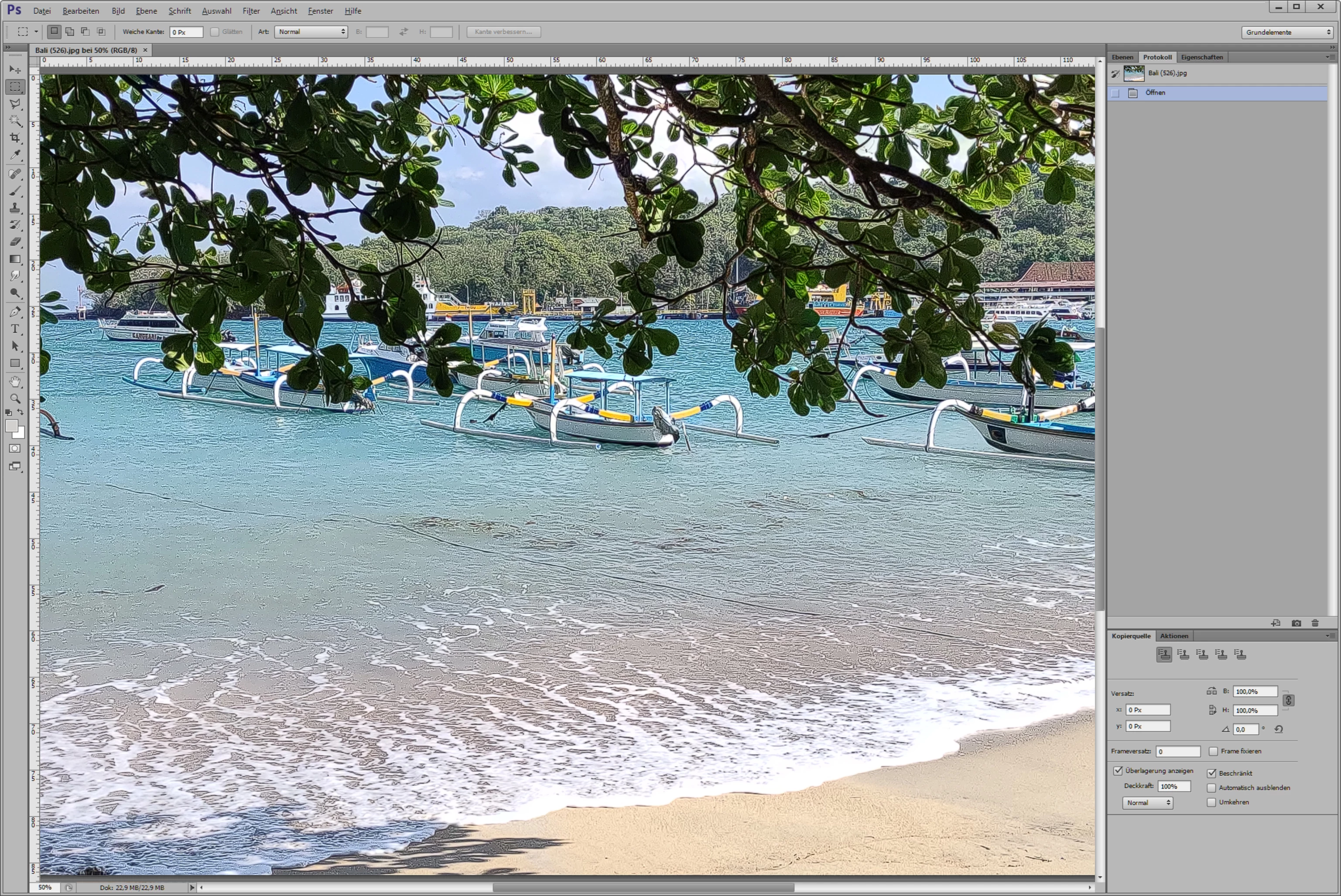
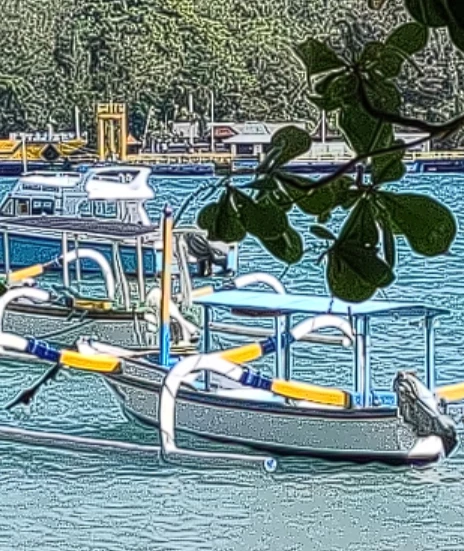
You can see the problem? It's not an issue with the solution of the pic, the Windows Verion (11) or the NIVIDA GeForce 940MX isn't it? It is not a problem of sharpness more of ?? contrast?

Does anyone have the same problem? Anyone a clue what to do? (Please do not suggest to buy the new PS. My boss will certainly not.)

Thax a lot, Andrea.

P.S. I use the monitor as an extension screen with a hp laptop.
このトピックへの返信は締め切られました。
解決に役立った回答 Per Berntsen

It looks like the image has had some Photoshop filter applied to it, but I assume it has not been edited?


I can't remember if CS6 had GPU options, but go to Preferences > Performance, and try to turn off the GPU (if it's an option).

Also make sure that Cache Levels are set to 4 or higher, also in Preferences > Performance.


返信数 2

Participant
November 10, 2022

PS: it's Windows 10 (not 11), but it seems to be a PS-problem not a windows anyway

Per Berntsen
Community Expert
Per BerntsenCommunity Expert解決!
Community Expert
November 10, 2022

It looks like the image has had some Photoshop filter applied to it, but I assume it has not been edited?


I can't remember if CS6 had GPU options, but go to Preferences > Performance, and try to turn off the GPU (if it's an option).

Also make sure that Cache Levels are set to 4 or higher, also in Preferences > Performance.


Participant
November 10, 2022

Per Berntsen you're a genius - jippiiiee. It was possible to turn off the GPU and afterwards the view was as clear as in the other apps! Prob solved! Thank you a lot!

davescm
Community Expert
Community Expert
November 10, 2022

If you temporarily undo the fix you used for the interface scaling does the image still look bad?


Dave

Participant
November 10, 2022

Yes 😞