


解決済み
Photoshop CC 2017: I want the 3D camera not to move position while I rotate it.
Hello,
I have a problem, as said in the title.
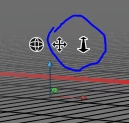
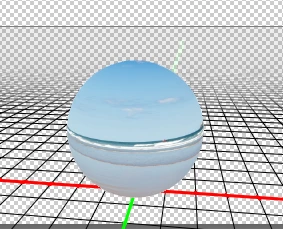
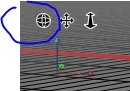
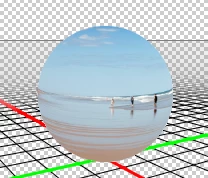
I want to paint 360 degrees images from scratch. For that, I take a grid and make a spherical panorama on which I can paint. My problem is that to paint this panorama, I need to move around the camera, but I don't want it to move. It was possible with CS6, where when you used the "rotate" tool, only the angle of the camera would be affected but not it's position in space. Now, the rotate tool makes the camera orbit around an arbitrary point... The only thing I found is to rotate the sphere itself instead, but it takes more time, and each time I want to move, I have to wait for it to load...
So I wonder if there is a tool to change only the angle of the camera, and not its position?
Regards,
Nils
 AdChoices