



質問
Can't Install Dictionaries for Spell Check in Acrobat Pro
Hello everyone,
I'm having trouble installing additional dictionaries for the Spell Check feature in the latest version of Adobe Acrobat Pro.
Software Version and Platform:
Adobe Acrobat Pro Continuous Release | Version 2025.001.20756 | 64-bit running on Windows 11 Pro 25H2 OS build 26200.6725.
The Problem:
The process fails when I try to add a new dictionary through the preferences.
Steps to Reproduce:
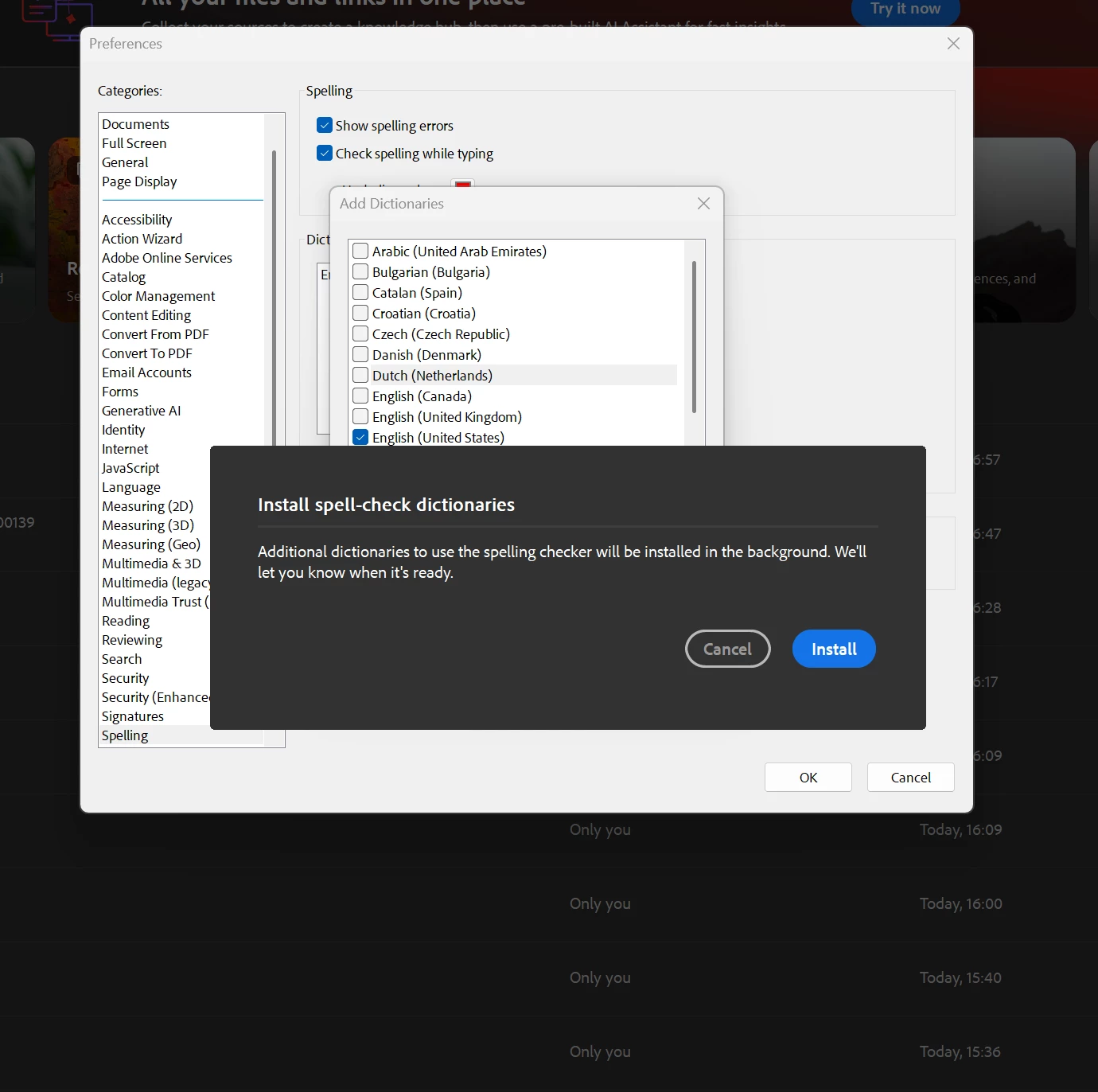
- I go to Preferences > Spelling and click Add....
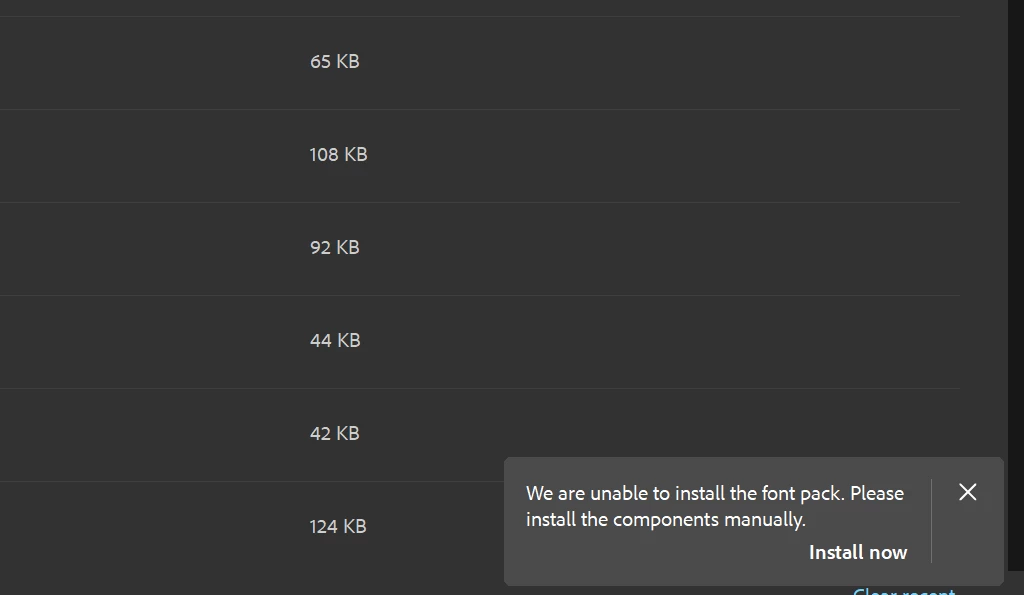
The dictionary list opens, but when I click on a dictionary, the checkbox does not get marked as selected. - After clicking Install, a small pop-up window appears in the lower-right corner of the screen: “We are unable to install the font pack. Please install the components manually. Install now”. This pop-up does not provide an "Install now" button or any other interactive options; it seems to be incomplete.
- The installation never proceeds.
Troubleshooting Attempted:
I have already tried repairing the Acrobat installation using the Adobe Acrobat Pro available self repairing option, but this did not resolve the issue.
Has anyone else experienced this problem? Any guidance on how to get the dictionaries to install would be greatly appreciated.
Thank you for your help.
R.
 AdChoices