Hi there, if the issue is only the color, there are a lot of tools in order to achieve what u are looking for.
What you need to understand is what you want to achieve:
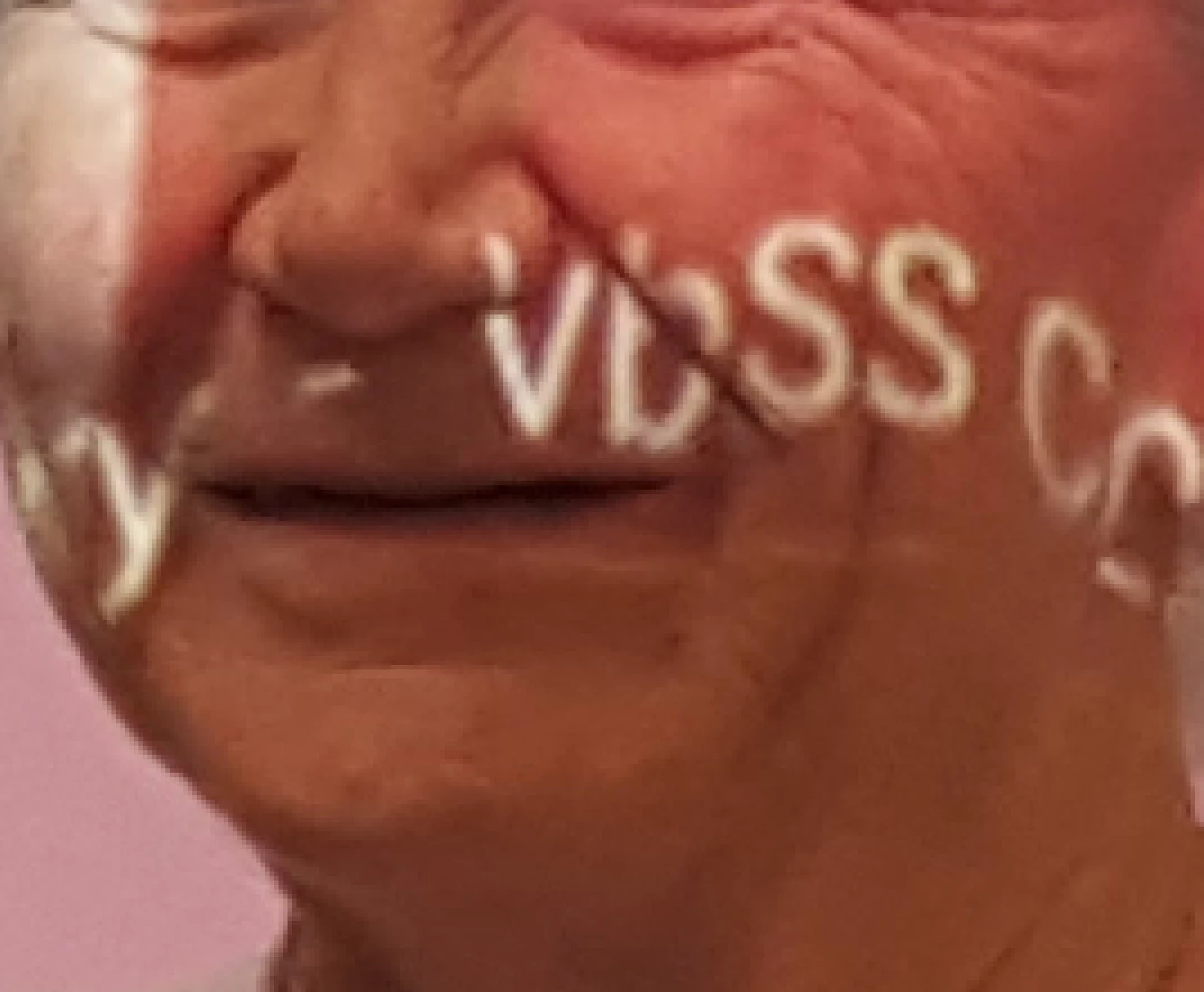
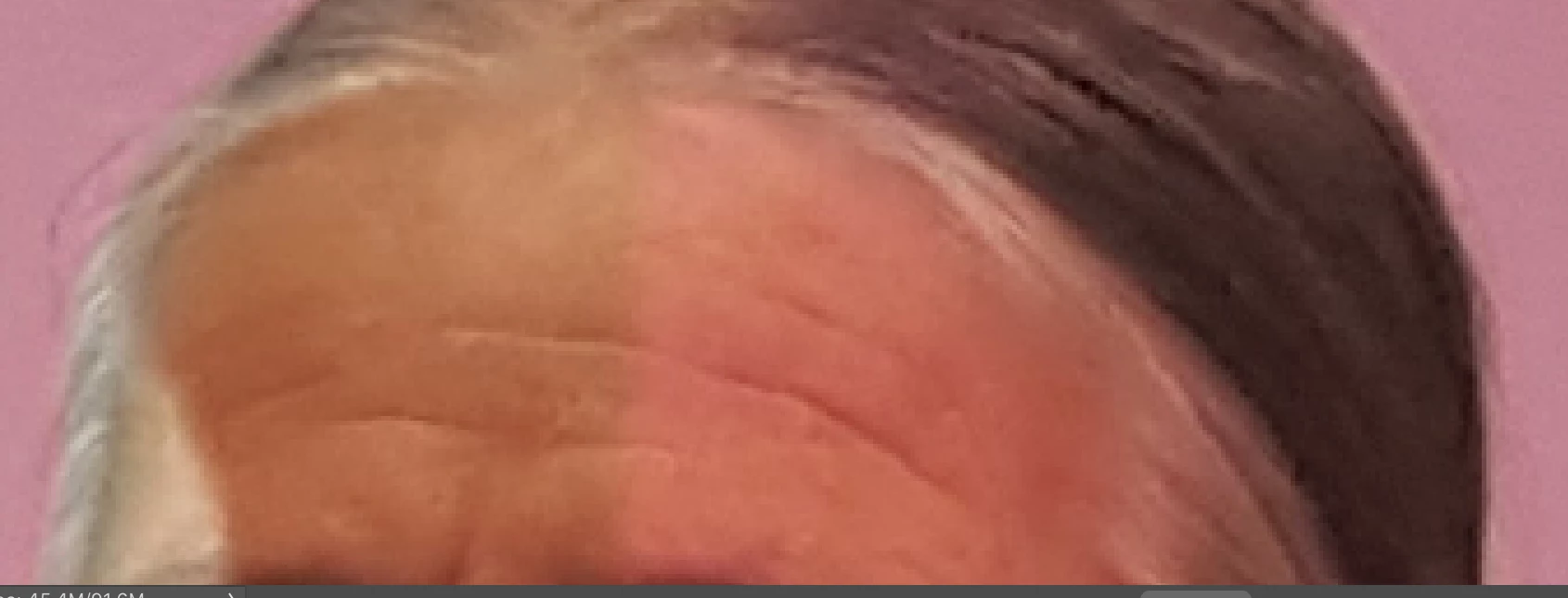
- On one side you have more brownish and dark look
- On the other you have a more pinkish and light look
- You must be able to isolate one are of color and change it, usually done via masking
This means you have to use some tools which can change the tones and the colors.
Depending on your skill level you can go very in depth and obtain a very natural look. If you are a novice, i suggest to use the Eyedropper tool in order to select the Pink correct color. Thank Create a new layer and change it's blending mode to COLOR. Now paint with a very soft brush the color over the dark wrong color of the skin and you will see how the color will become more uniform.
You can paint also over the correct side of the skin in order to paint over the whole skin and remap the skin tone.
You will see some difference in brightness. In order to correct that you have to create a Levels layer and once masked the dark area, adjust the brightness.
It can be tricky if you are a beginner. Please let me know if you will manage to achieve what you need.
My intent is to give you the easiest way to do what you need without to much headache.
Cheers,
Martin




 AdChoices