



Vexedwaffle
Participant
March 14, 2023
質問

How to set horizontal alignment of text entered into text box, and removal of the blue in text box

  • March 14, 2023
  • 返信数 1.
  • 903 ビュー

Using Adobe Acrobat DC. Can anyone tell me how to get rid of the blue in the text boxes after entering text. Also, for the life of me I can't figure out how to align any text that's enter vertically to the bottom of the text box. I've included examples of what I'm talking about. Thanks in advance.
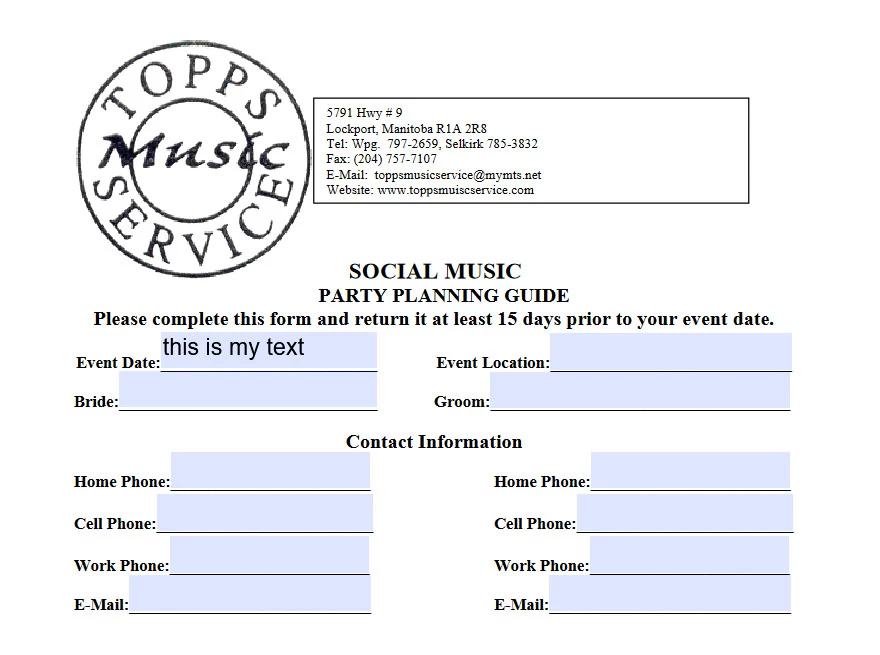
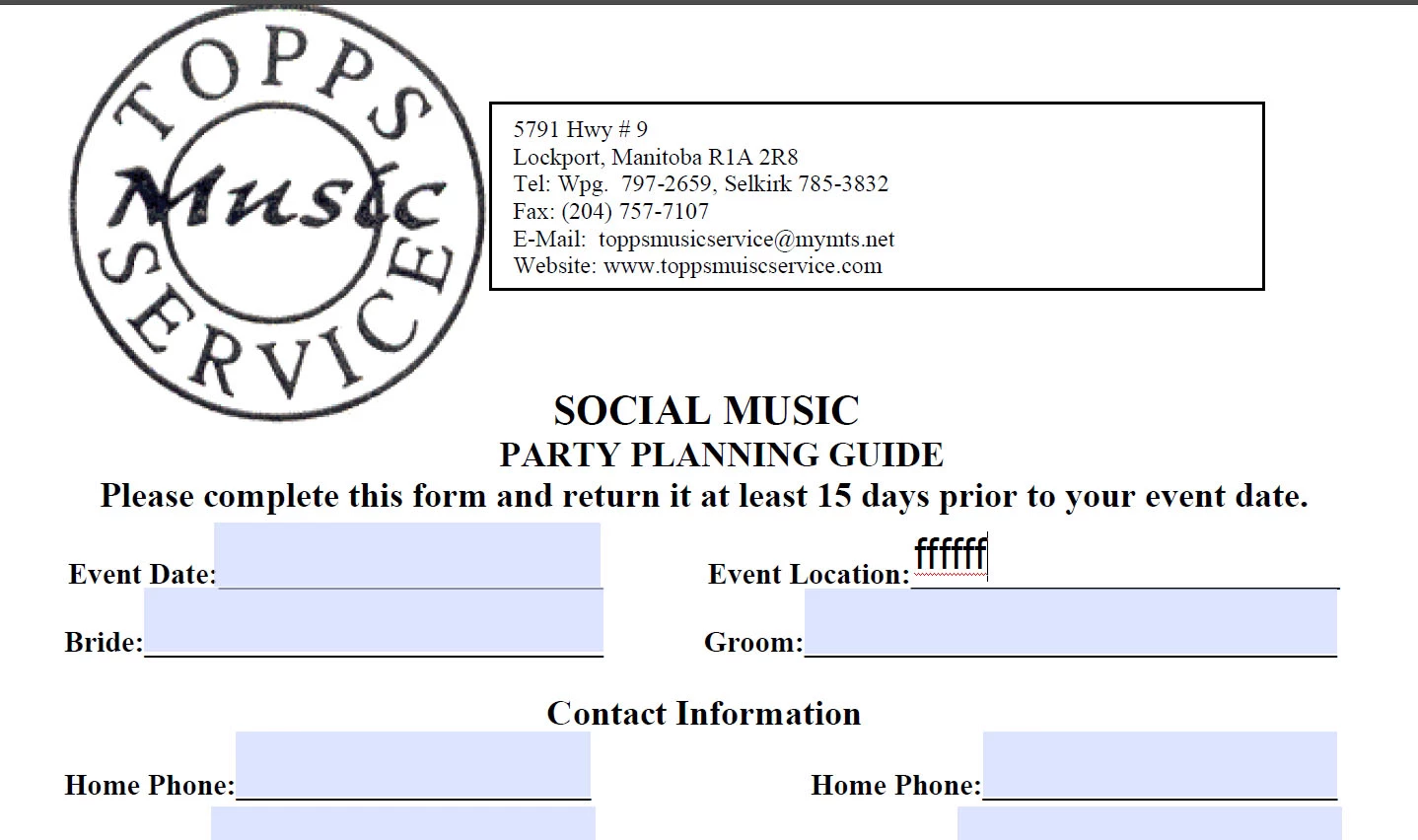
 

Appreciate any help for this newb usser. 🙂

このトピックへの返信は締め切られました。

返信数 1

Amal.
Community Manager
Community Manager
March 14, 2023

Hi @Vexedwaffle 


Hope you are doing well and sorry for the trouble.


The alignment of the text entered in the text field depends on the positioning of the field on the form. If you have the editing rights for the form, please go to Tools > Prepare form and try to reposition the text field on the form and check.


To remove the blue highlight color in the text field go to Edit (Win), Adobe Acrobat (Mac) > Preferences > Forms >  Under highlight color, set field highlight color as desired.


Regards

Amal


Got your issue resolved? Please label the response as 'Correct Answer' to help your fellow community members find a solution to similar problems.