Participant
August 15, 2023
解決済み

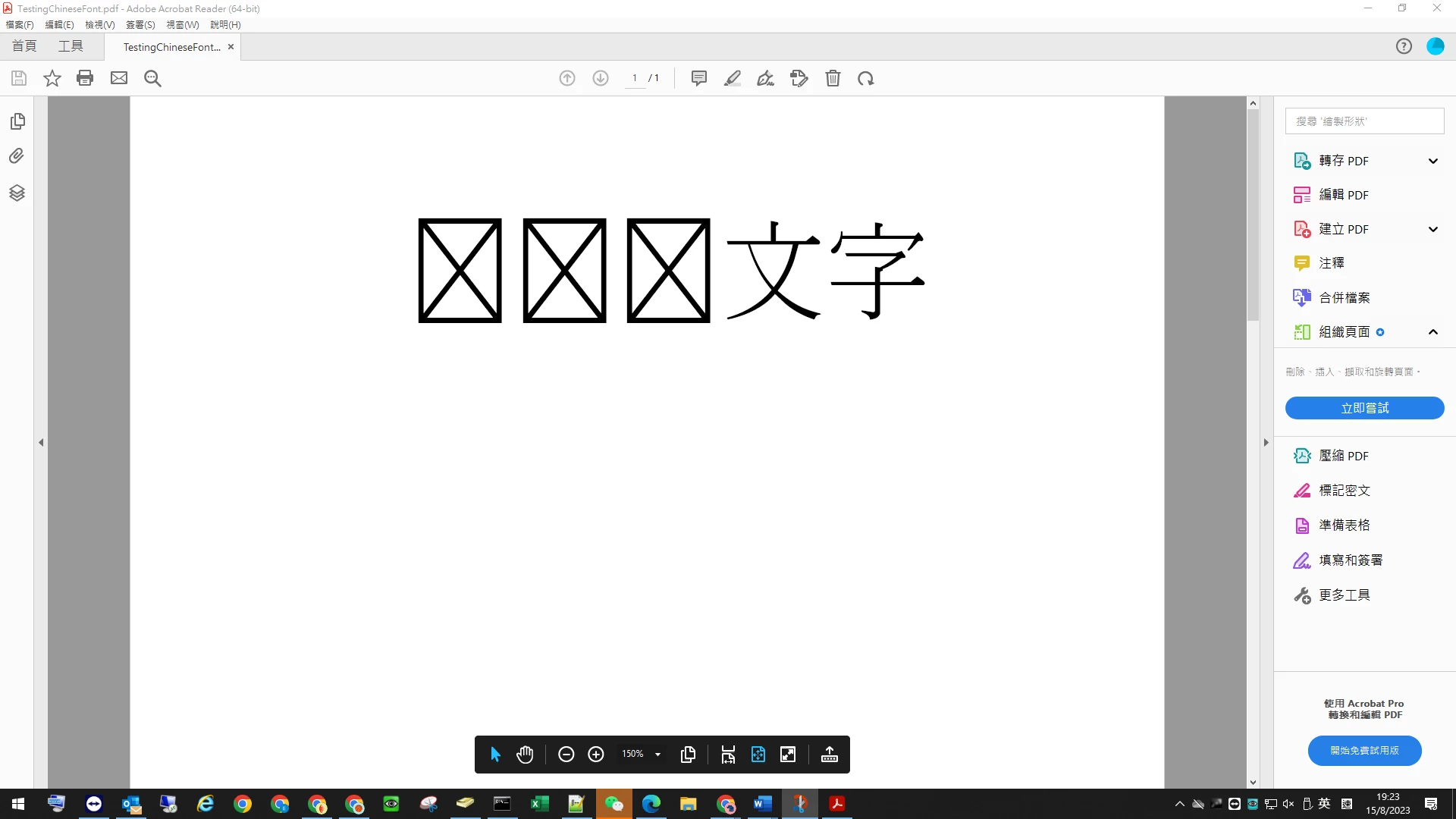
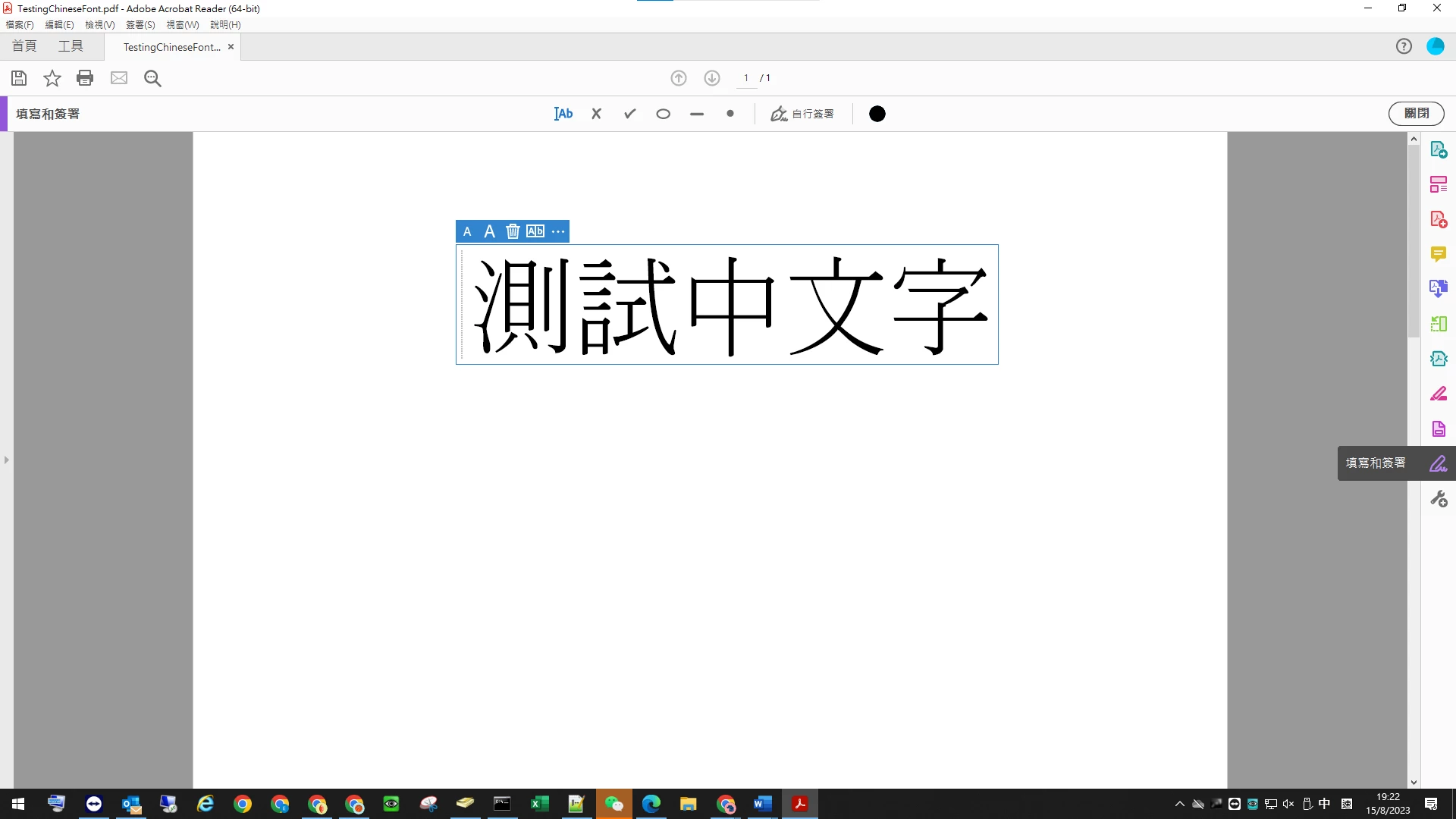
當使用"填寫和簽署"工具時,所輸入的中文字,儲存後會出現亂碼狀況
  • August 15, 2023
  • 返信数 4.
  • 7770 ビュー

このトピックへの返信は締め切られました。
解決に役立った回答 Vinod Dobhal

Hi All,


The font corruption issue has been fixed in the latest update of Adobe Acrobat 23.003.20284.2636a55. Please try updating the application to the latest version.


Thanks,

Vinod

返信数 4

Vinod Dobhal解決!
Adobe Employee
August 24, 2023

Hi All,


The font corruption issue has been fixed in the latest update of Adobe Acrobat 23.003.20284.2636a55. Please try updating the application to the latest version.


Thanks,

Vinod

Participant
August 22, 2023

我也有一樣的問題,使用填寫和簽署時,無法輸入中文。


Participant
August 22, 2023

附上版本,更新後一樣沒改善,再麻煩團隊了!


Participant
August 23, 2023
Participant
August 17, 2023

Same isuue here!!!!

Participating Frequently
August 18, 2023

Please use Microsoft Print to PDF and then save as other file name. After print done, use new sve file to view and edit. The orginal file once through adobe reader save agin will keep not display chinese file

hkmix
Participant
August 15, 2023

我也有這樣的問題.


I have same issue too 


AkanchhaS8194121
Legend
August 15, 2023

Hi @Antony31678772fz94 @hkmix 


Thanks for reporting this to us.

Please share the sample pdf file before and after saving it in Acrobat Reader. That would be helpful for the engineering team to further investigate the issue.


Thanks,

Akanchha 

Participant
August 16, 2023

Our teams seems found out the solution, control panel -> region-> check the box and reboot PC

Hope can help!