



Java Script Blocking till clicked button
German:
Hallo zusammen,
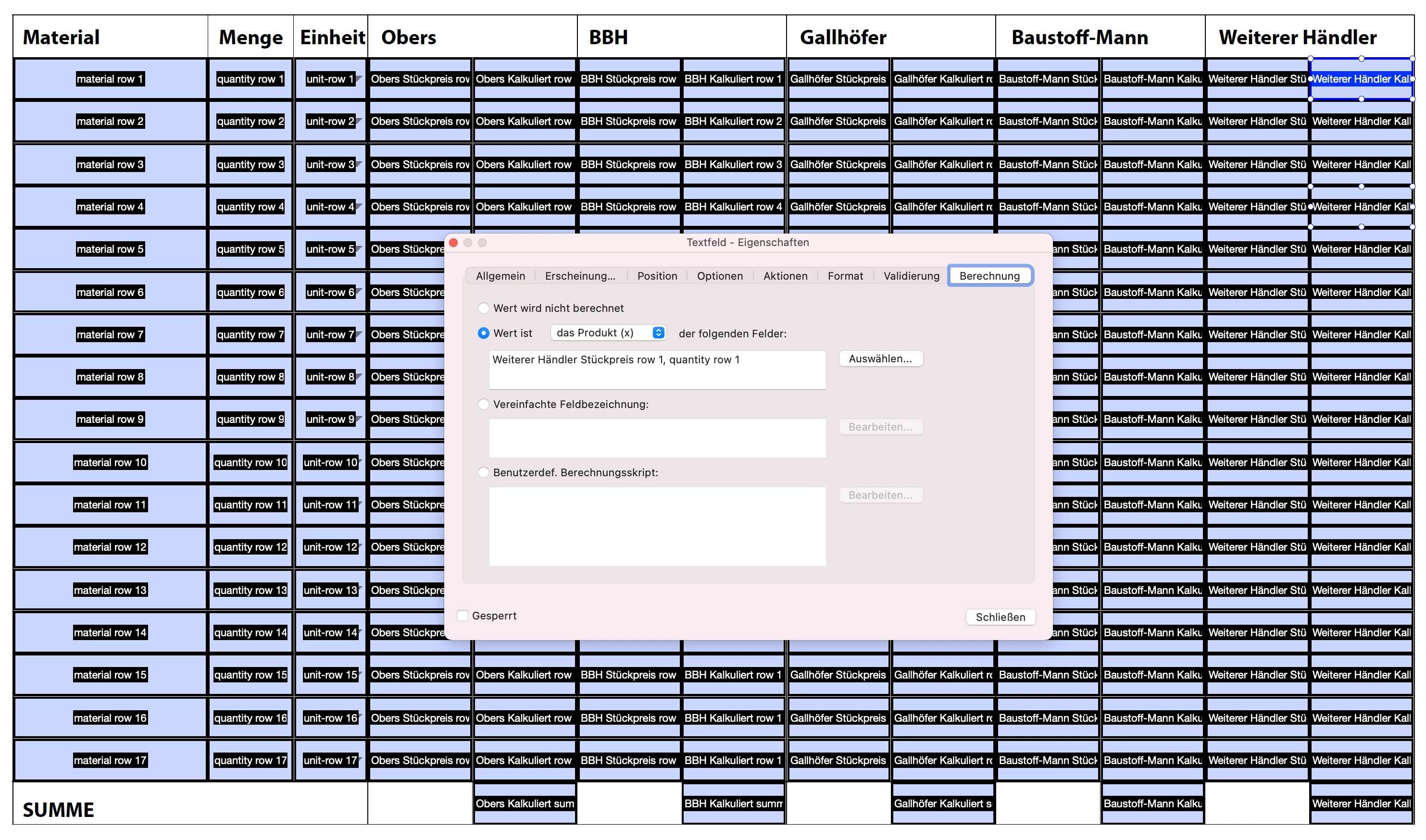
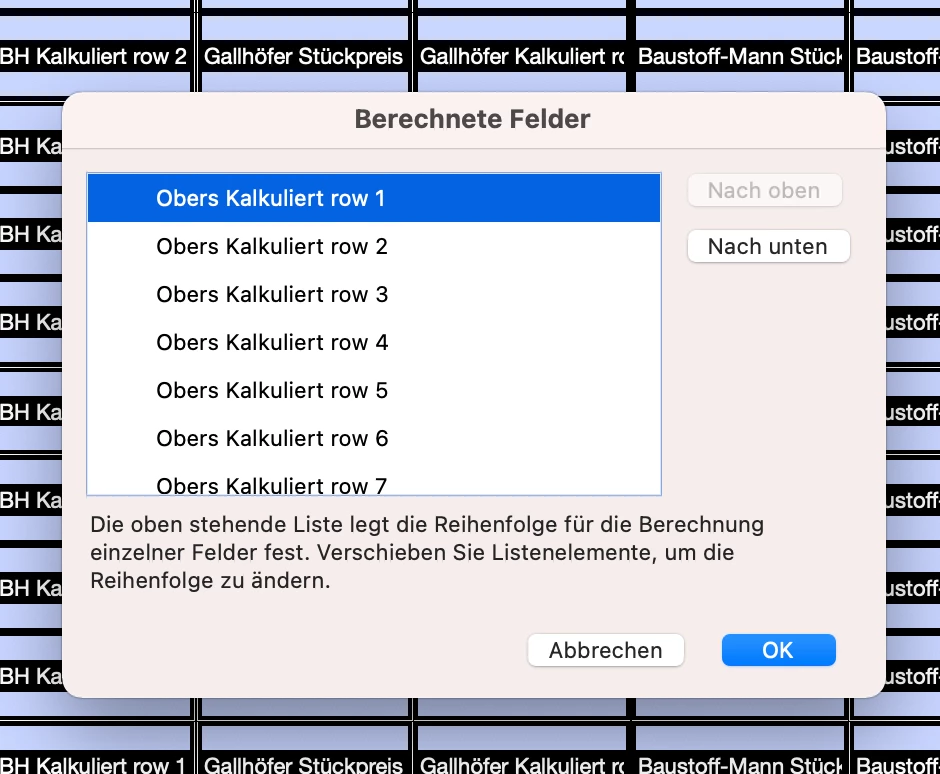
ich habe eine PDF Datei mit über 80 berechnenden Feldern. Diese habe ich ganz normal mit den Formularoptionen "Berechnen" eingestellt. Jetzt möchte Adobe aber nach jedem Feldwechsel alle 80 Felder aktualisieren und berechnen. Das macht die gesamte PDF Datei sehr langsam.
Meine Idee war jetzt die Berechnungen direkt am Anfang zu stoppen und zwar solange, bis ein Button am Ende der PDF geklickt wurde auf dem "Berechnen" steht. Dann sollen alle Berechnungen einmal durchgeführt werden und anschließend wieder alles gestoppt werden.
Hat hier jemand Erfahrung und kann mir evtl. weiterhelfen?
Vielen Dank im Voraus.
English:
Hey there, i have a PDF File with over 80 calculating fields. These fields are programmed with normal field calculation of Adobe-Reader.
The problem is, that the pdf is really slow because Adobe-Reader wants to calculate every field after skipping to the next field.
I thought of the following solution: Block whole calculating until the customer clicks a button at the end of the page with "Calculate".
Could you help me with that?
 AdChoices