


New Participant
July 6, 2020
Question

Most PDF documents are garbled or scrambled after opening

  • July 6, 2020
  • 2 replies
  • 5733 views

Hello,

I have Adobe Reader DC installed on my laptop and am unable to view/edit (fillable) .PDFs because as soon as I scroll the window or click anywhere within the content of the document I am presented with a garbled mess.

Here is a screenshot of this problem:
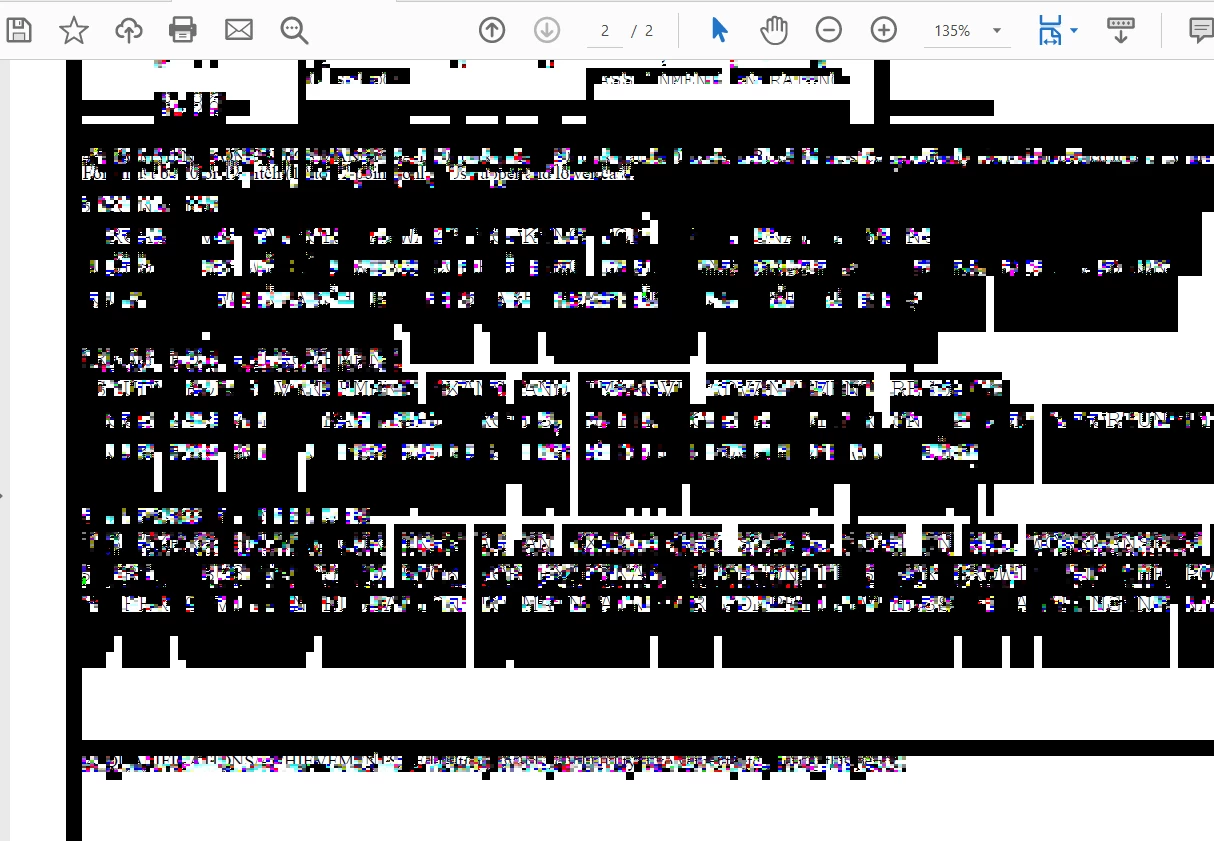
All of the documents I've tried viewing open perfectly fine on other computers using Reader DC. I've tried uninstalling/reinstalling Adobe Reader DC several times but nothing seems to work. The problem seems to be specific to my computer. Has anyone experienced this issue before?

Thanks.

This topic has been closed for replies.

2 replies

Bevi Chagnon - PubCom.com
Brainiac
July 6, 2020

Your screen capture looks like an extreme case of  missing fonts. That is, the fonts used in the PDF aren't installed on your computer, nor were they embedded into the PDF when it was made by the author.


Because nearly every character is distorted, rather than just some, you might be missing a key system font on your computer that the PDF happens to call for.


Check your computer's system fonts and make sure they are installed:


If that doesn't clear up the problem entirely, then open the PDF on another computer where you don't have the font problem. Go to File / Properties / Fonts and see what fonts the PDF is looking for. This is the list of fonts you need to install on your computer.


There are other workarounds, but try these 2 easy ones first.


|    Bevi Chagnon   |  Designer, Trainer, & Technologist for Accessible Documents ||    PubCom |    Classes & Books for Accessible InDesign, PDFs & MS Office |
New Participant
July 6, 2020

Bevi Chagnon,

Thank you for your in-depth reply. I went through the list and compared it to the fonts installed on my computer, but I was unable to see any missing fonts. I also do not have access to another computer at this time. However, the fonts on the documents do appear correctly for a brief moment before scrambling.


I've attached a video to better describe this problem:


Here is a link in case the upload didn't work: https://youtu.be/wbgRzuWl8vY 

It also seems to do this with ALL pdfs, fillable or not.