

解決済み
How to delete a library in my color library?
I have duplicates in my color library, how do I delete them from my color library?

I have duplicates in my color library, how do I delete them from my color library?
Hey @klaudisio
Just to answer your question.
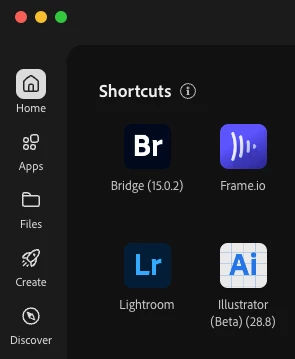
1) Go into your Creative Cloud App
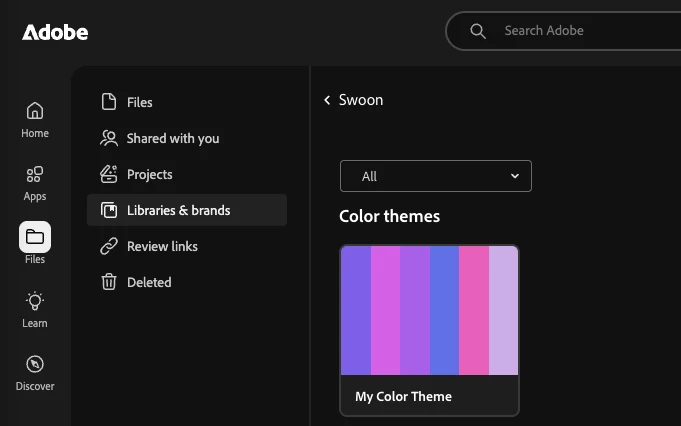
2) Open "Files"
3) Select Libraries and Brands
In Libraries and Brands you will see your colour libraries.
Cheers
O. Nate
Enter your E-mail address. We'll send you an e-mail with instructions to reset your password.
 AdChoices