Inspiring
October 5, 2021
解決済み

How do I delete Flow or Flow Icons from my artboards?

  • October 5, 2021
  • 返信数 1.
  • 50560 ビュー

Somehow I have new flows over my artboards. I don't know how they were added. How do I delete these or hide them? 
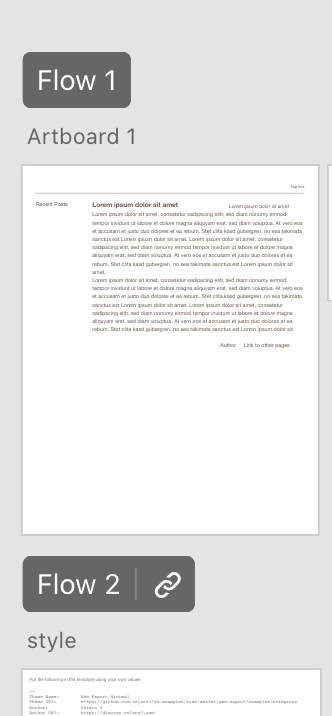
 

The "Flow" and "Flow 2" icons - I want to completely remove these or hide them. 
解決に役立った回答 creative explorer

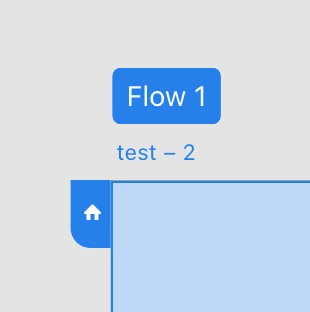
@danielj93205886 i think it's your computer....because this is what we see:

inactive:


Active:


返信数 1

Community Manager
October 5, 2021

Hello,

Thank you for reporting the issue.

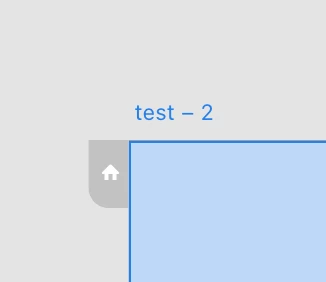
You can hide them by going in Prototype mode.

Select the Artboard having Flow name and gray out the Home icon on left of artboard. Then, Flow name will get disappear.

I hope it will be helpful.


Regards,

Anita Subedi


Participant
November 29, 2021

Thank you for this!