

解決済み
Can you "apply gradient across stroke" in Animate like in Illustrator?
In Adobe Illustrator, you can apply a gradient across a stroke to make an effect like in the screenshot of Illustrator below. Is there a way to do the same in Animate?
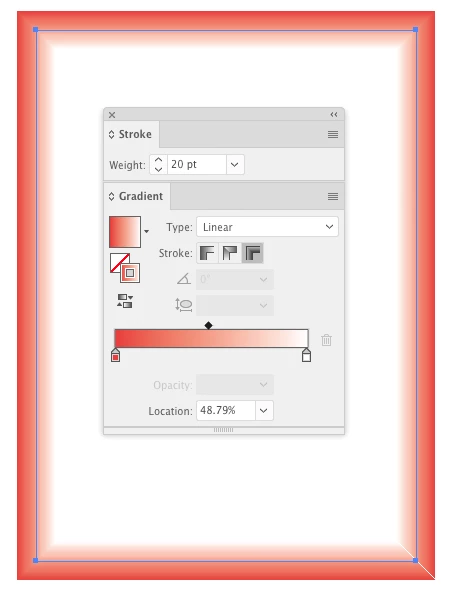

In Adobe Illustrator, you can apply a gradient across a stroke to make an effect like in the screenshot of Illustrator below. Is there a way to do the same in Animate?
You can come close in Animate to this effect. You can try converting it to a Movie Clip and using a bevel filter or gradient glow, or fill each line segment with a gradient that has 2 colors, same value but one color at 0% alpha. Then adjust the gradient accordingly for each stroke...not perfect but might be good enough or you can spend more time than I did and get it even closer...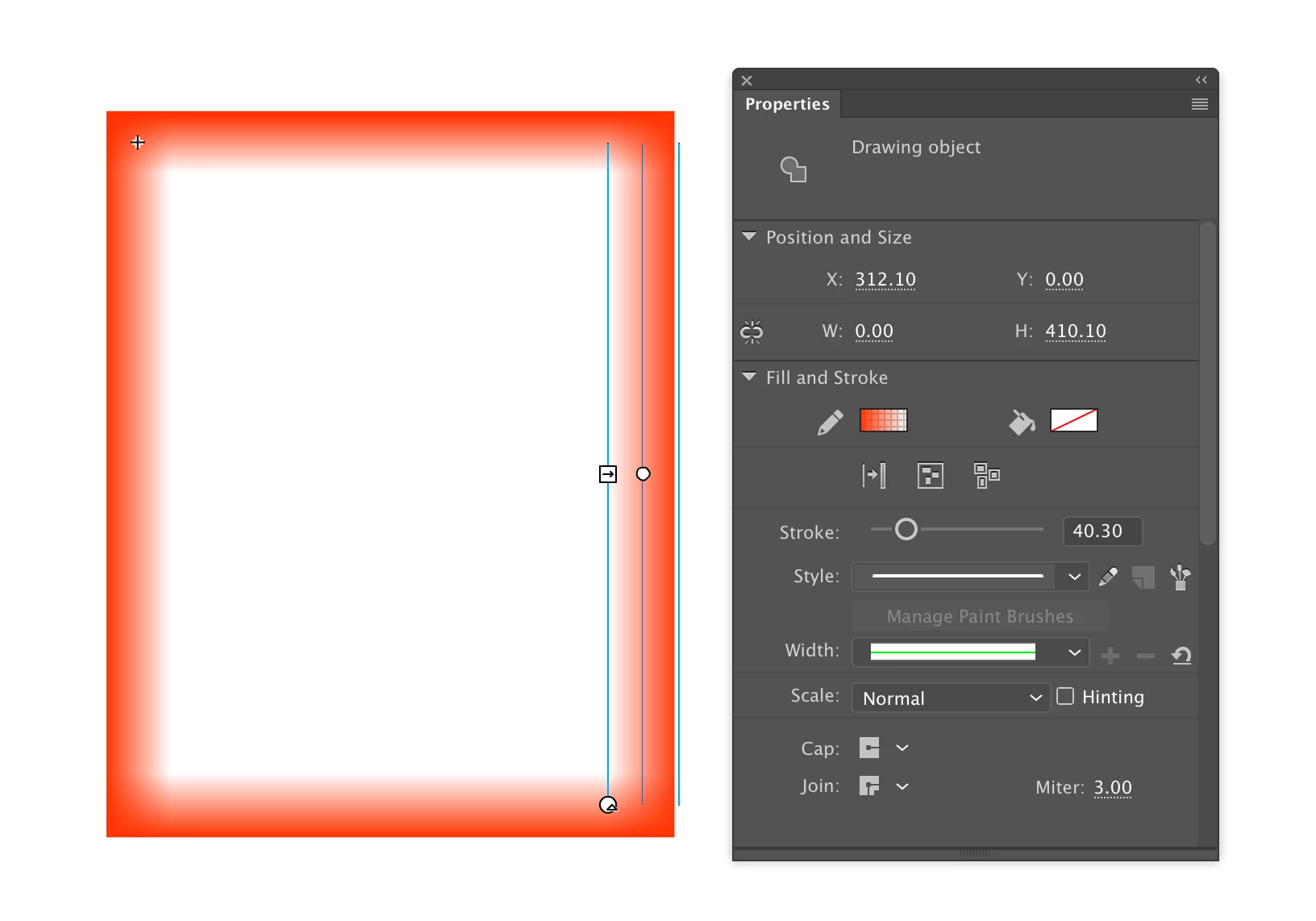
Enter your E-mail address. We'll send you an e-mail with instructions to reset your password.
 AdChoices