


lanigan87
Participant
October 5, 2015
解決済み

Captivate 8: YouTube video displays in preview mode but not after publishing. (on any browser)

  • October 5, 2015
  • 返信数 2.
  • 545 ビュー

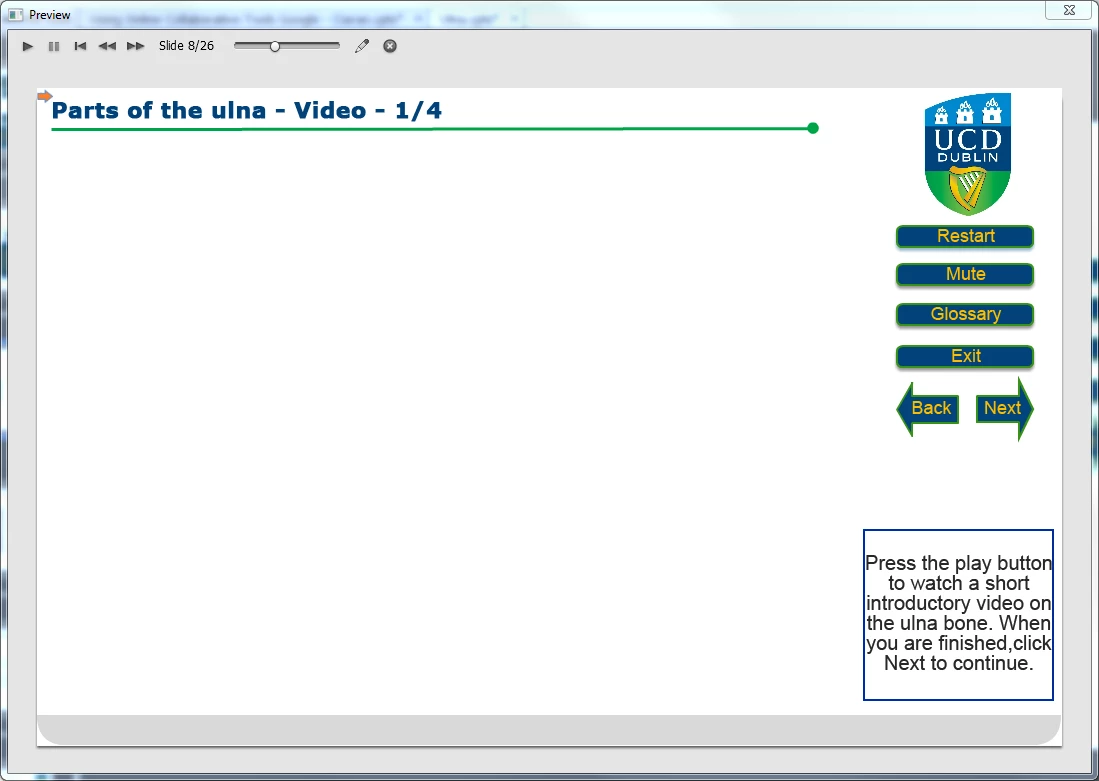
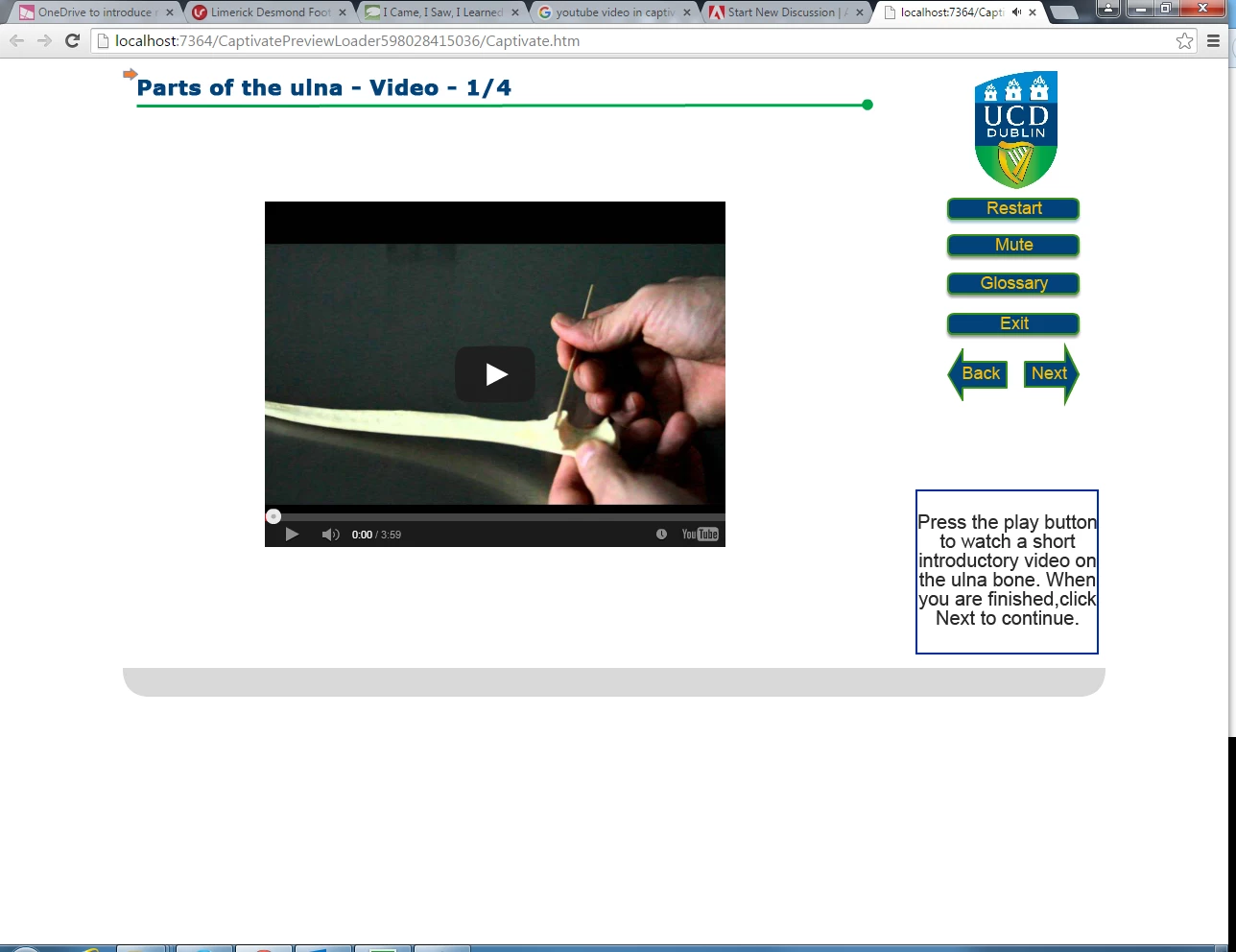
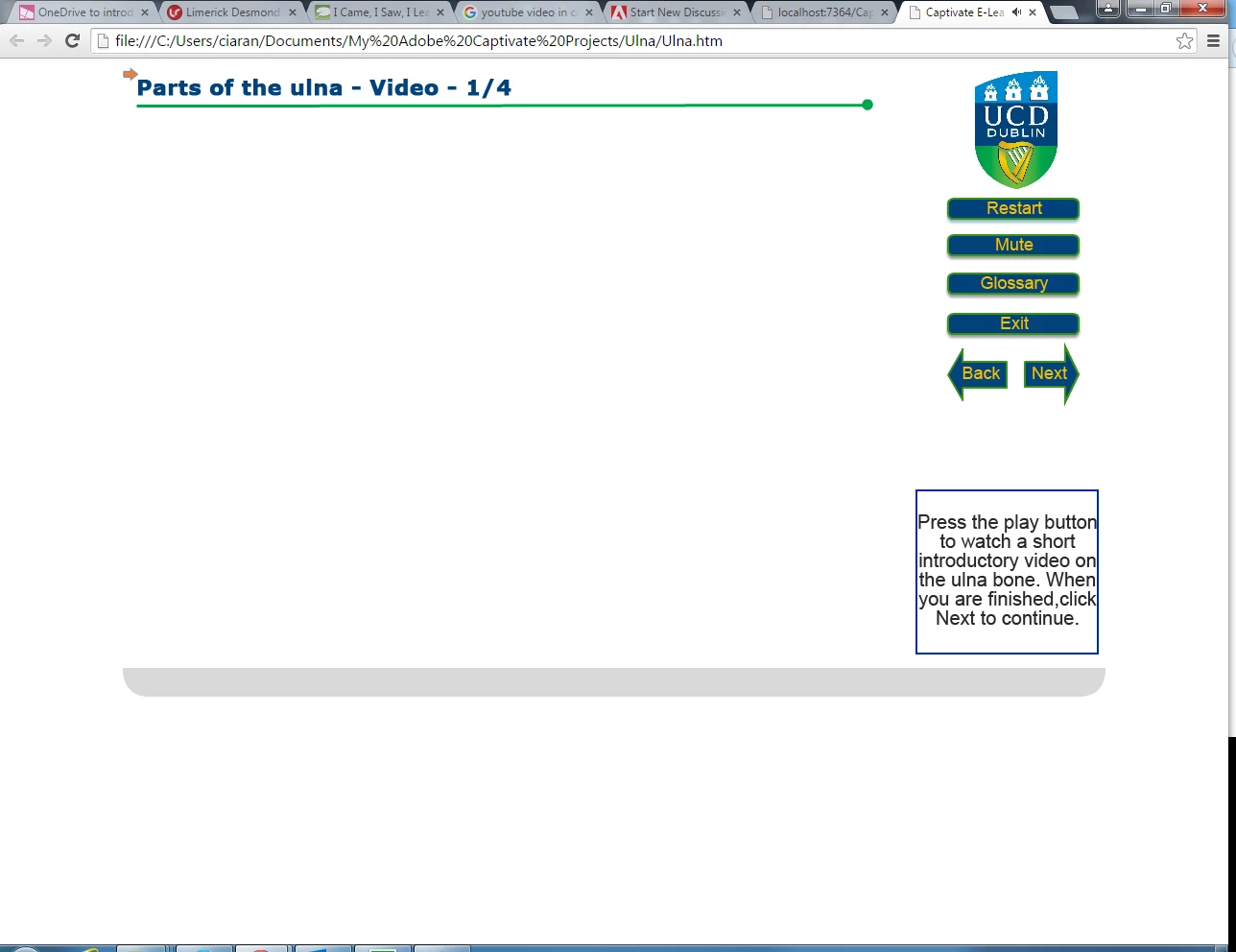
I have a captivate 8 presentation, I inserted a video with the Youtube widget. It doesnt appear at all in preview mode. However when I preview it in a browser it does appear and works fine. Then when I publish it and play the published file it is nowhere to be seen. I cannot figure this out. I attached some screenshots to show what I mean.

preview1: normal preview without browser (video not appearing)
preview 2: preview with browser (video appearing and working fine)
Preview 3: Published file, (video not appearing)
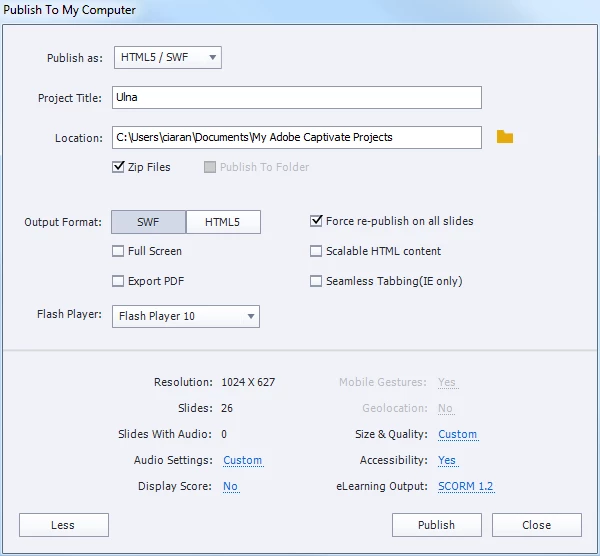
These are my publish settings:
このトピックへの返信は締め切られました。
解決に役立った回答 TLCMediaDesign

The difference is that the one that works is running on your localhost, which is a server. The last one is just running from your hard drive. Your system must not be configured to allow some scripts to run locally. If you push your files to a server, I'm sure it would work.

返信数 2

lanigan87
lanigan87作成者
Participant
October 5, 2015

OK, thanks for the reply, do you have a link on how to do any of this?! Sorry to ask I am just not that experienced in that area, and if I search for it I am afraid I will bring up something else. Thanks in advance.

RodWard
Community Expert
Community Expert
October 5, 2015

What Dave means by "push to the server" is that you just need to upload your published content to the web server or LMS server where you were going to place it so that end users could view your content.

Do you know how to do that?

RodWard
Community Expert
Community Expert
October 5, 2015

Well the thing is I wont actually be doing that. This is just a sample lesson I was asked to create as part of a presentaion for an upcoming interview. So I will just be sending them on a zip file and it wont be going up on a lms.


Why don't you at least try registering with SCORM Cloud for a free test account and then upload your content to SCORM Cloud.  It would certainly make you look more proficient in the interview if you could show them your sample lesson already working from the internet in an LMS, don't you think?

TLCMediaDesign
Inspiring
October 5, 2015

The difference is that the one that works is running on your localhost, which is a server. The last one is just running from your hard drive. Your system must not be configured to allow some scripts to run locally. If you push your files to a server, I'm sure it would work.