Participant
July 25, 2020
解決済み

Help with glass bottle

  • July 25, 2020
  • 返信数 4.
  • 1718 ビュー

HI,


I am having issueslighting my bottle with liquid and not having weird shadows aapear in the bottle,  I am also having difficulties in making my label a clear sticker.  Any hekp would be apprecaited.  I attached a photo of what it should look like without the label and with a different liquid.  I need my liquid to be clear.


Thanks so much!


Here is the link to the file in case the attachment didnt work.


https://www.dropbox.com/s/to3u3ctjz7q2ooo/GIN%20BOTTLE.dn?dl=0


このトピックへの返信は締め切られました。
解決に役立った回答 Ussnorway7605025

examples

  • only Dimenion V1 can do transluceny correct... after that Apple Mac started their BS fight with Nvidia and Adobe moved to untested drivers
  • I use the label template included in Photoshop to make these example because the UV map is a lot better than whatever your model was made with... this isn't really needed but lining up images will be much harder if you use your UV map

返信数 4

Ussnorway7605025
Legend
July 27, 2020


how did you do this?


I remade your liquid model in Photoshop which is the 3D I like to work with but its hard to learn and to be blunt Adobe has just buggered it up with untested changes so Blender is where I tell people to learn now

Dn file

there are 3 different [main] types of 3D liquid models and which is 'best' = depends on the camera angle

  • left [full fill], middle your hollow model and right is the [half fill] model I sent you back

full fill models have major rendor issues and will only really be worth using in liquid because they never look clean during rendor... most computers get upset because they have more than one point for each 'line' but they can look ok as a liquid inside something else [avoid them otherwise]

p.s, don't take my word for it but download the Dn and make your own mind up mate

  • [edit] just to be clear, I have deliberately shown the middle part as a different material to make it stand out in these examples... you would not normally do that i.e, just make the entire model one material = best rendor results

Ussnorway7605025
Legend
July 26, 2020

your file back


p.s, I owe you an apology... the bad UV map was made in Dimension and I should have trigged to that

stephscire作成者
Participant
July 26, 2020

no apology needed, i honestly am pretty inexperienced in 3d.  Im just trying to provide renders for my client of the different labels i have created 😕😕

Ussnorway7605025
Legend
July 26, 2020

examples

  • only Dimenion V1 can do transluceny correct... after that Apple Mac started their BS fight with Nvidia and Adobe moved to untested drivers
  • I use the label template included in Photoshop to make these example because the UV map is a lot better than whatever your model was made with... this isn't really needed but lining up images will be much harder if you use your UV map
stephscire作成者
Participant
July 26, 2020

Thank you so much!, someone made me a few models.  Im not sure what they did it in but besides the liquid are there other issues that are causing the lighting to have weird shadows.?  Aslo is it possible to use dimensio v1?


Ussnorway7605025
Legend
July 26, 2020

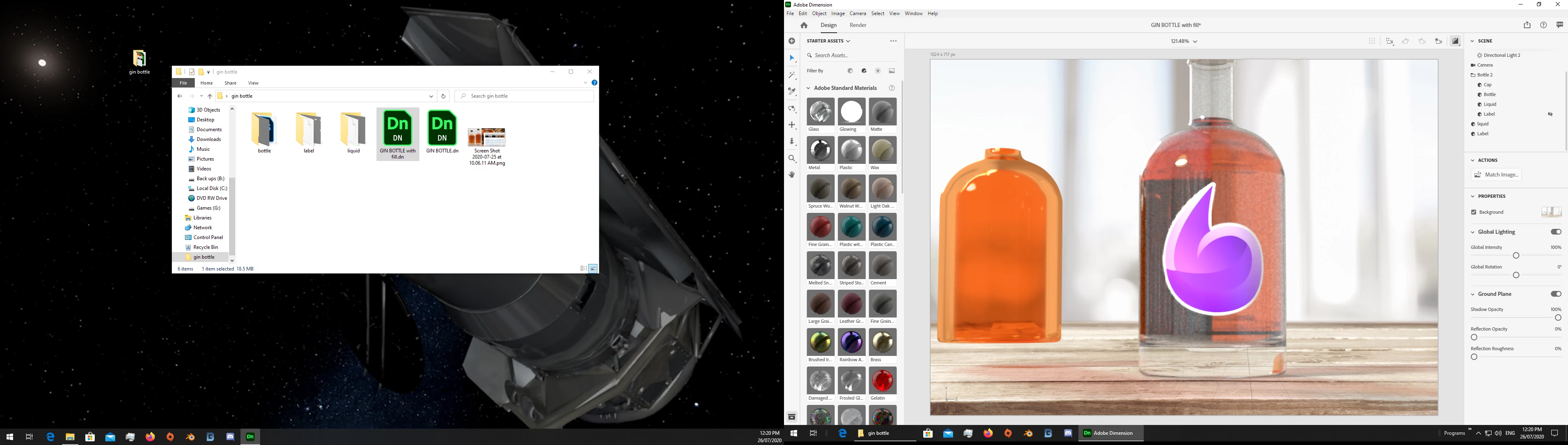
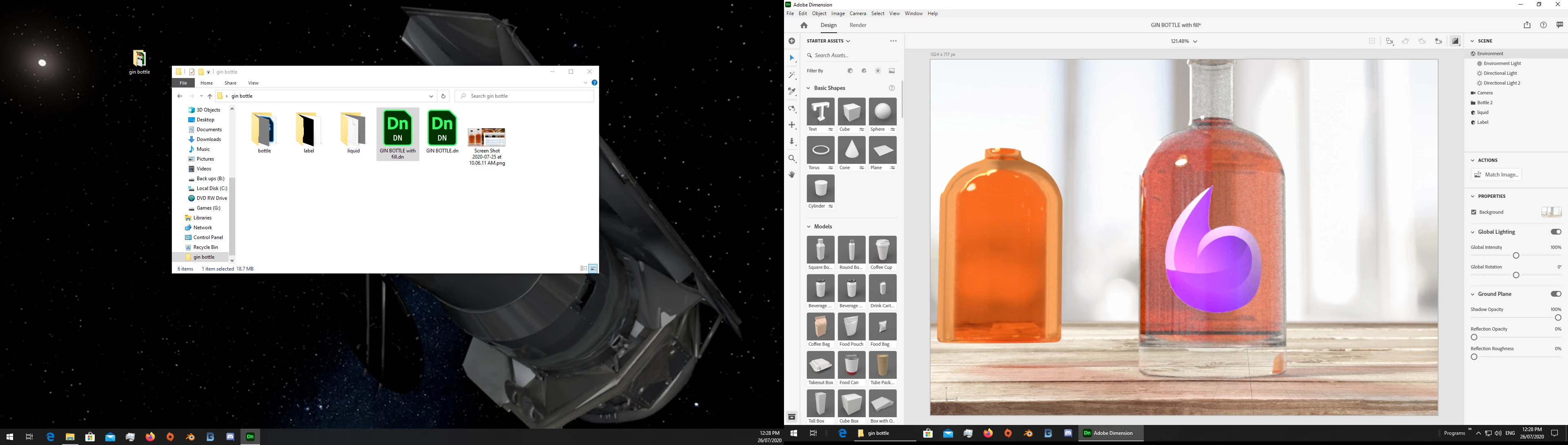
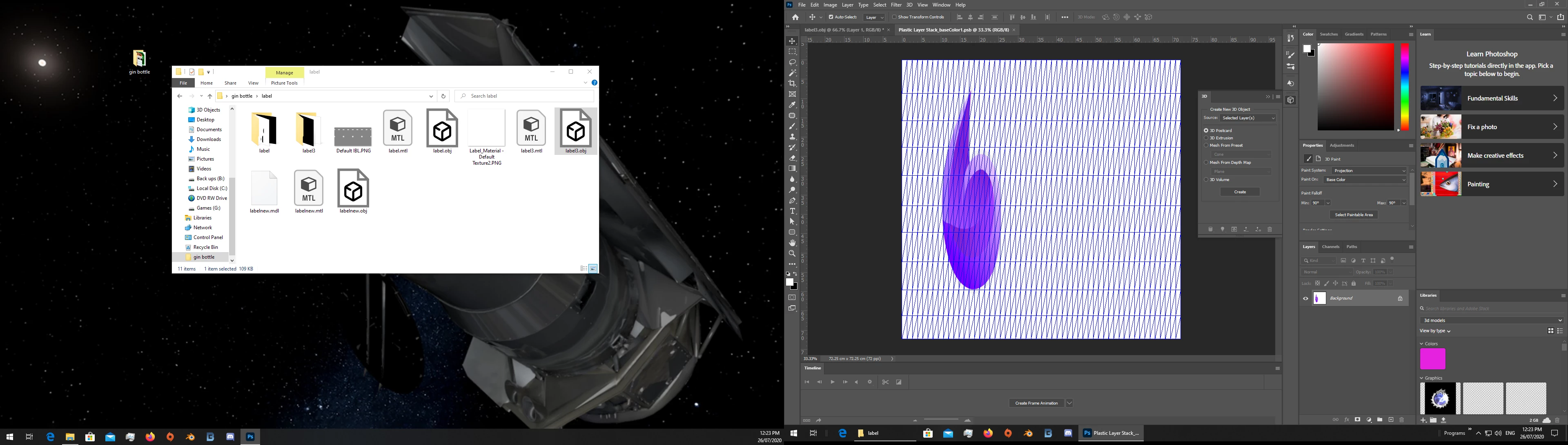
lets start with the liquid... you made it hollow so light changes colour when it hits the air in the middle and your best repair is to remake the liquid as a fill [its suttle but i have taken two screengrabs to try and show the diffence as light hits it]


q2

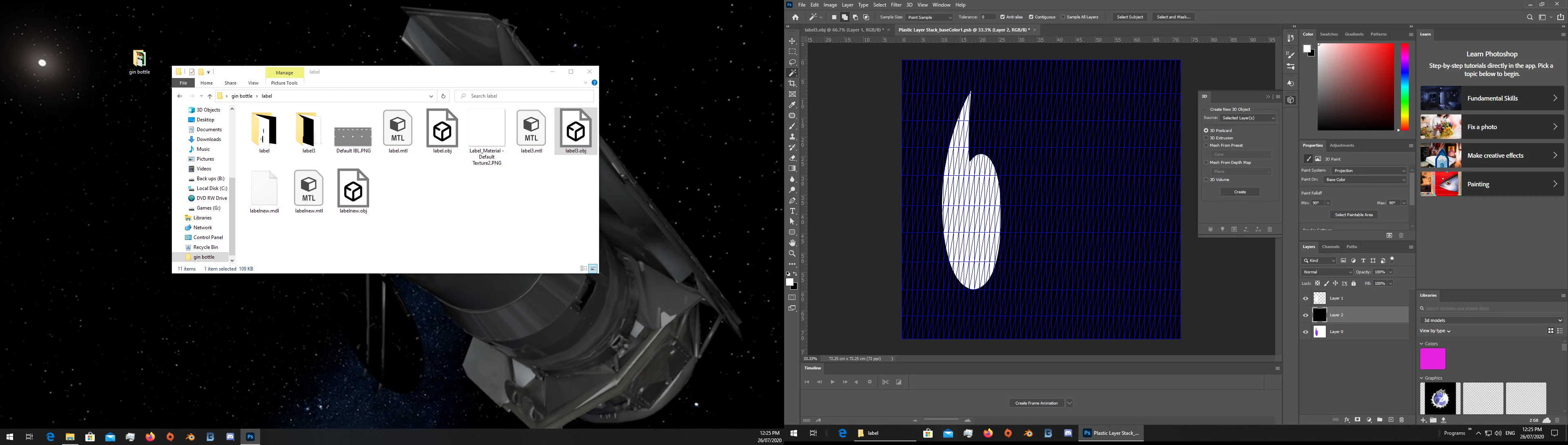
I am also having difficulties in making my label a clear sticker.

the label is already pretty clear so you want it to only show the image itself and the rest don't show at all?

you can do that with an opacity map but I can't demo it because you didn't include the image... basic shapes work best with opacity maps so small text extra will not look good