


.Ai to .PNG and .Jpg looks good but not on Linked in after exporting with Linkedin recom resolution.
This question might sound silly. I thought of not posting/asking it here. But, I couldn't stop it as I didn't find answer on the respective threads.
Here is my problem. I have to upload a photo on LinkedIn, I have designed it in illustrator with the recommended size which is 1200*1200 Px. I have used a general colour pallet, after reading some recommendations here. I changed the colour pallet and checked only web colours.
Now I have exported it as .Png and .Jpg using (Save for web and then selected PNG-24, unchecked transparency and didn't change the resolution. As the pic is more of text, I chose "Type Optimized" and then click the save tab. I got good clarity .PNG-24 Image and I was happy (Compared to the vector file (.AI) colours changed a bit (I choose RGB) as I will be using it for social media.
When I uploaded it to Linkedin clarity was not up to the mark that I expected. Please check the below two images.
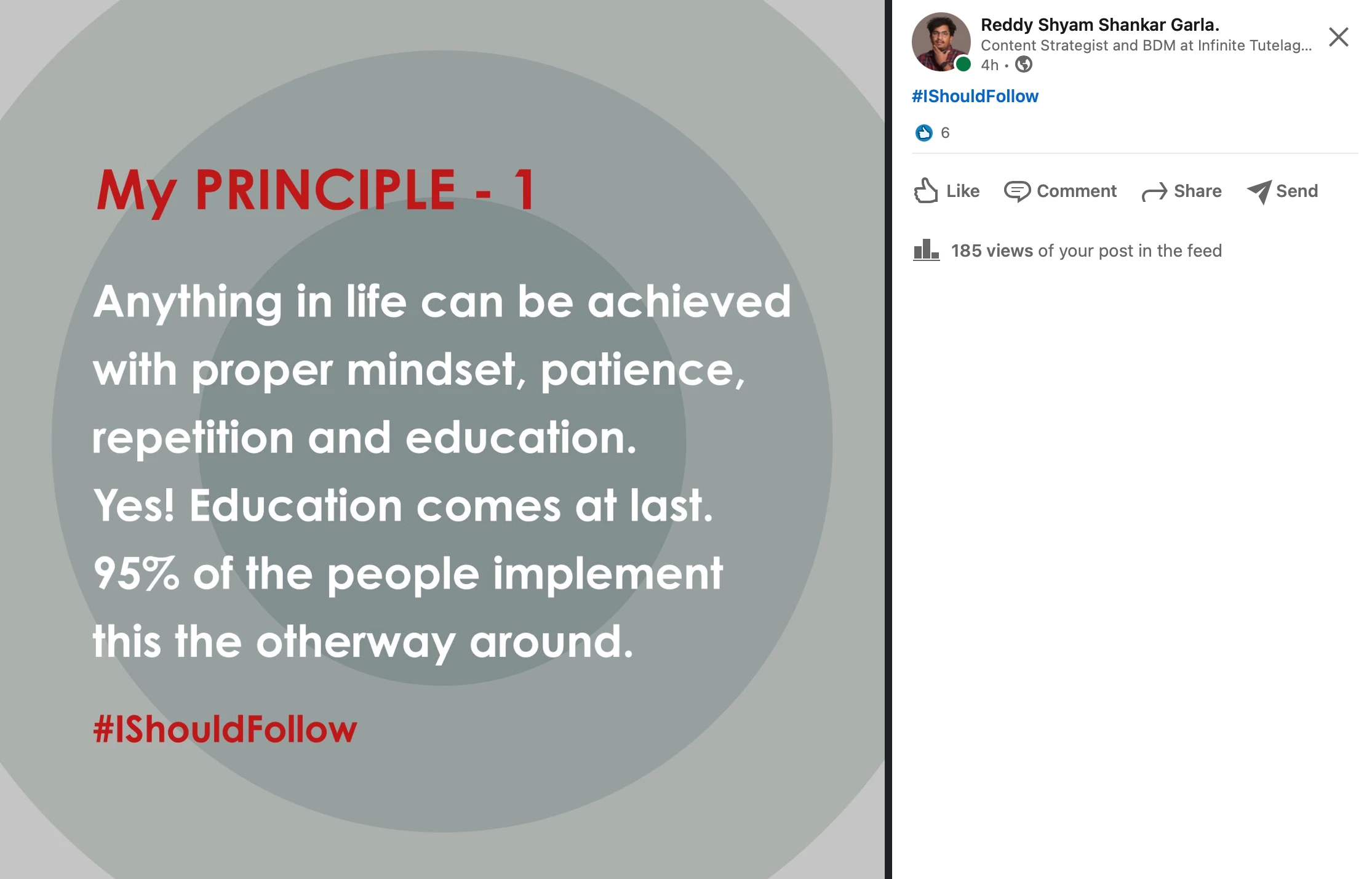
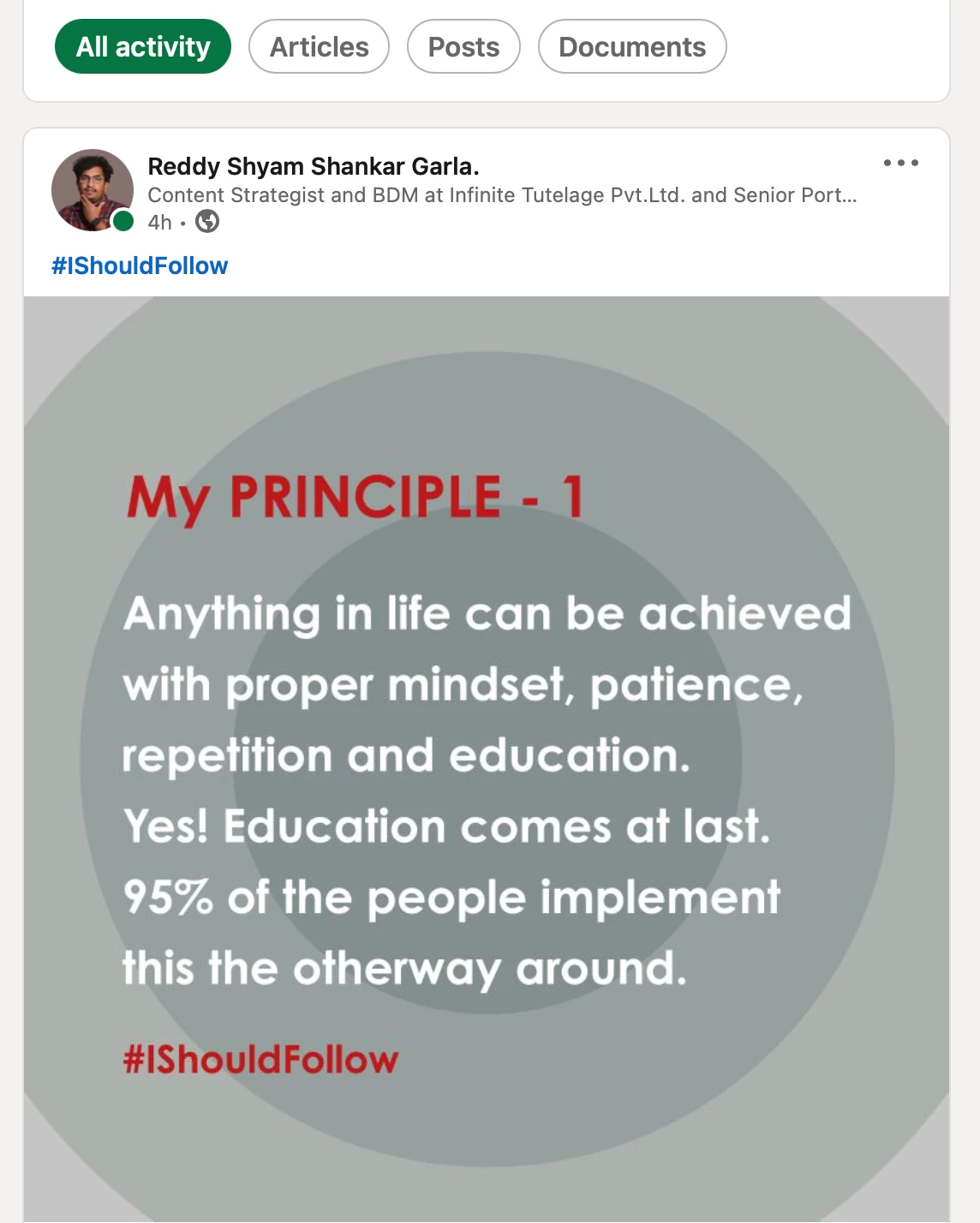
I have been following many pages that post good pictures on LinkedIn and their photo clarity is too good and can sense it. Please check the below images for comparison.

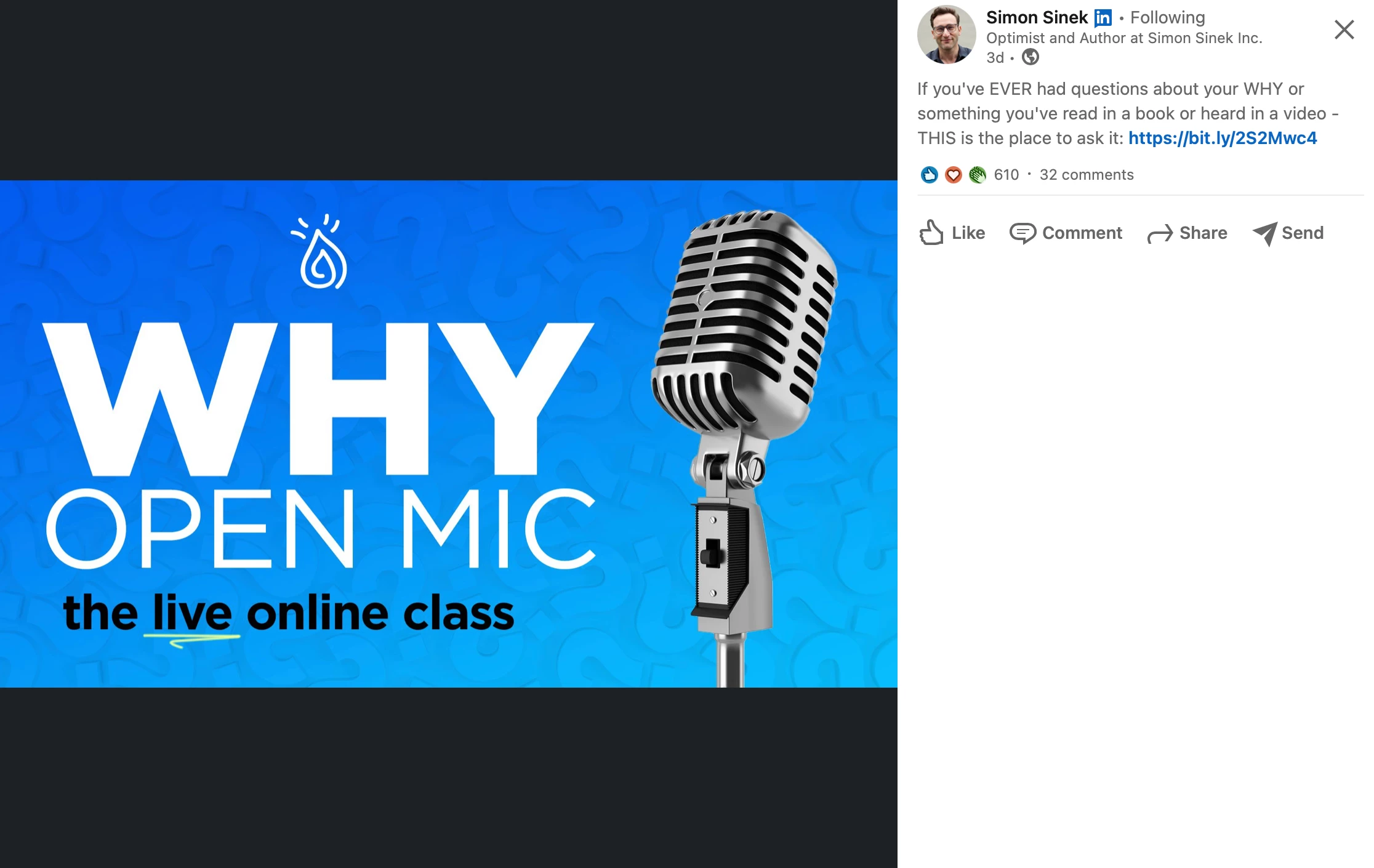
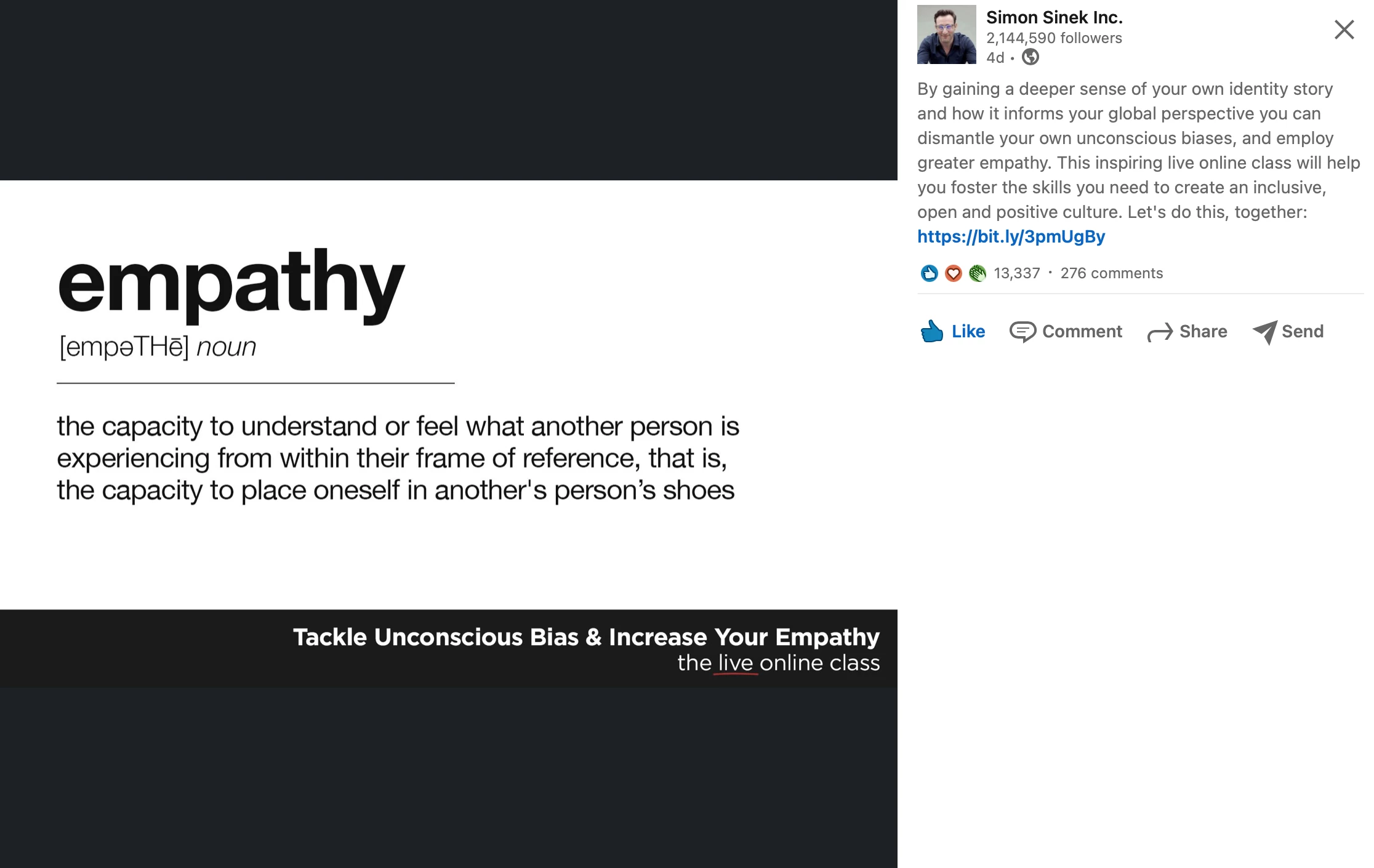
I would like to know why is that? I have tried Facebook with the recommended image size and resolution. I have dealt with the same problem. The other images that I see from other brands are too good. Please check the below images.
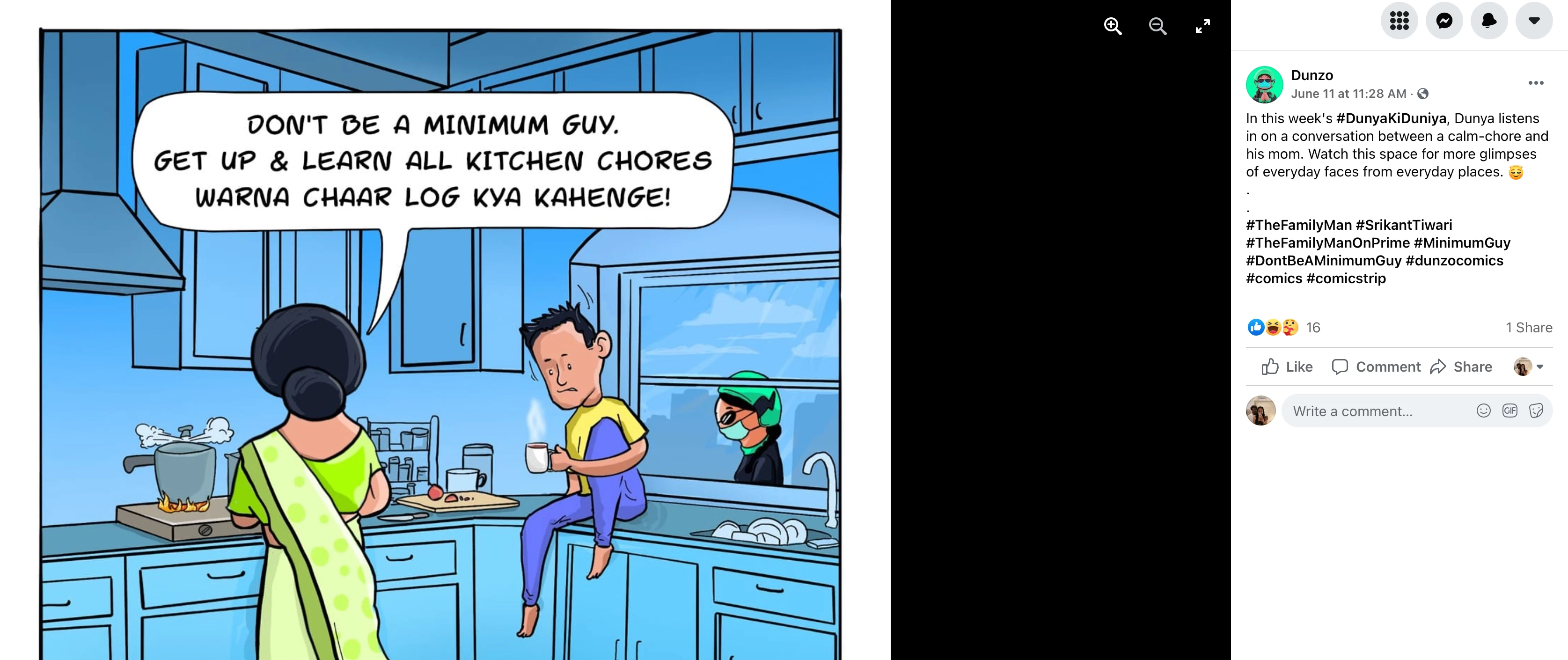
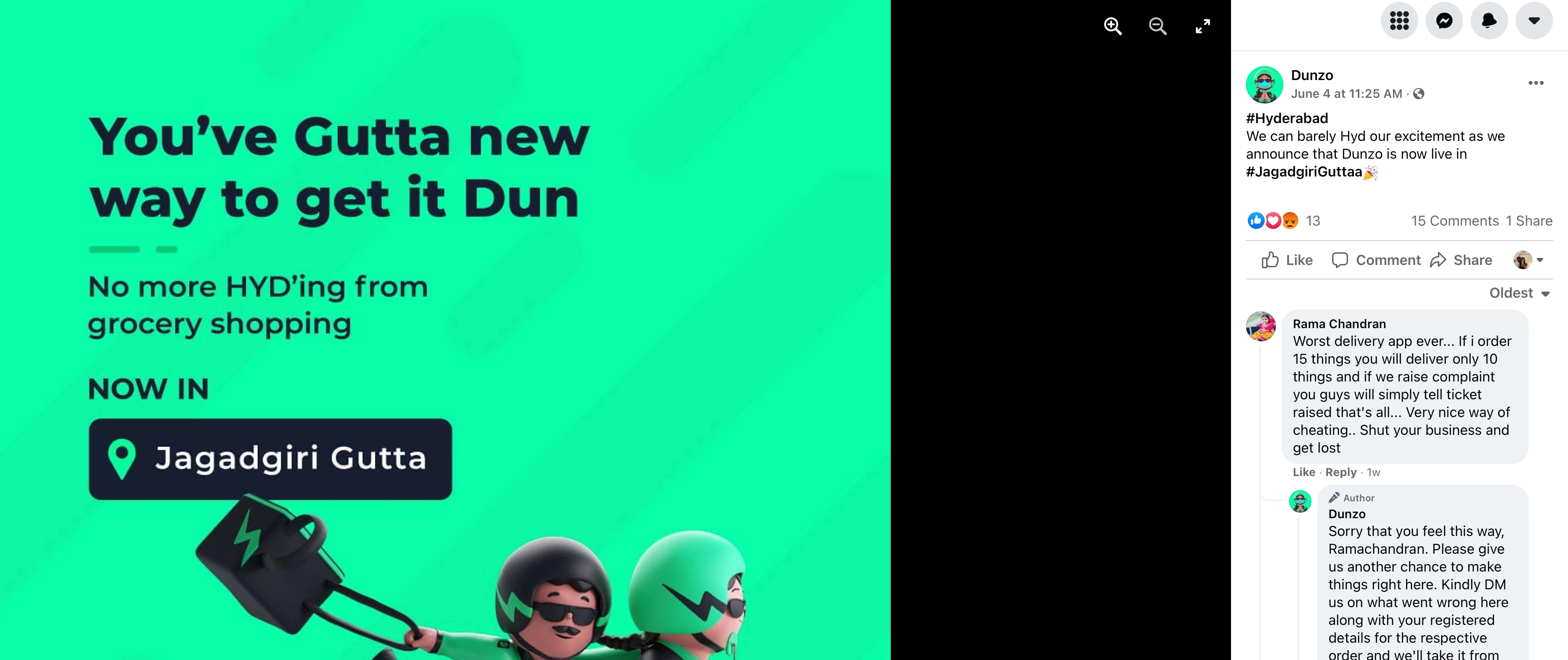
I would like to know what mistake I have done? Or do professional designers use any different approach or XD is the solution?
Thanks in advance. I hope I will get a solution for this.
 AdChoices