


Drag-and-drop PDF and ai file importing with a black background instead of transparent
I am revising an old ai file that has a handful of PDF figures incorporated onto an artboard. All of these figures were imported into Illustator as svg files, edited, saved as an ai file, and then exported from this parent ai file as a PDF. I am replacing one of these PDFs with a newer version. Every time I try tp drag-and-drop the new PDF file into this ai file, the new PDF has a black background (in picture; I've also tried drag-and-dropping the parent ai file). The new PDF has a transparent background when I open it in Preview on my MacBook. I've also gone to File > Document Setup and I'm pretty sure transparency is on... "discard white overprint in output" is checked. I did this on both the parent ai and the PDF files. I'm not sure where to go from here. Does anyone know what might be happening?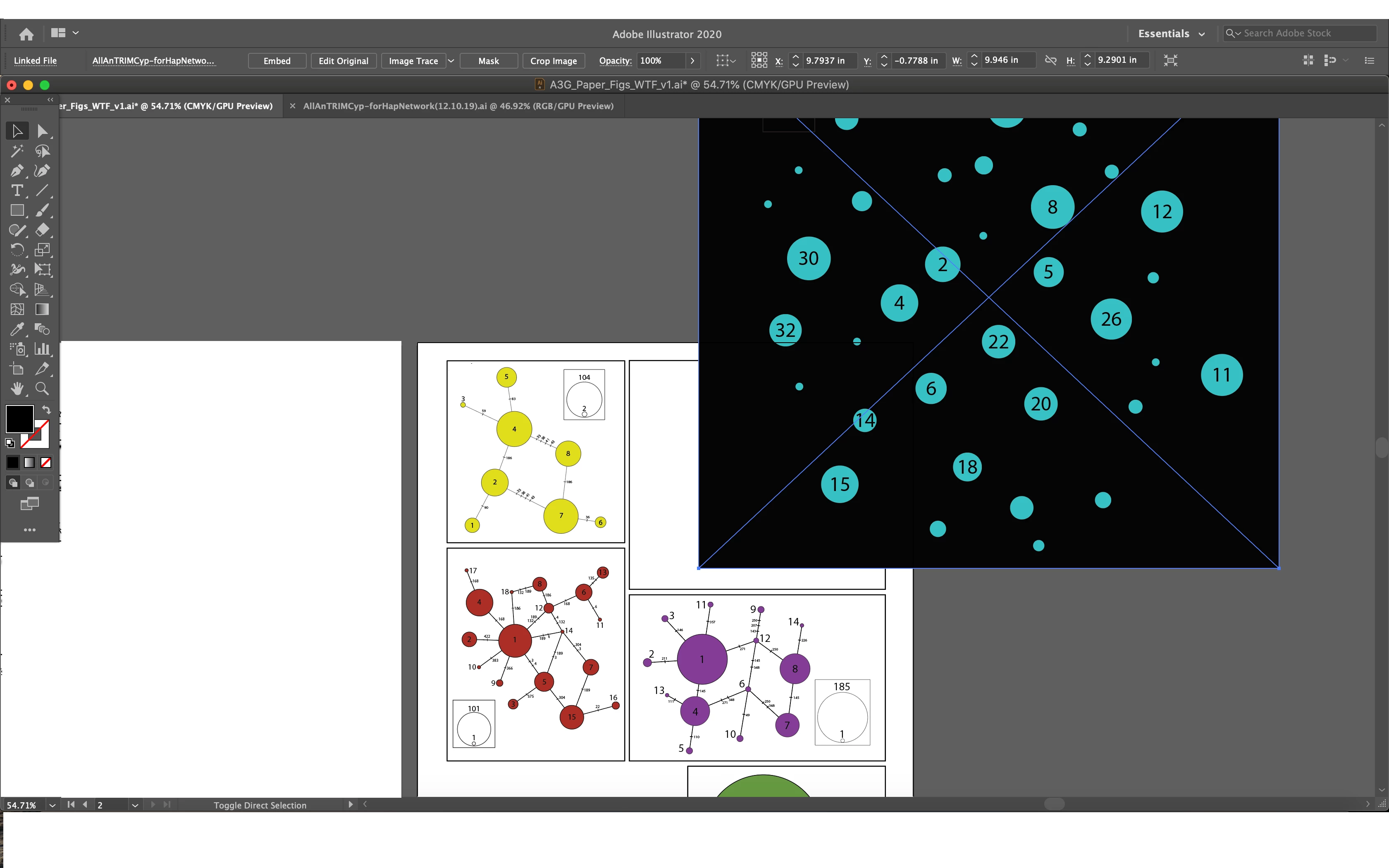
 AdChoices