



How to get rid of background and change the color of detailed lines (floor plans)?
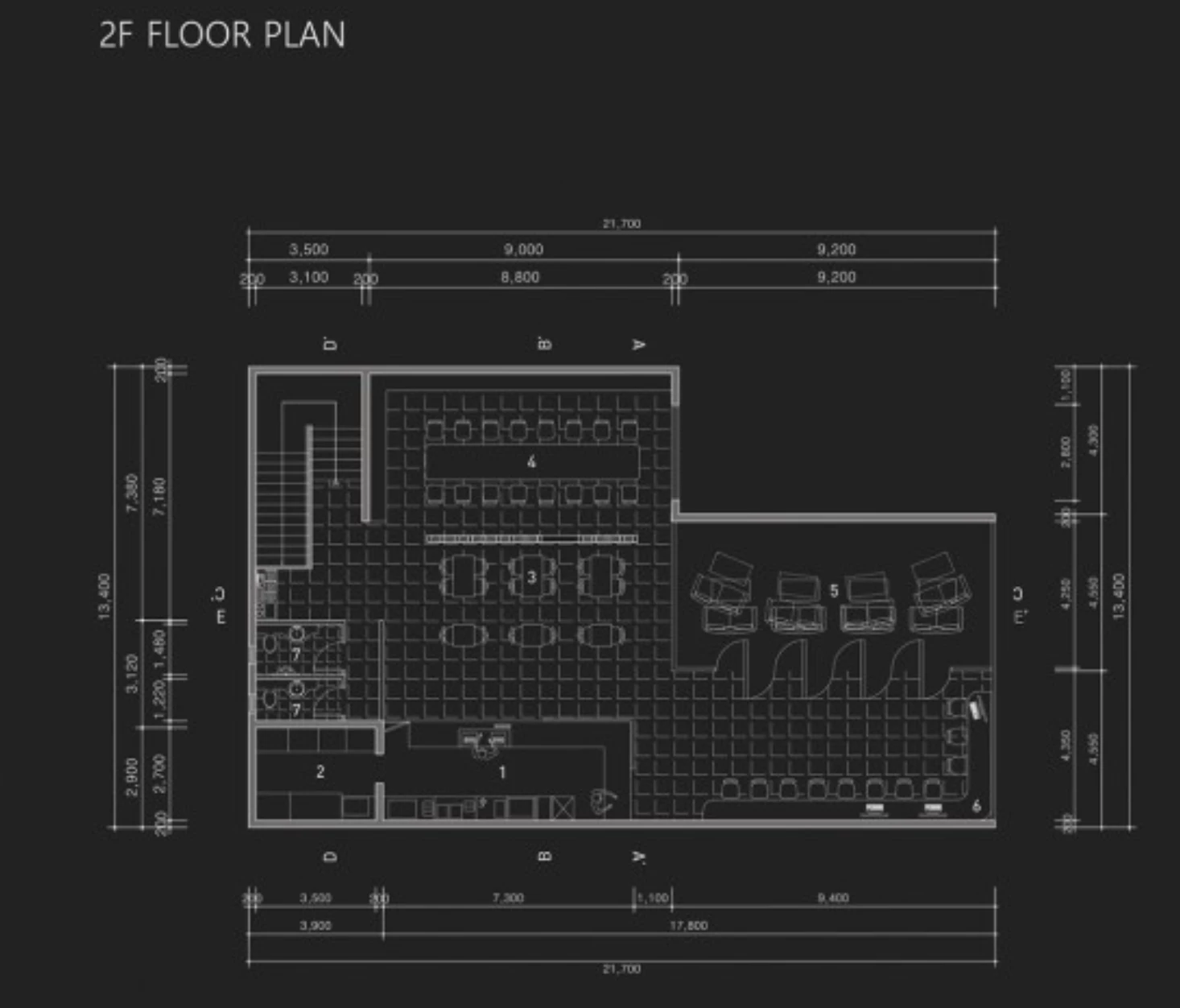
Hi, does anyone know what would be the best solution to get rid of background of png file that has floor plans?
I have tried removing the background in photoshop, tracing the image in illustrator, but none of it seem to work well... I am not really good with Adobe Suite so I just don't know what is the good solution.
Floor plans include detailed lines so tacing the image does not pick up those detailed lines.
I have a floor plan that I want to get rid of the background of it so when I place the floor plan on the colored image, the white background won't show.
My questions are:
How can I place detailed image (like floor plans) into indesign?
How can I change the color of floor plan without background?*
*I would like to change the color of floor plan lines in dark blue. but my original floor plan image comes with white backgrouund, with black lines.
Hope it makes sense what I am trying to ask! Any suggestions, video links would be much appreciated!!!
Here is the example of what I want to do. Just to note, I am creating my portfolio in inDesign.
 AdChoices