


質問
How to make evenly spaced lines using the blend tool.
Hi community.
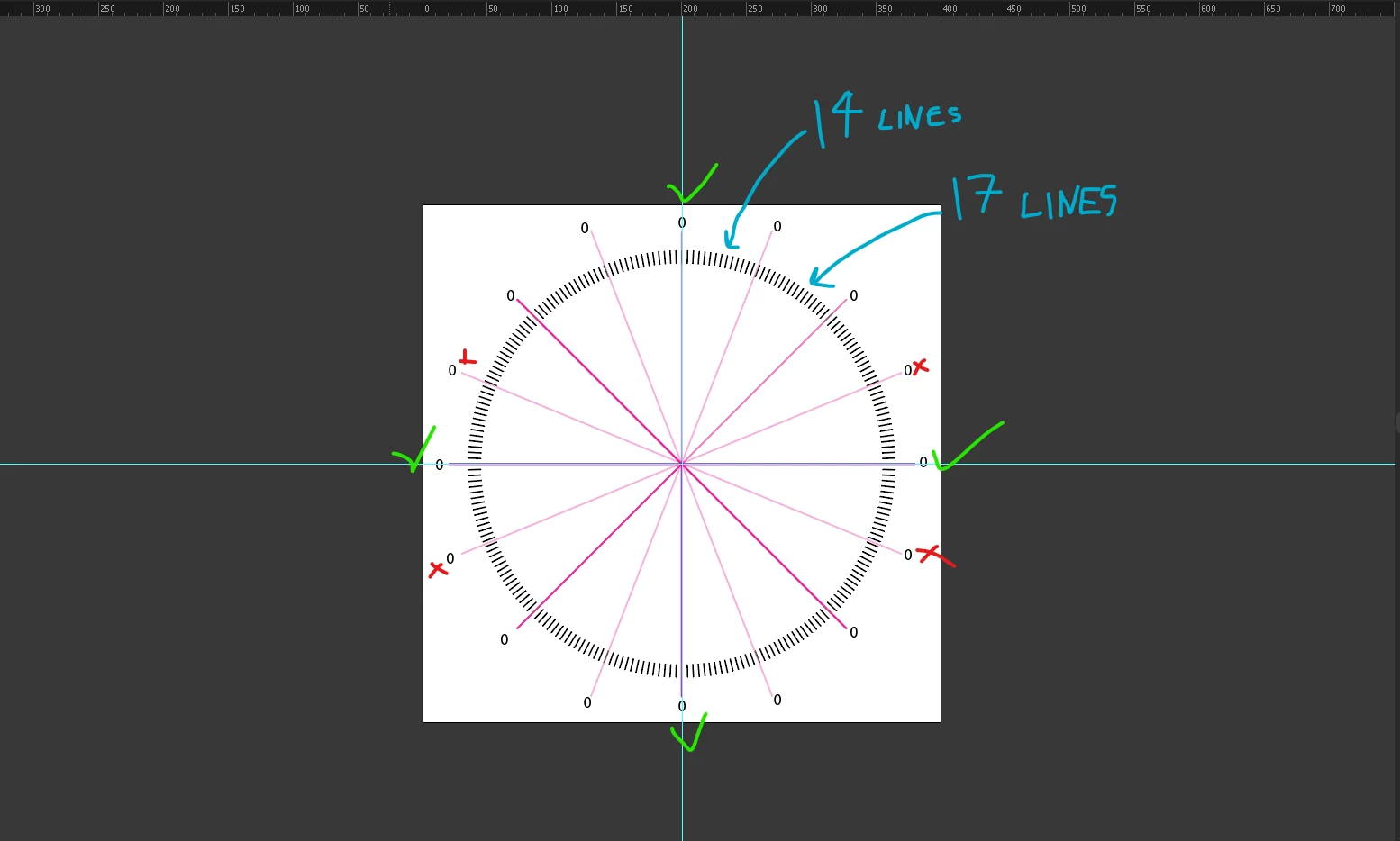
I'm trying to make a speedometer where the black lines will be even in between the magenta lines.
I have tried with the blend tool to use the specified steps and specified distance option, but I cannot figure out how to space the black lines evenly. The magenta lines when I rotate them around to make quarters to fall exactly on the black lines, some match up some are misaligned. The only ones matching are the North, South, East, West, magenta lines to be exactly on the black lines.
Also in between the magenta line, some black lines have 14 lines, others 17 lines.
Is there another way to achieve this with a more accurate technique?
 AdChoices