


Known Participant
June 7, 2024
解決済み

illustrator rendering colors from the imported images (from photo app) differently.

Just to preface: My illustrator is set on rgb and i have played with the color setting a MILLION times but the colors still look different from the original image. I have also went on adobe bridge and applyed monitor colors like someone on here suggested however nothing seems to be working.
このトピックへの返信は締め切られました。
解決に役立った回答 Ton Frederiks

If you setup your Color Settings, turn on the checkboxes for profile mismatches.

Use place when you want to get your images into Illustrator instead of drag and drop.

返信数 3

Monika Gause
Community Expert
Community Expert
June 7, 2024

Please learn color management. It has been there for 20 years and won't go away.

Monitor colors is not suitable as your working profile. As a profile for files it is only suitable for screenshots.


Apple Photos is probably not color managed at all, so it is very difficult to tell which app is presenting you with the wrong colors.

Known Participant
June 8, 2024

Hi i tried looking around for more info about color managing etc. but what you told me was way too general. how do you think i should proceed because even if apple is presenting me the wrong colors i want illustrator displaying those same "wrong" colors when i load an image


Monika Gause
Community Expert
Community Expert
June 8, 2024

@David30125243i5sb  schrieb:

 even if apple is presenting me the wrong colors i want illustrator displaying those same "wrong" colors when i load an image


That has not been not a sustainable approach to color on a computer since 2000

That way your color is a moving target and you might never succeed.


Here is a very basic introduction: https://helpx.adobe.com/photoshop/using/understanding-color-management.html (it works the same in all the other apps)


Known Participant
June 7, 2024

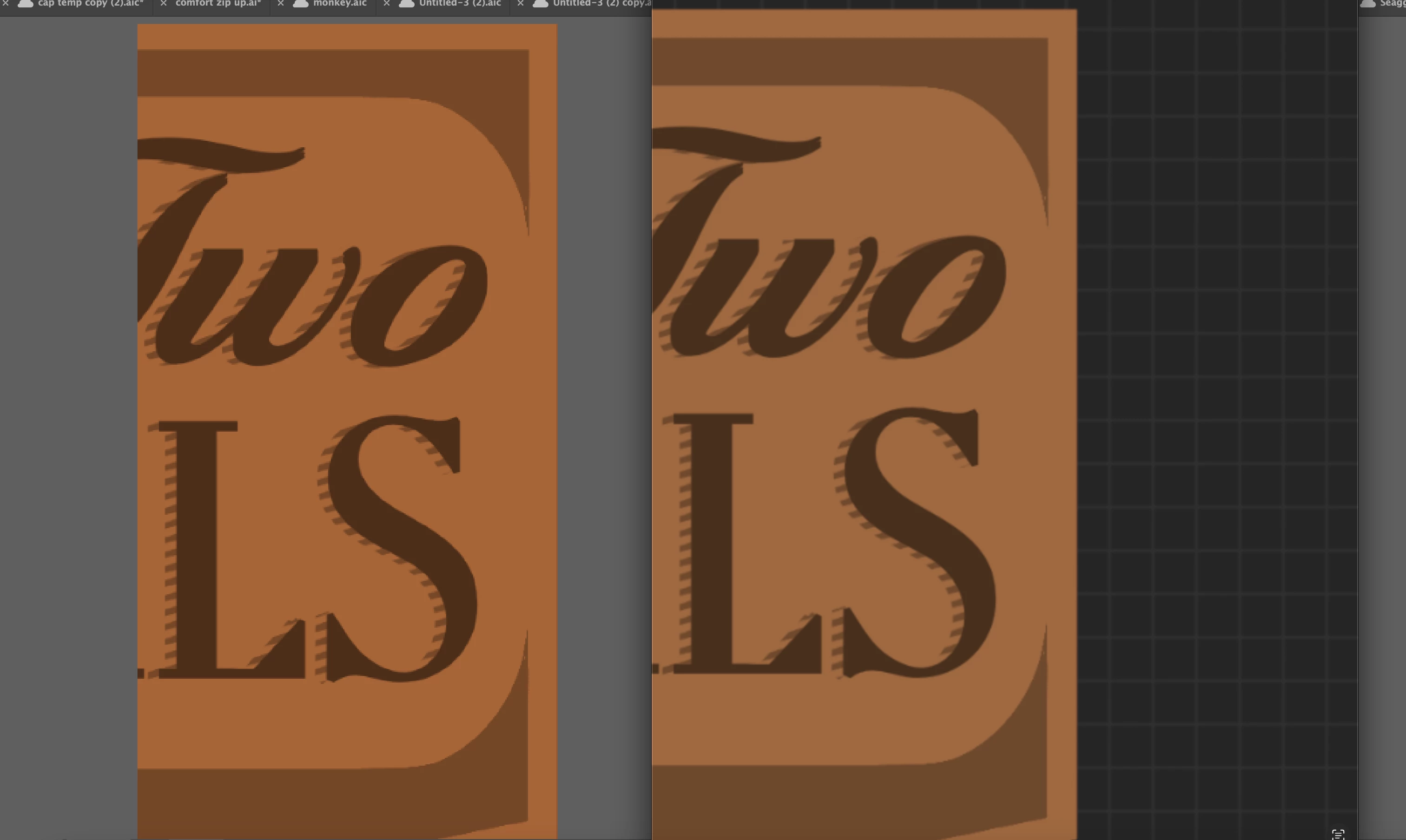
Also i just noticed that when i physically drag images from photos into illustrator then the colors look normal/stay the same (pic below) so its only when the files are placed or opened in illustrator that the colors are off. now Im even more confused lol.

Known Participant
June 7, 2024

nevermind after a couple minutes illustrator changed the colors of the image (pic below). idk if they are like trying to gaslight me into thinking the the colors are the same but they blatently saturate them more for no reason.

Known Participant
June 7, 2024

ALSO JUST TO REITERATE IM TALKING ABOUT THE APPLE PHOTOS APP NOT PHOTOSHOP