


No Fonts appearing in font drop-down menu, "No Results Found"
A few days ago all of my fonts—both installed and activated—stopped appearing in the font-drop down menu in adobe illustrator and only adobe illustrator. They appear in both photoshop and in design, just not illustrator.
Attempting to preview installed/activated fonts
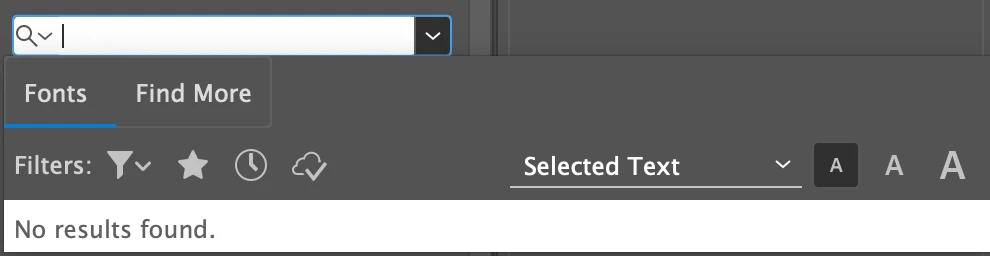
Attempting to preview Adobe Typekit fonts (yes creative cloud is on and active)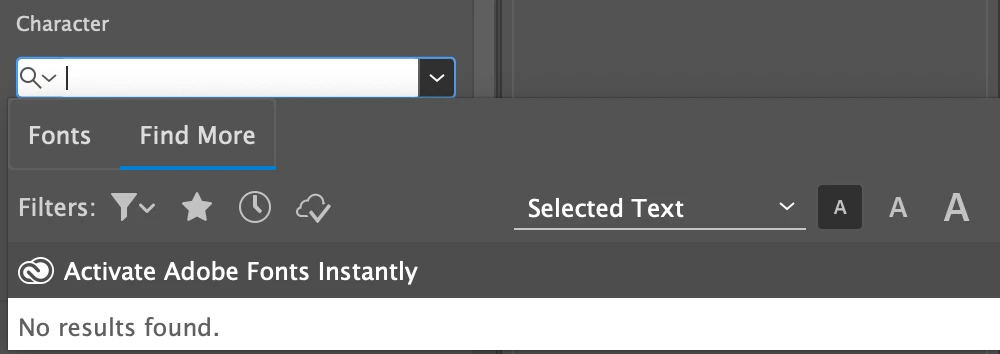
Can't see the font name of text I've selected, but I CAN see the secondary selection "Light Italic Caption". I can not however change from "light italic caption" to something else, even though this font has a variety of weights/styles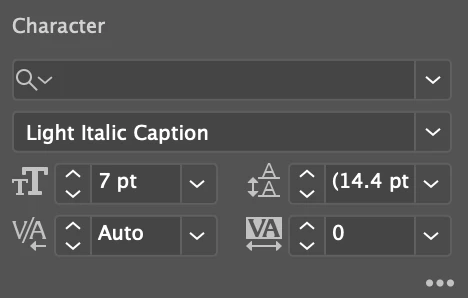
Fonts that are installed/activated appear as they're supposed to when working on an .ai file (image below is of activated/installed fonts rendering correctly on screen in an .ai file), I just can't select fonts at all from the drop down menu.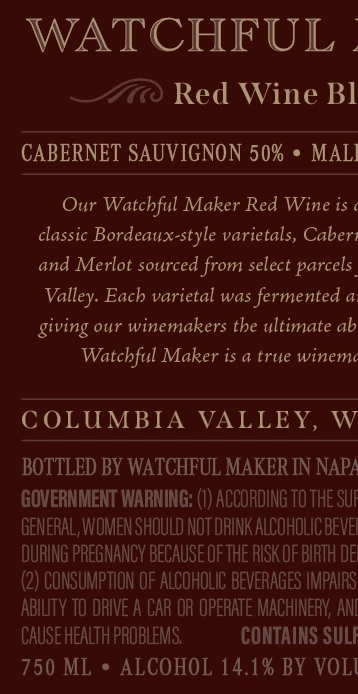
What I can do:
- See activated/installed fonts rendered correctly in adobe illustrator
- Write new copy/interact with the live text in illustrator
What I can't do:
- See the name of the font I'm currently selecting
- View, change, nor search for fonts in the font drop down menu
- View, search, nor activate Adobe Typekit fonts from in the font drop down menu
What I'm Using:
- Most recent version of adobe illustrator (25.2.1)
- Mac OS Big Sur version 11.2.3
What I've Tried:
- Restarting my computer
- Reinstalling Adobe Illustrator
- "Restoring standard fonts" in Font Book, meaning I removed all of my installed fonts and tried to run adobe illustrator with only the system fonts. And yes, I restarted my machine after this.
- Opening different files, starting new files—it happens on every file I use, even new ones
 AdChoices