


Stroke Bug/Glitch
I am in desperate need of help with an Illustrator glitch that is threatening to ruin a project I've been working on for weeks!
I am designing an abstraction of a corkscrew for a design class. I've been using the pen tool, all the shape tools, and the brush tool to create points, lines, planes, and some stippling texture. Below is what the document looked like before the glitch started happening.
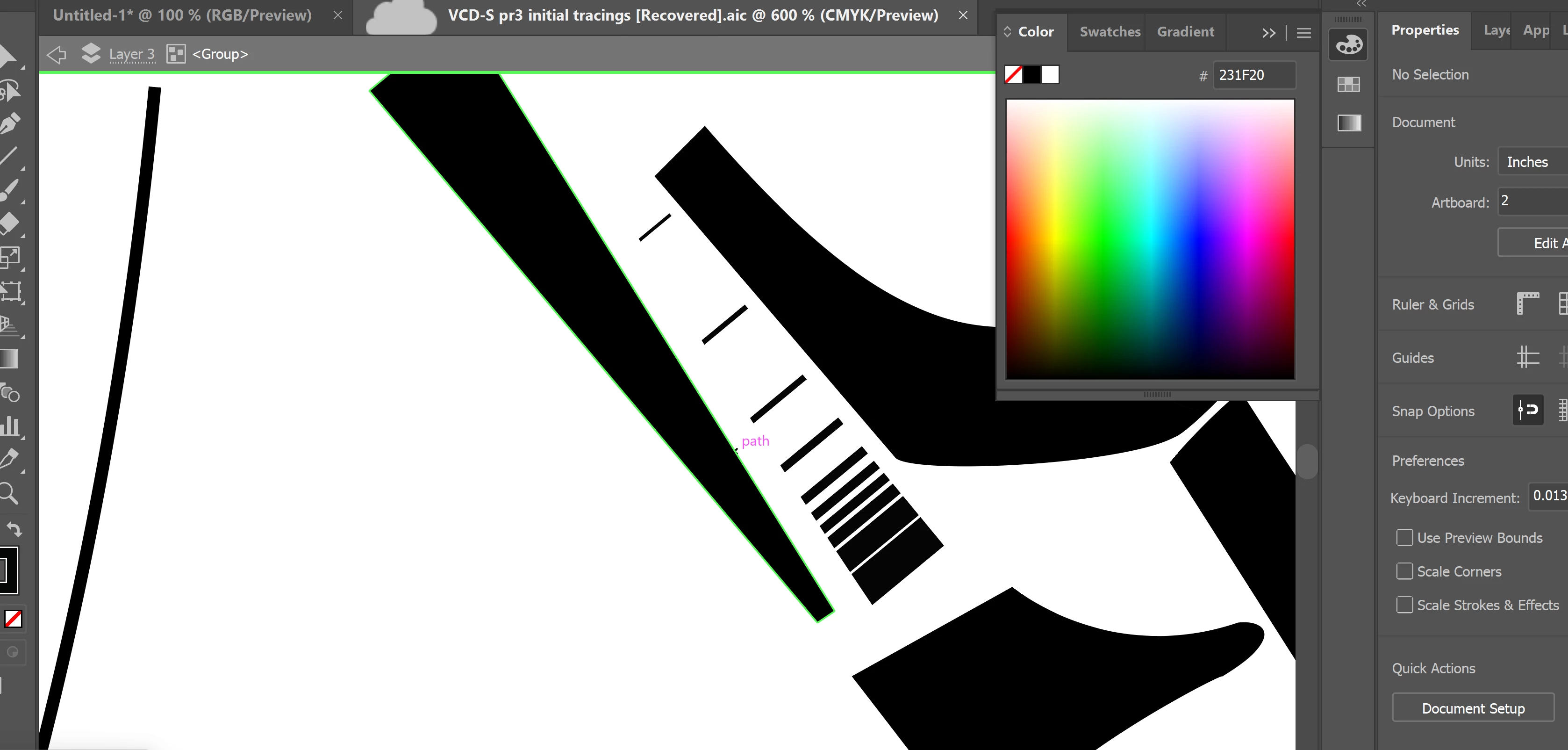
I recently opened the same file I've been using for weeks in Illustrator to finish the project and every vector had this strange, approximately 0.5 pt black stroke around it.

I tried to select everything and reduce the stroke by one accross the board, but that didn't work. Interestingly, I selected everything on the document, grouped it, and then entered isolation mode, which DID work and eliminated the strange stroke. But, I can't get it fixed without putting it in isolation mode.
I'm pretty new to Illustrator so this could very well be user error. I have a feeling "refreshing" the document somehow may help solve this, but I don't know how to do that.
PLEASE help, the project is due in less than a week and I need my document to work normally before then!!!
-- a concerned design student
 AdChoices