
Answered
SVG from one line create 2 line to get an object as the place of the line
Hello everyone,
Get a tricky problem here.
I'm working with fusion 360 and Illustrator. I want to extrude some of my draws in fusion . However, to be able to do this I need to get a "component". I would like to do this but for the line of my draw.
I mean by this , when I create an SVG with the pen I get a line. I would like to get 2 lines around this to get my "line" as a component. And this component would be able to be extruded in fusion 360
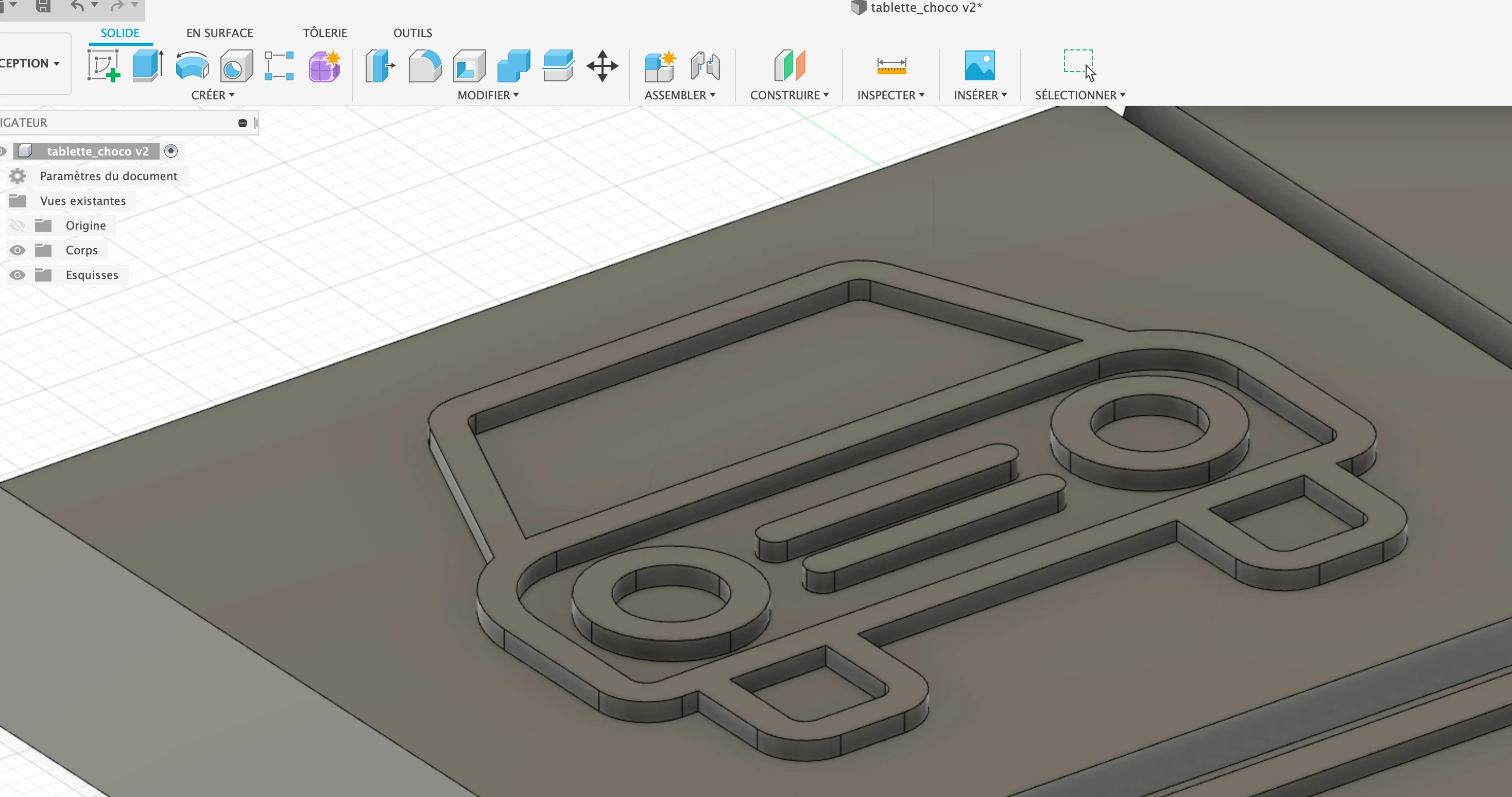
Here is an example, in this car the line which draws the car is big enough to be a component. I would like to be able to do the same without drawing it two times.
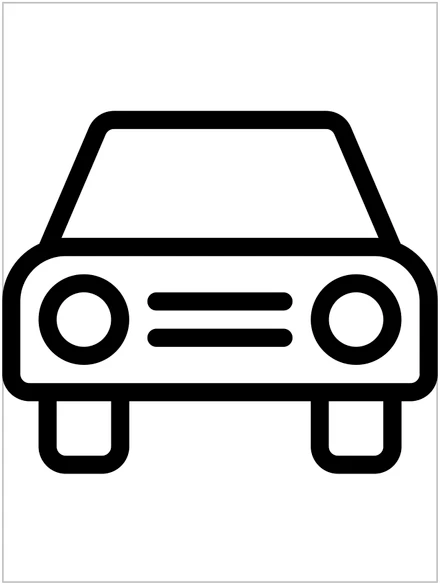
Do you have any idea? I'm pretty new to illustrator ..
thank's everyone
 AdChoices