


Known Participant
September 22, 2024
質問

Unable to access my own documents. Says I'm not the "owner"

  • September 22, 2024
  • 返信数 2.
  • 952 ビュー

I have had this a couple of times and I see it now as potentially very upsetting in the future when I come to work on documents I have created in the past. Trying to access some documents saved to the cloud, but when I try to open I get this:
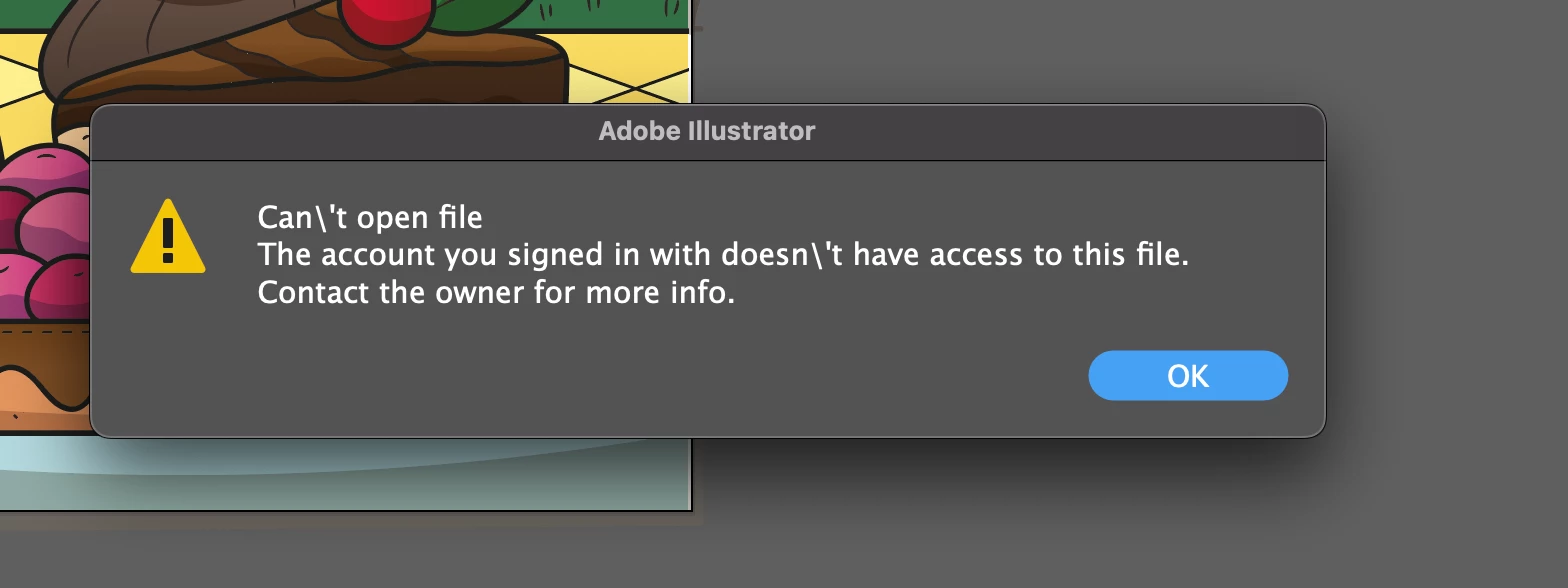
 

 I MUST have access because I created it myself. I am the only person who uses this account and am definitely the owner. I am scared now that everything I've ever done and saved to the cloud will be lost to me. Can someone tell me how to fix this "break" in the path to my documents?


Many thanks!

返信数 2

Brad @ Roaring Mouse
Community Expert
Community Expert
September 22, 2024

How are you attempting to open it...from within the app?

Where are you "seeing" the file in the app? In your Recents? or in Your Files?

How aboout in Your Creative Cloud app (signed in, of course), does the file show up in Your Files?

Did you previously have a school account you might have logged into accidentally when creating the file?

Known Participant
September 23, 2024

Hi Brad,

I'm on desktop, opened Illustrator, in Your Files. I believe I'm signed in. I have only had this one account.

Just to check I went onto my creative cloud and yes, they show up in my files. I clicked on them and they opened In CC, but I can't really read them (black background and black font). So went back to Illustrator, they don't open in the app.

However, if I right click within creative cloud, and choose "Open", THEN when I go back to illustrator they're able to be opened within the app.

So it seems that there's some sort of "lock" on them to keep them online only - and if I want to work on them again I have to first open them in my creative cloud, and then I can open them in Illustrator... 

Is this right? Is it best to always save to computer do you think?

Early on I stopped saving to desktop because the BIG document/book I was working on somehow corrupted and could not be opened (when it had been saved to computer), but was always able to be opened when saved to cloud. 

It feels a bit "delicate"! Maybe this having to go to the cloud to open online documents before being able to use them in Illustrator is normal, but it seems like it should be automatic - If I'm logged in, and those files are "visible" inside Ai then I should just be able to click and open them.

creative explorer
Community Expert
Community Expert
October 4, 2024

yah, that sounds odd.

"Is it best to always save to computer do you think?"

You do you, but personally, as a sole proprietor user, I keep my files locally as I don't have a need to access them elsewhere or by anyone else. That being said, I keep redundant backups of my documents/client files in case of a hard drive crash, one of them being an online storage backup. It's whatever you feel comfortable with.

Hopefully the other suggestions here clear up your issue.

Cheers


@Brad @ Roaring Mouse I do the same too. I thought I was the only one who followed this pattern because my internet provider or maybe it's just Chrome that is shaky...I save everything to my computer and my external hard drives (5)-never know when an external drive can go bad! To also uploading a back-up to the cloud for good measure. 

It's always better to save locally on your computer so that if something fails, at least you have a back-up. Version controls is always another thing I do too...although, this likely doesn't help you now @Carolyn32257242he70 . But, if you have auto-save, you might be able to open the last saved version, and re-name it something else for good measure when you get the chance. 

m
Ton Frederiks
Community Expert
Community Expert
September 22, 2024

I would be worried too, It seems best to contact Adobe support during the week, they can have access to your account.

Ask for an Agent when using the chat.

When signed in with the email associated with your Adobe membership here: https://helpx.adobe.com/contact.html?rghtup=autoOpen

Known Participant
September 22, 2024

Hi Ton... 

Thanks so much for the response and also the link. I'll contact them tomorrow!