

Visual distortions created by problems with the graphics processor (GPU)
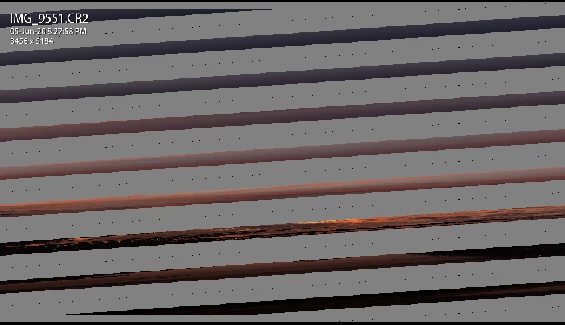
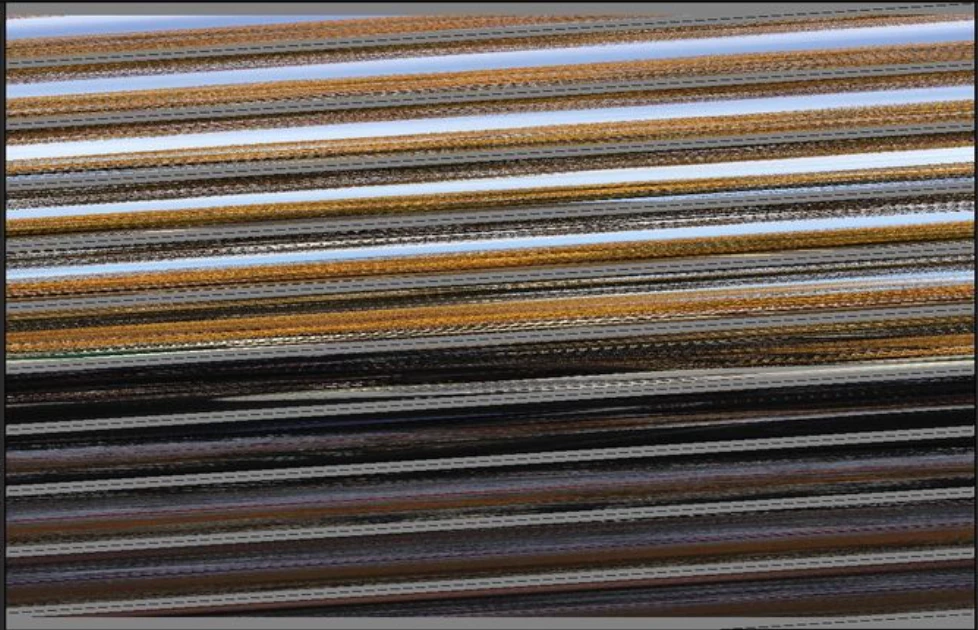
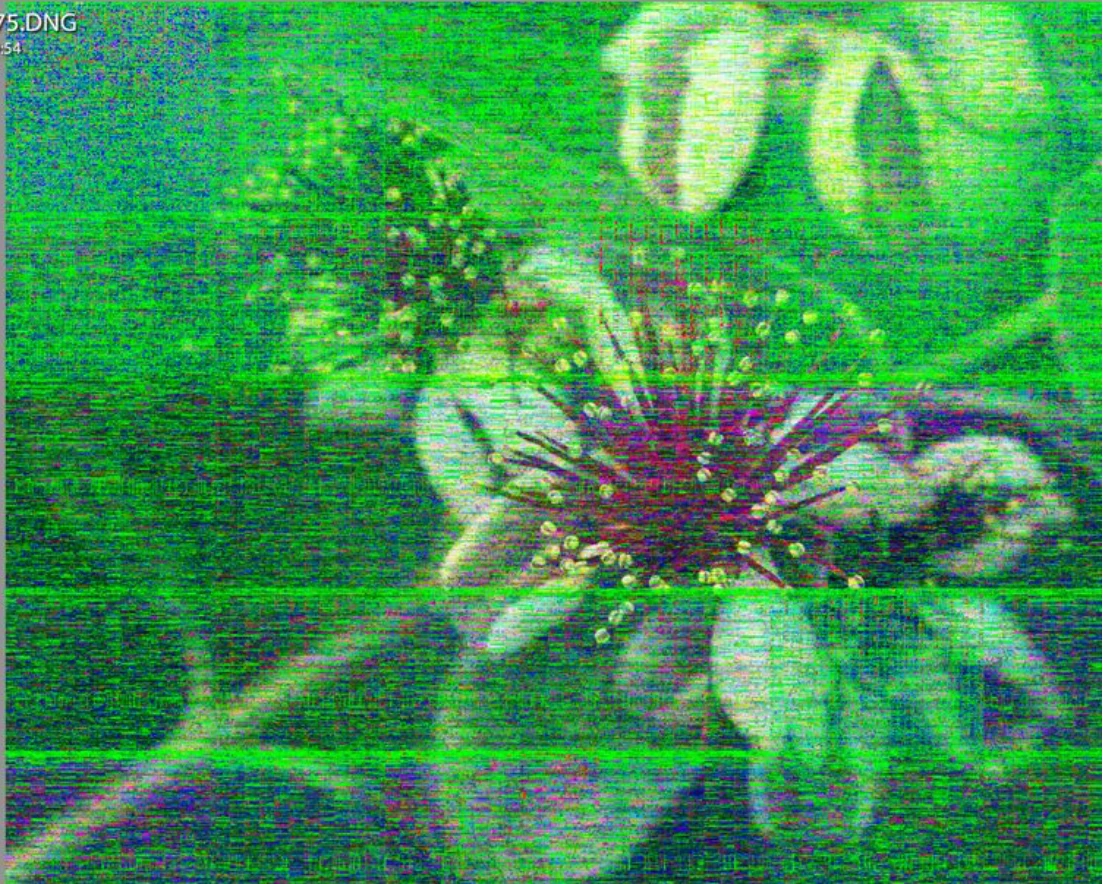
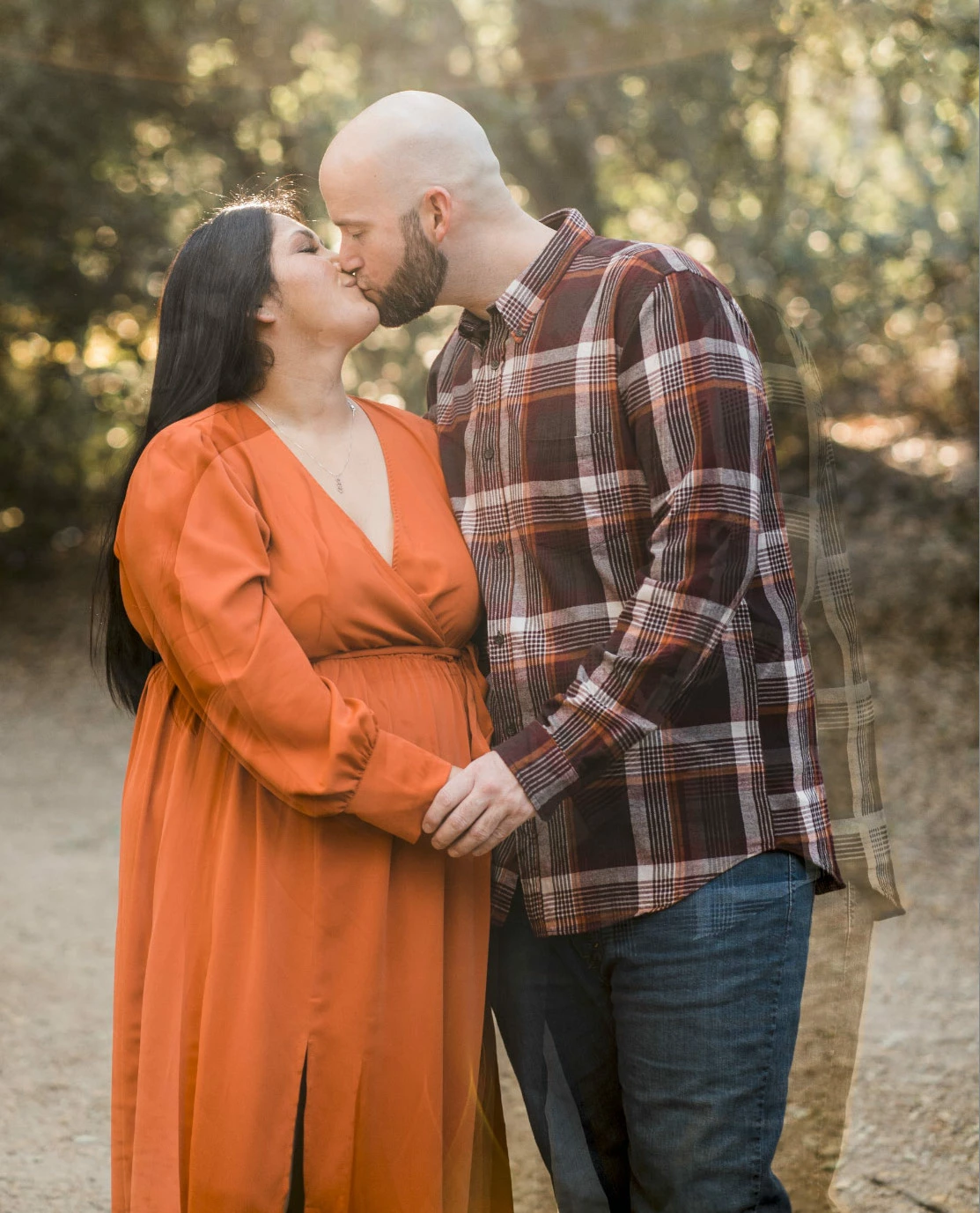
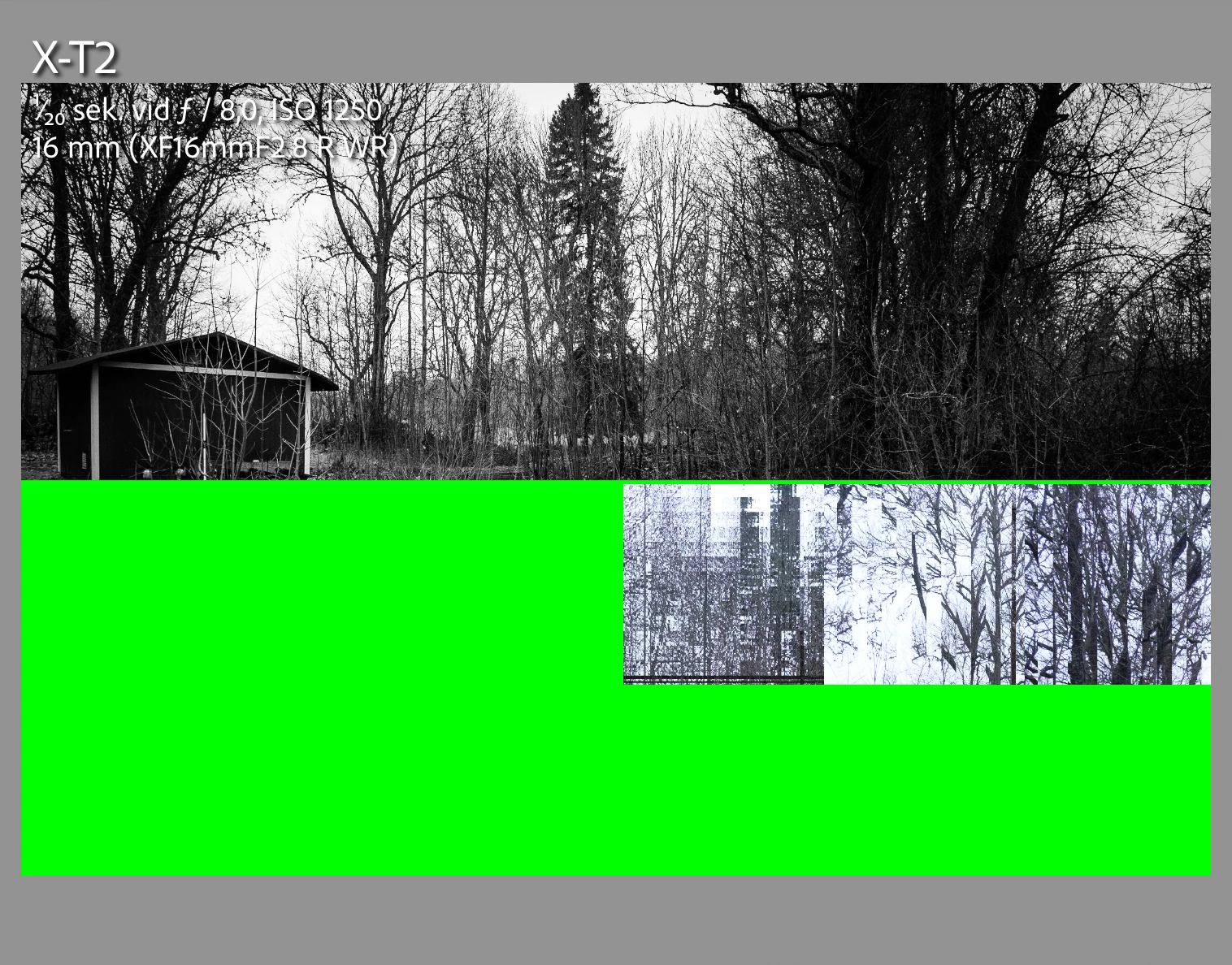
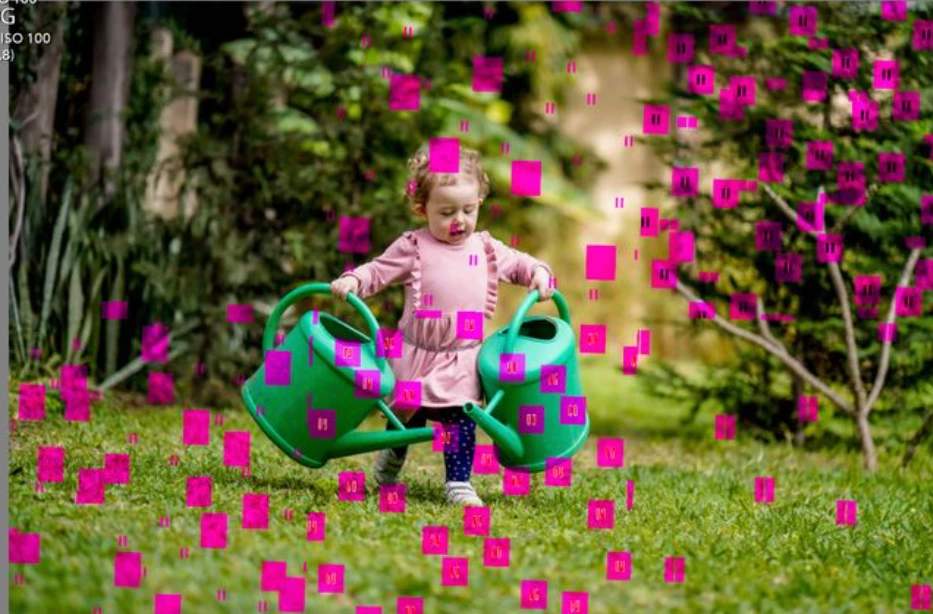
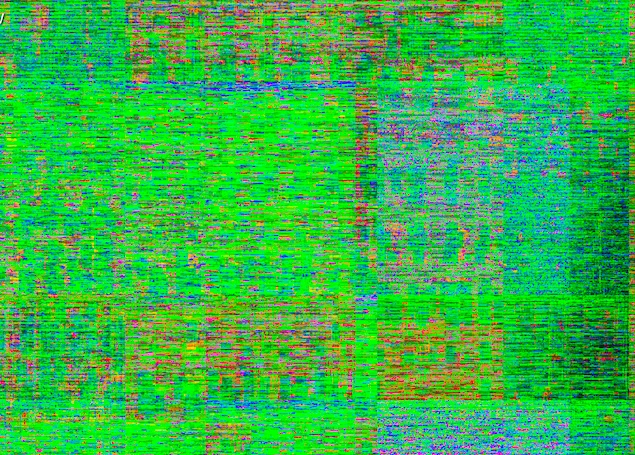
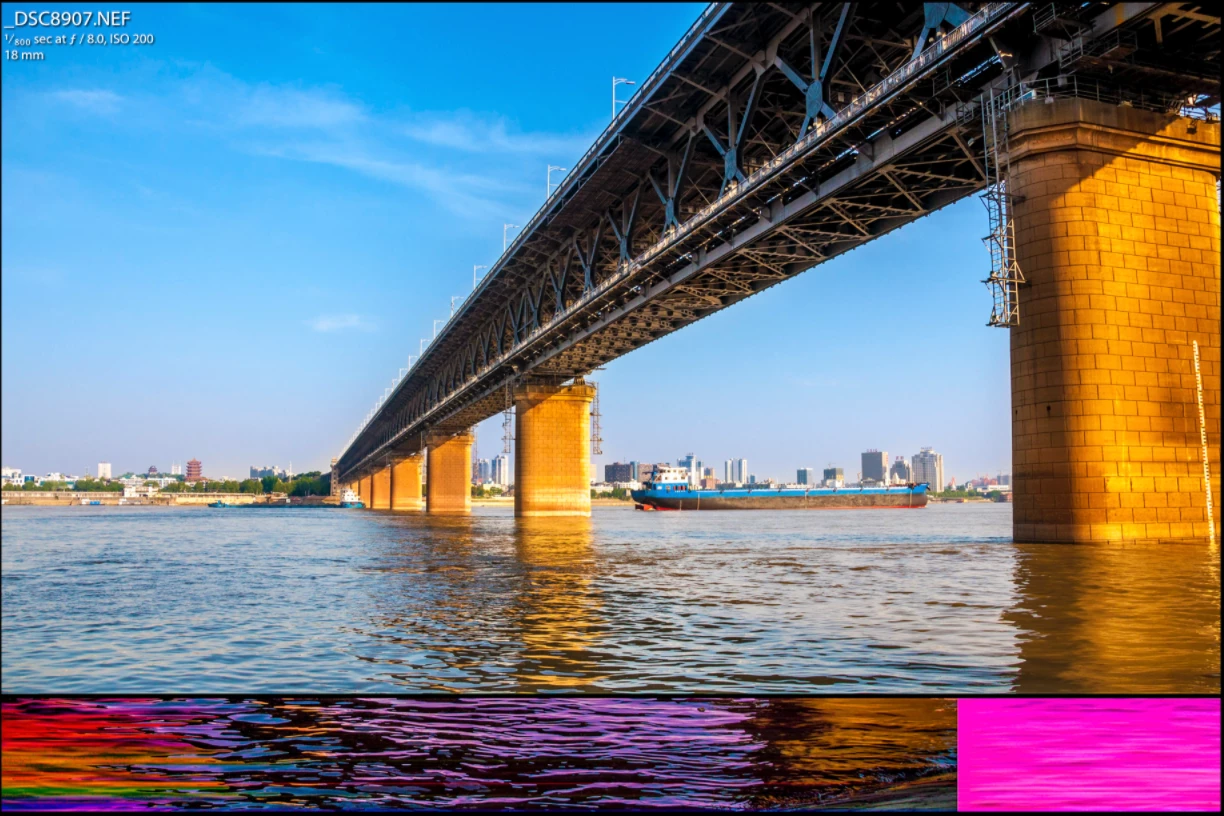
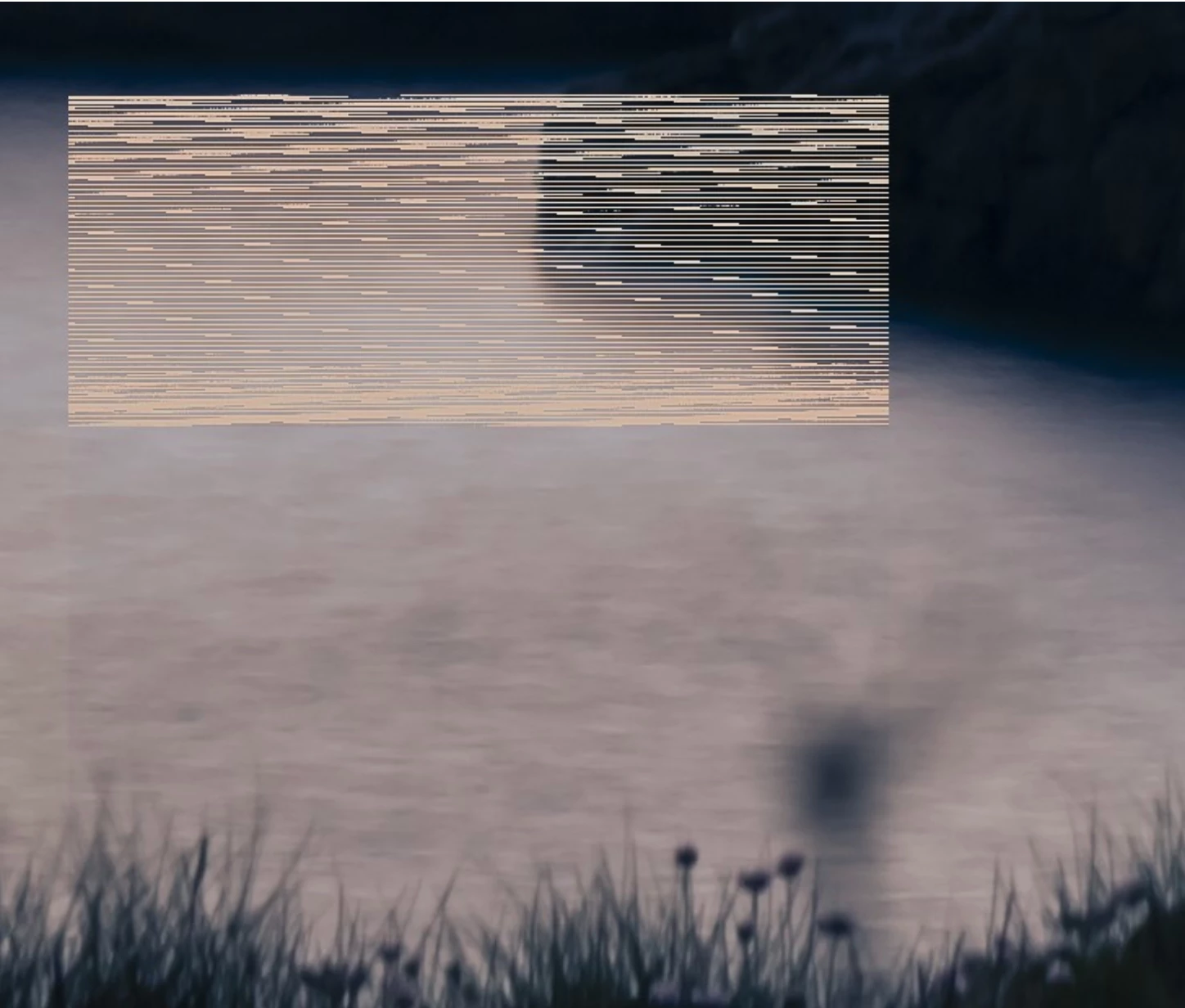
Here are examples of visual distortion created by bugs in graphics processors (GPUs) or in LR's use of GPUs. (Thanks to Google's image search.)
Many characteristics of these distortions ovlerap with those commonly associated with hardware faults (cards, readers, disks, memory). When troubleshooting distortions, it makes sense to first rule out the graphics processor and driver before considering hardware faults. It takes just a minute to disable the GPU, and a couple minutes to update the driver, whereas it can take hour or hours to rule out hardware faults. Even if we're 95% accurate at guessing a hardware fault, on average we'll save users time by first ruling out the graphics processor and driver.
https://community.adobe.com/t5/lightroom-classic/double-exposure-gpu-display-bug/m-p/11661507?page=1
https://www.fredmiranda.com/forum/topic/1483667
https://zentalk.asus.com/en/discussion/28690/adobe-lightroom-gpu-issues
 AdChoices