


Participant
June 23, 2020
質問

Batch process - import image - save as psd

  • June 23, 2020
  • 返信数 1.
  • 272 ビュー

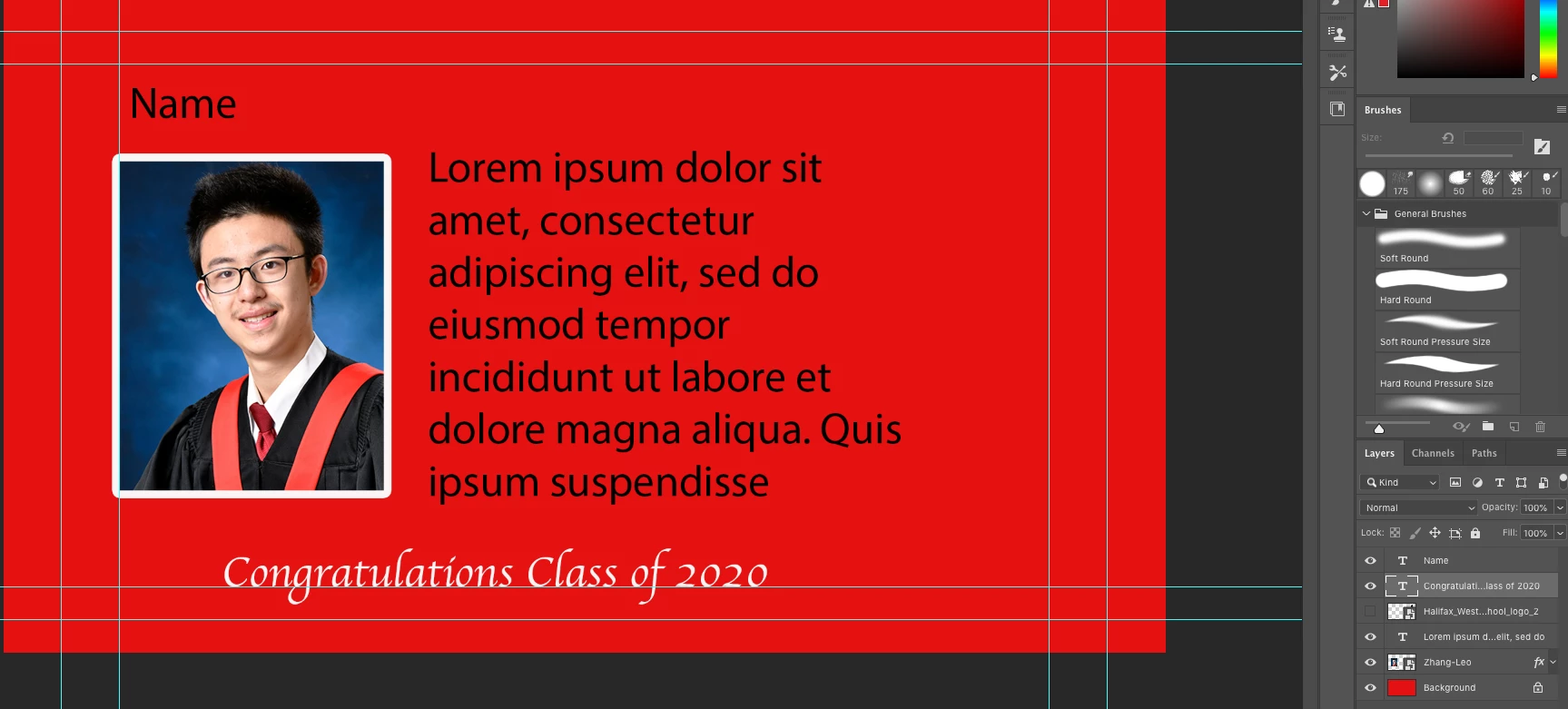
Looking for some advice - I have a template PSD document that I would like to import and image into for school graduation. I have 400 student pics and would like to import the image to my template and save as PSD. I can't figure out how to get batch processing to accomplish. It must be an easier way than to do this one by one. Any advice would be really appreciated. 


このトピックへの返信は締め切られました。

返信数 1

Conrad_C
Community Expert
Community Expert
June 23, 2020

Consider setting up the document as a template for Photoshop variables. This would involve:

  • A Pixel Replacement variable layer for an image.
  • A Text Replacement variable layer for the caption.
  • A separate spreadsheet file with the data set, where each row has the path to each image file in one column, and the caption text in the next column.


If it works properly, Photoshop should be able to assemble 400 versions, each with its image and caption.