


質問
Can't move objects in the workspace around.
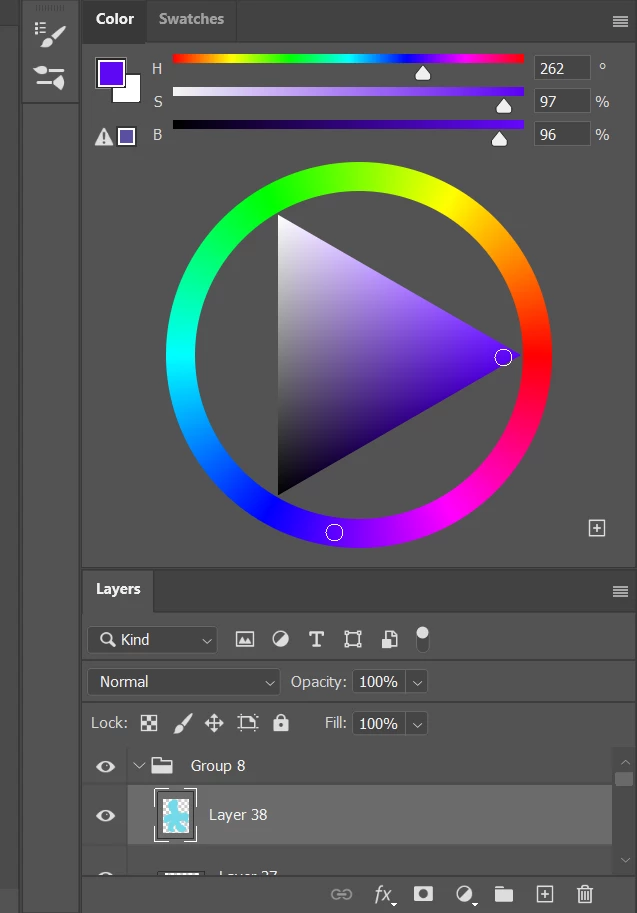
Hi! I use photoshop on a laptop to make art and I've noticed that I can't move panels in the workspace around. As an example, I can't make the colors panel its own section. I've tried looking the issue up but I can't find anything. I prefer having my layers, swatches, brushes, and brush settings in their own panel and color in a separate one. I've tried clicking and dragging to move them but it won't work. Please help!
 AdChoices