bartonlew
Legend
July 30, 2018
解決済み

Conforming image size for 2 images

  • July 30, 2018
  • 返信数 1.
  • 397 ビュー

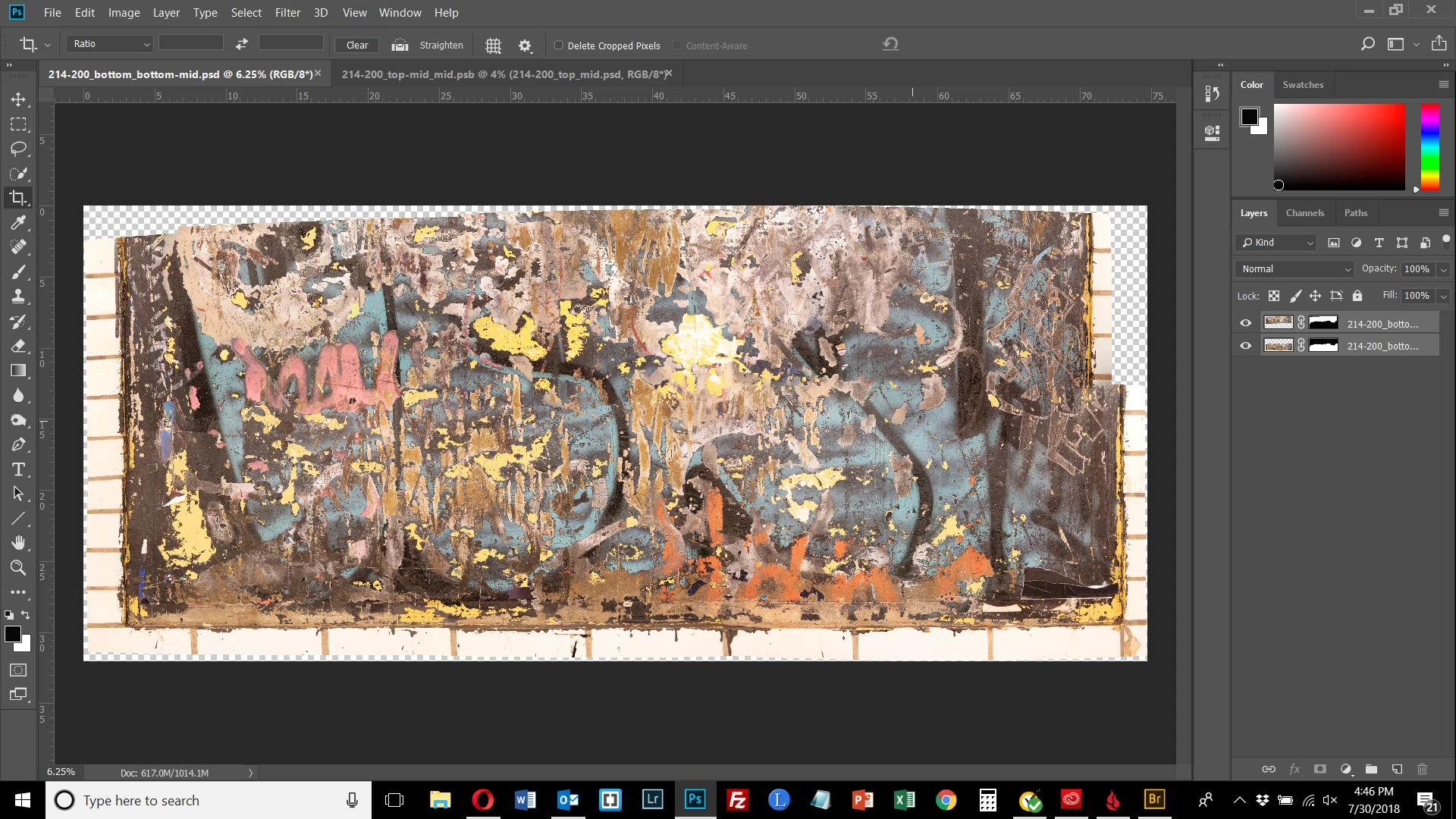
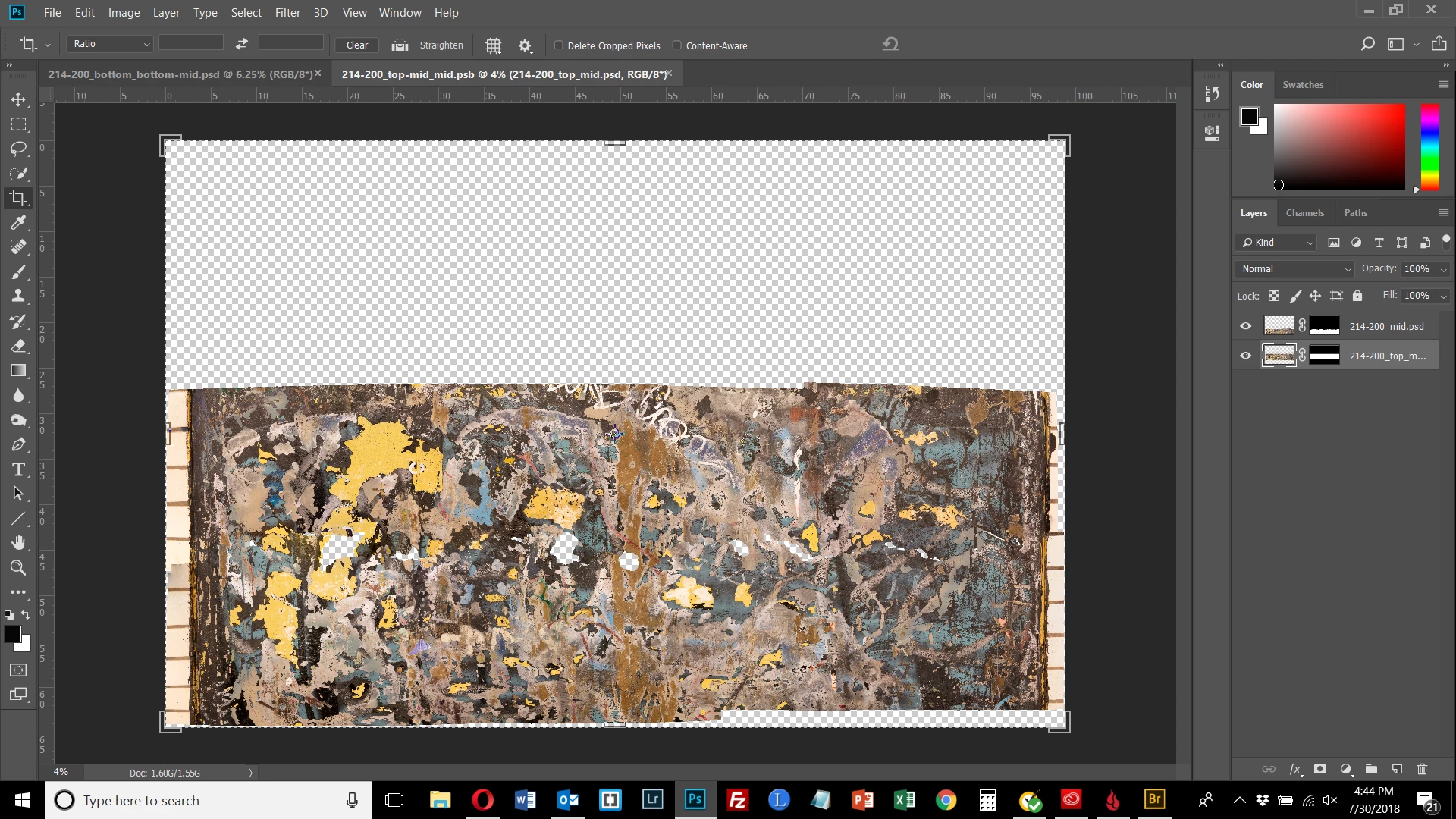
I am trying to align 2 images using Photomerge.  One of them appears larger than the other when viewed in Photoshop, but has a smaller pixel width than the other.  Both images are shown below.  I'd like their width to conform if that helps them to merge into a single image.

The first image has a width of 29643 pixels.  The 2nd has a width of 22435 pixels.  As can be seen, the canvas for the 2nd image takes up more of the screen.  Why is its width smaller?  Is the pixel width the size of the canvas or of the image?  How do I make these 2 images have the same pixel width - just assign it in Image Size? 
    このトピックへの返信は締め切られました。
    解決に役立った回答 davescm

    Your first screen shows Photoshop is set at 4% zoom, the second is at 6.25% zoom. So you are not comparing like with like

    Dave

    返信数 1

    davescm
    Community Expert
    davescmCommunity Expert解決!
    Community Expert
    July 30, 2018

    Your first screen shows Photoshop is set at 4% zoom, the second is at 6.25% zoom. So you are not comparing like with like

    Dave

    michelew83603738
    Community Expert
    Community Expert
    July 30, 2018

    This article talks about image size and resolution which might be helpful:

    Photoshop image size and resolution

    and there are a couple of tutorials about changing resolution and image size, which might be necessary here at:

    Search results