roberts20265912
Participant
June 5, 2018
解決済み

Convert a pixelated area to a solid

  • June 5, 2018
  • 返信数 3.
  • 280 ビュー

Hello all,

first off, I am not a designer and very very new to this so please forgive if I use incorrect terminology here.

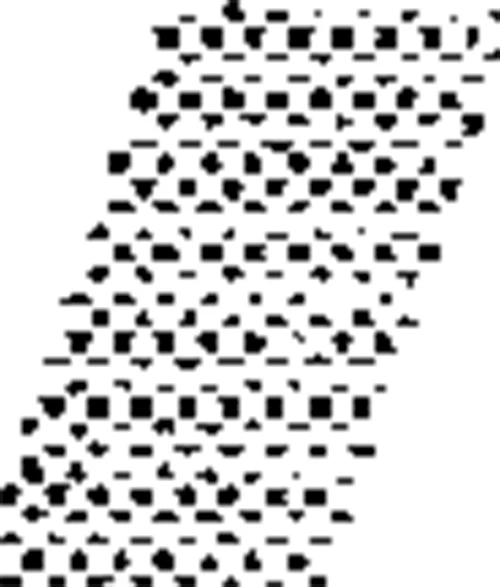
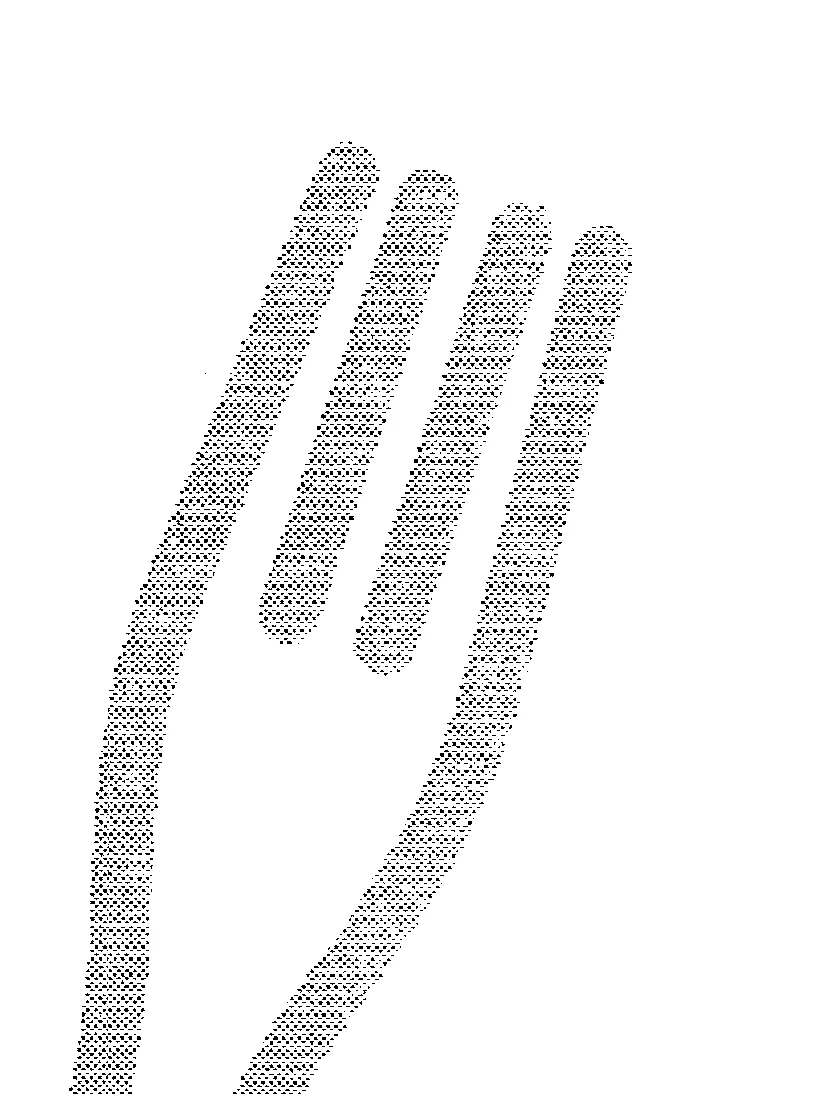
See images attached. I have an image of a fork which is grey, but this grey was achieved by mixing only black and white pixels. What I like to do is convert image to a solid color. Is there a way to connect all the black pixels?

This is just part of the full image; zooming in and going with a brush might take ages.

Thanks to all!

Robert
    このトピックへの返信は締め切られました。
    解決に役立った回答 JohanElzenga

    Here's an idea. First use Gaussian Blur with about 4 pixels. Then use 'Select - Color Range', choose 'Shadows' and about 230 as Range and Fuzziness of about 50%. That will give you a reasonably smooth selection of the fork. You could make it smoother with options like 'Select - Modify - Smooth'. When you are satisfied with your selection, just fill the selection with any color you want.

    返信数 3

    roberts20265912
    Participant
    June 5, 2018

    Many thanks go to Norman and Johan for taking the time to reply to my post and help. I appreciate it very much.

    JohanElzenga
    Community Expert
    JohanElzengaCommunity Expert解決!
    Community Expert
    June 5, 2018

    Here's an idea. First use Gaussian Blur with about 4 pixels. Then use 'Select - Color Range', choose 'Shadows' and about 230 as Range and Fuzziness of about 50%. That will give you a reasonably smooth selection of the fork. You could make it smoother with options like 'Select - Modify - Smooth'. When you are satisfied with your selection, just fill the selection with any color you want.

    -- Johan W. Elzenga
    Norman Sanders
    Legend
    June 5, 2018

    Without seeing the entire image it is difficult to assess the complexity of the job, but from what is posted here, this can be handled nicely with the Pen tool, creating a Path and creating a crisp Shape.