


Copying and pasting a image from a browser makes image too small.
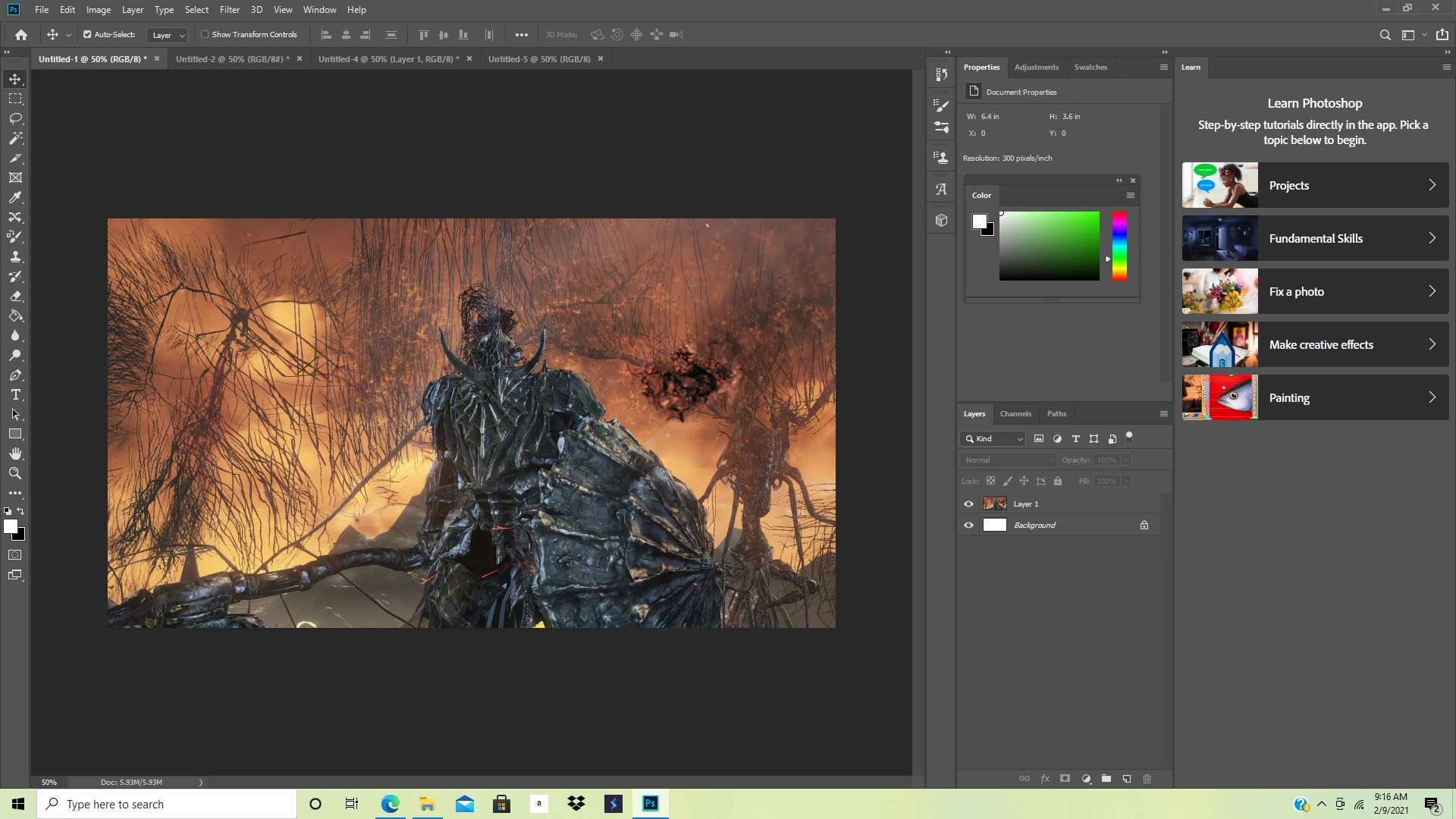
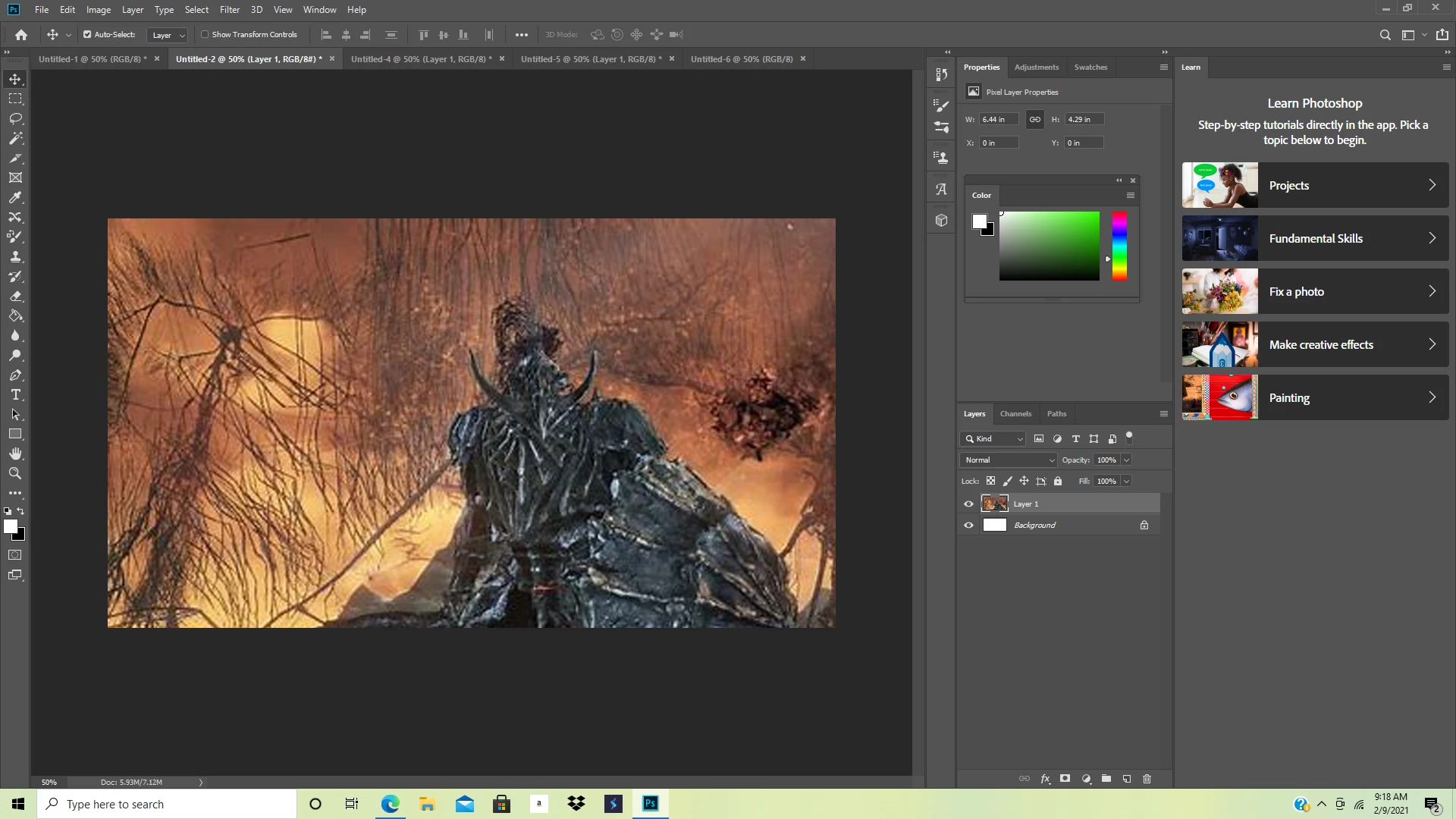
I work with a 1920x1080 workspace with 300 pixels per inch resolution. Sometimes when I paste an image from a browser into photoshop it is way smaller than the dimensions from the browser. Then when I scale it up it looks awful. I know that scaled up images lose detail. I know it has to be a problem in the program because sometimes the same exact picture will paste correctly fullsize into the workspace, and then when I paste that image some other time it is super scaled down. Then when I scale it up it looks terrible, way worse than the same exact image that scaled properly when pasted. This happens every once in a while, but this past week it has been happening nonstop. The first image is the photo incorrectly pasted. The second is the photo correctly pasted. The third image is the incorrectly pasted photo, which looks worse than the correctly scaled photo, when scaled up(not even the correct dimensions either!). Please help, I looked in other posts for a similar problem and none of the solutions worked for me.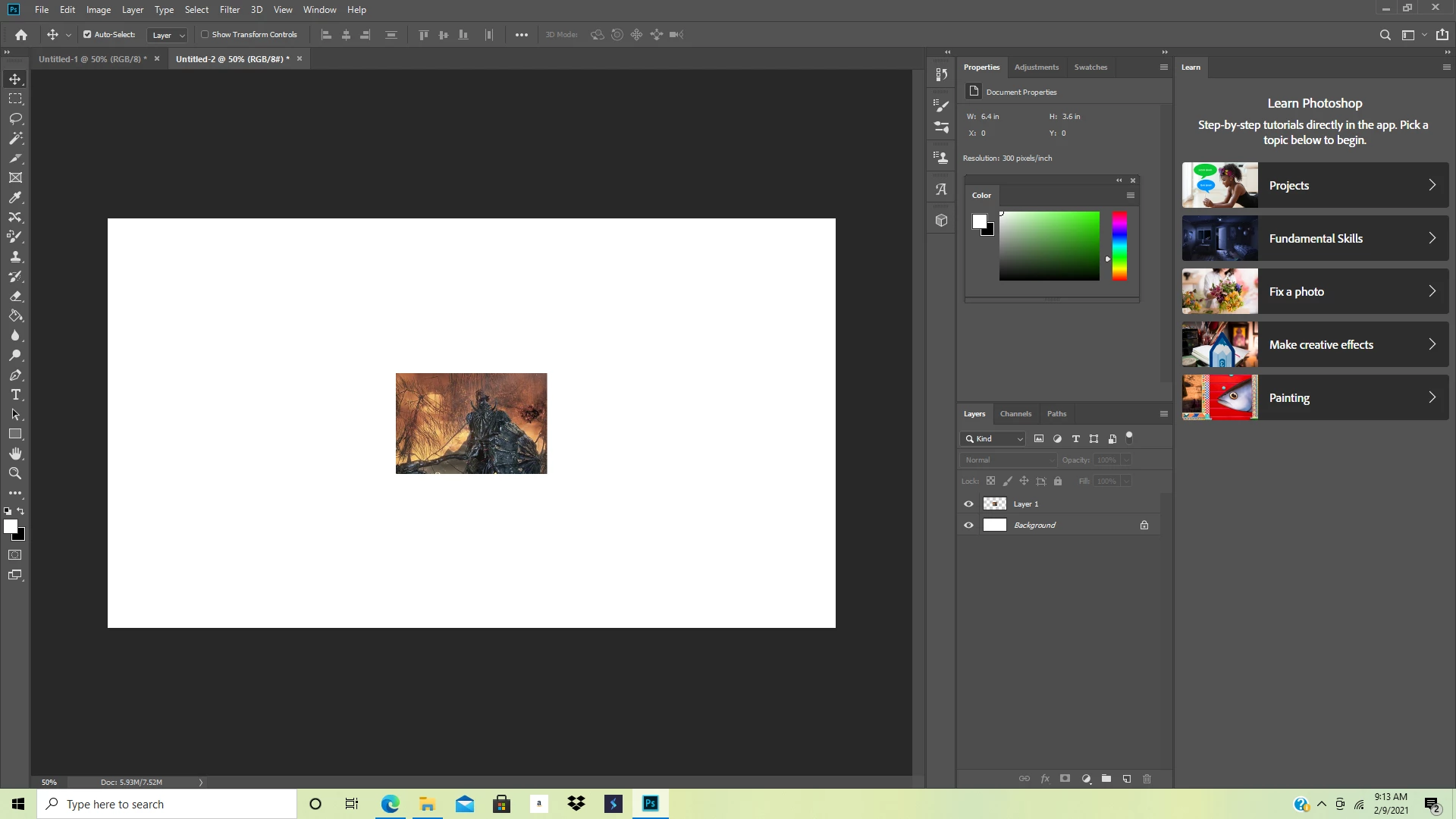
 AdChoices