




Create and edit anywhere with Photoshop Mobile on iPhone
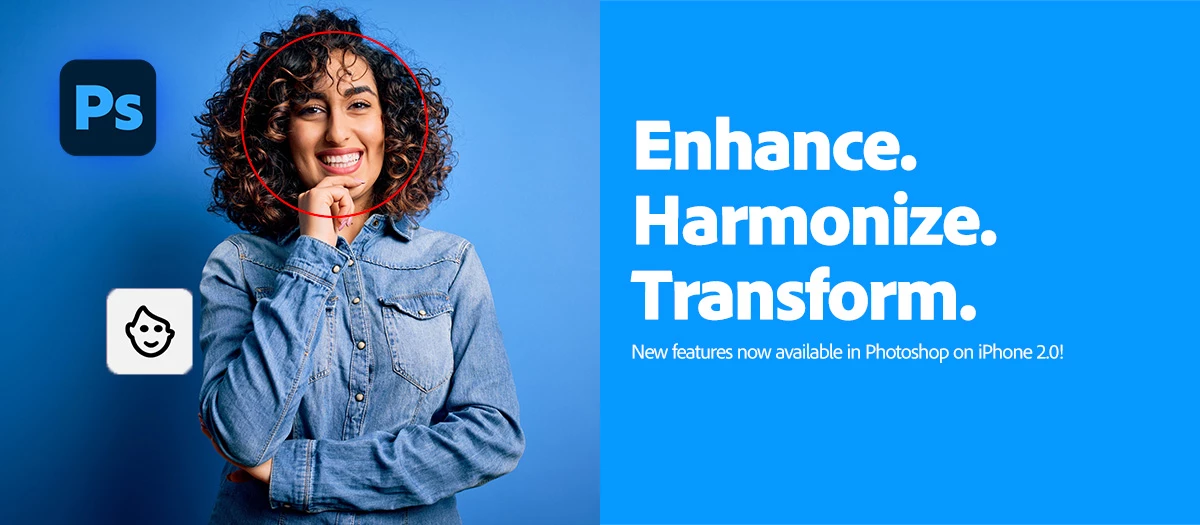
Hey Everyone, Happy MAX!
We're excited to announce the launch of Photoshop on iPhone version 2.0, packed with amazing new features we're sure you'll love exploring.
 |
Try Photoshop on iPhone Download the latest version and dive into the new Adobe Photoshop mobile features. |
Check out what's new in Photoshop on iPhone
|
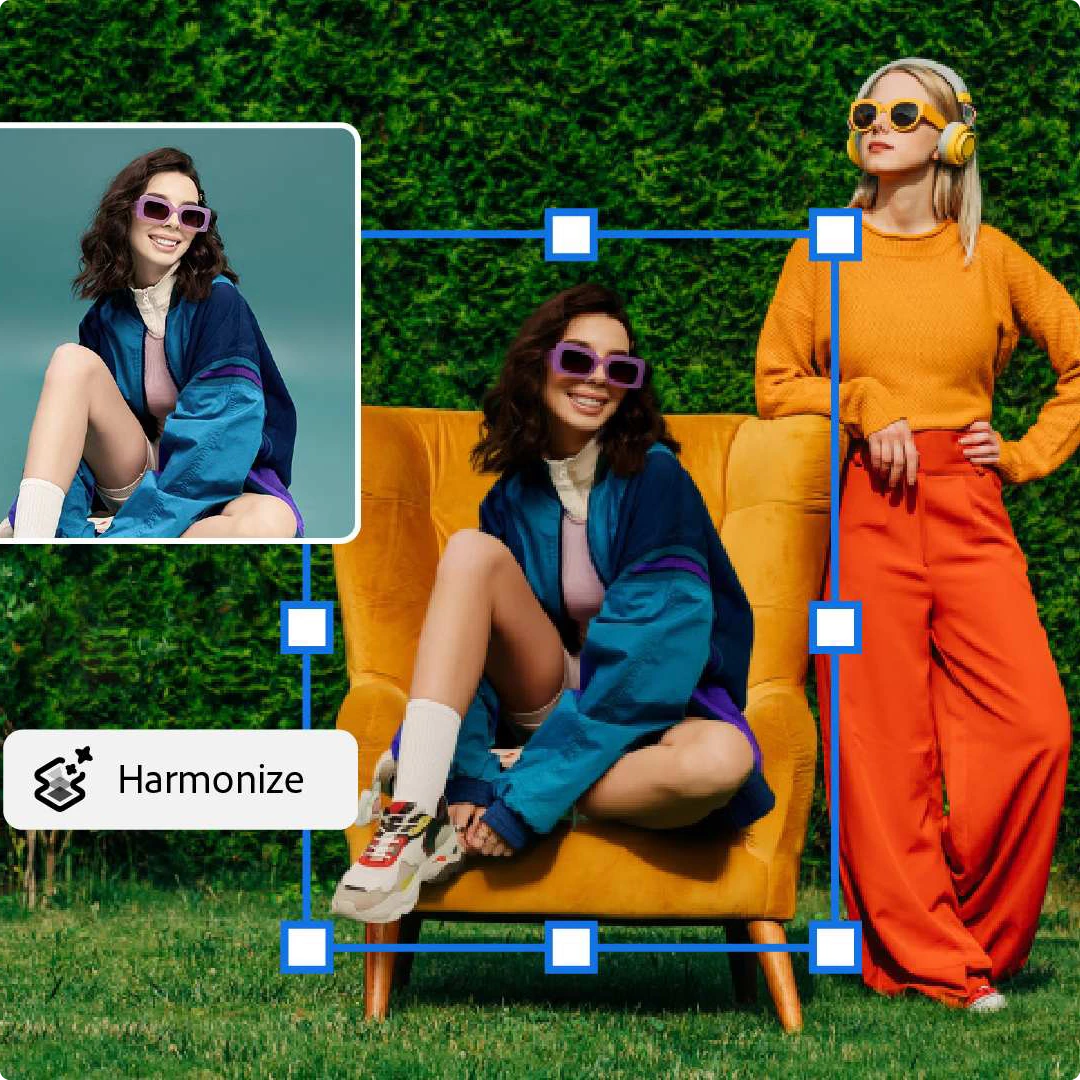
Harmonize Drop in people or objects into your images with ease—Harmonize blends lighting and color instantly for a flawless, natural look!
Want to dive deeper into Harmonize? Just check out the link here. |
 |
|
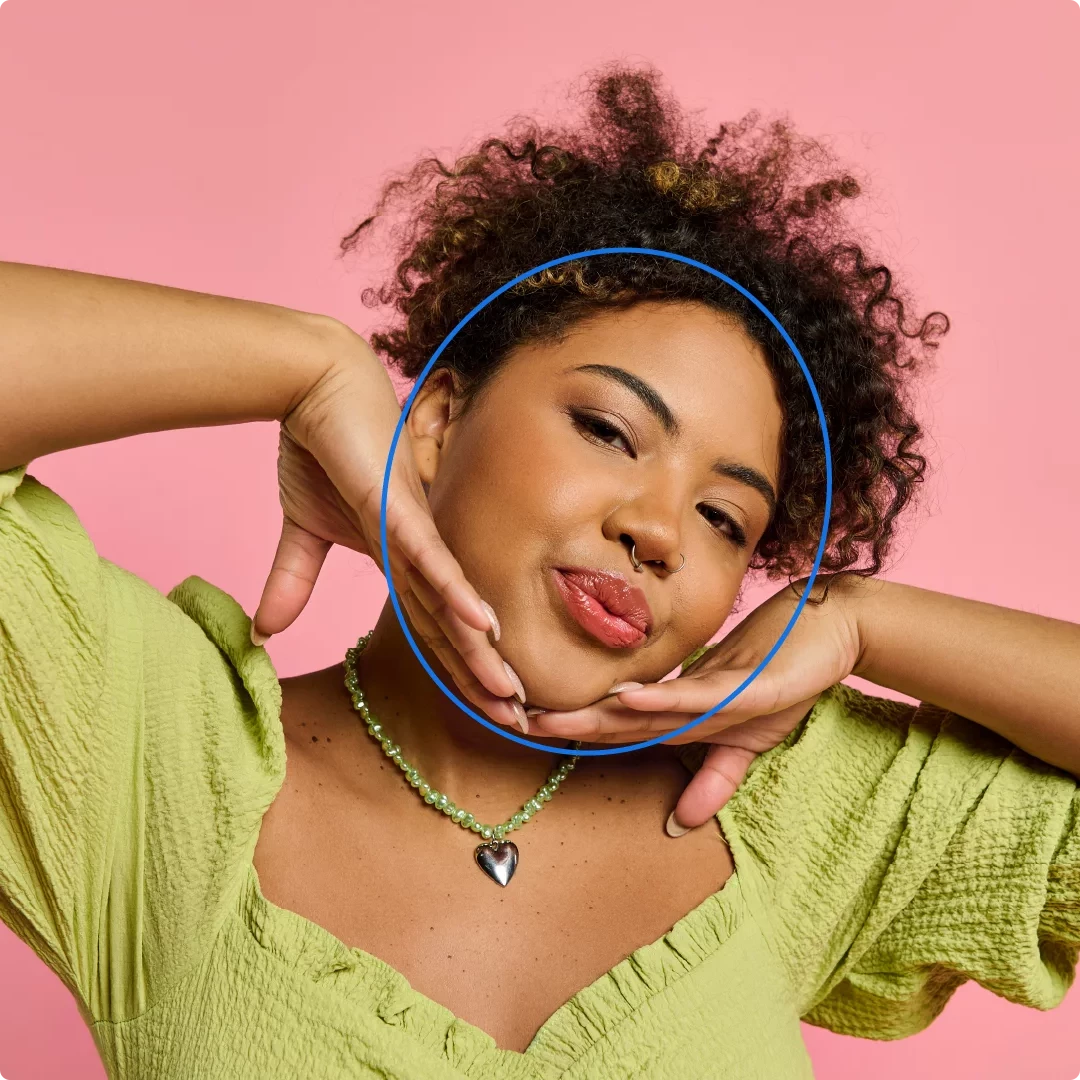
Adjust facial features Photoshop now automatically recognizes facial features, making it easier than ever to refine portraits or add creative effects to your photos. Try it out and see how effortlessly you can enhance every expression and detail!
Want to know more about adjusting facial features? Learn more about it by visiting the link here. |
 |
|
Apply effects Give your images a whole new vibe in just one click—instantly boost style, color, and texture for a jaw-dropping transformation!
Want to dive deeper into Effects? Just check out the link here. |
 |
Are you ready to get started? Update Photoshop on iPhone to the latest version through the Apple App Store and explore the new tools for faster, more intelligent editing. Let us know your thoughts below or share your before/after results in the comments.
To check if Photoshop on iPhone is compatible with your phone, click here.
Check out our User Guide here to see what you can achieve using Photoshop on your iPhone.
We'd love to hear from you!
Try the new Photoshop on iPhone version 2.0, and let us know your thoughts. Feel free to reach out if you have any questions or need more tips!

We'd love to see what you've created and hear about your experience or feedback! Click 'Reply' below.
Click 'Follow' below to bookmark this post for easy reference.
For other questions, feel free to start a new post in the community.
 AdChoices